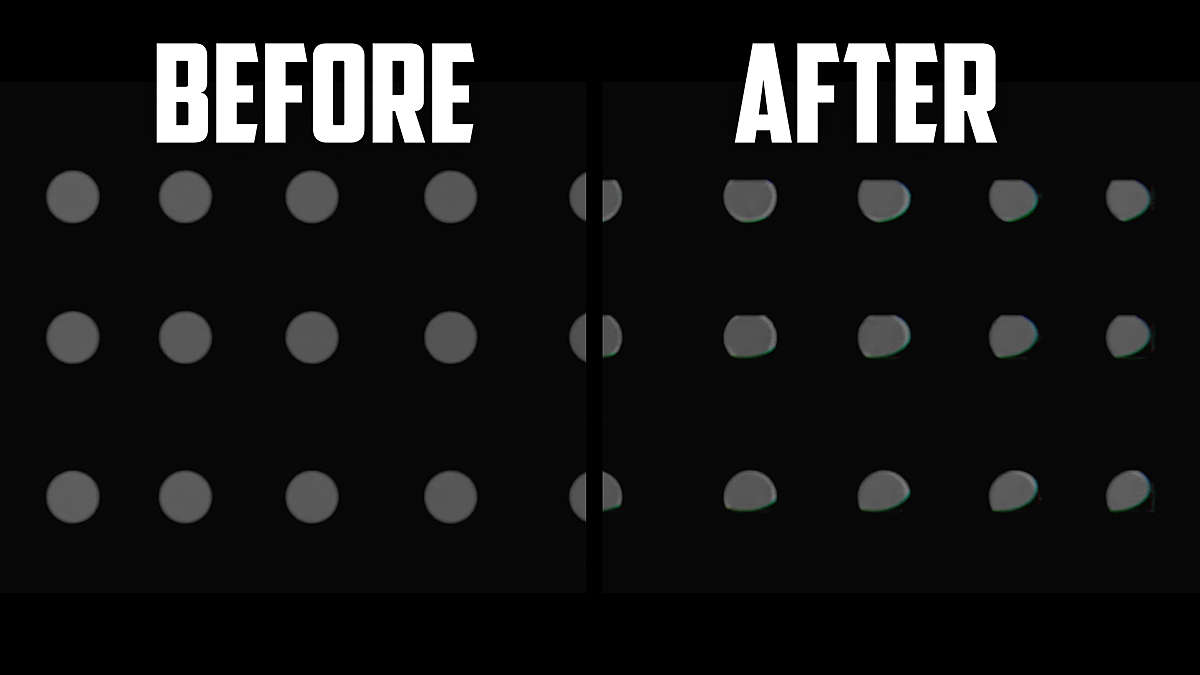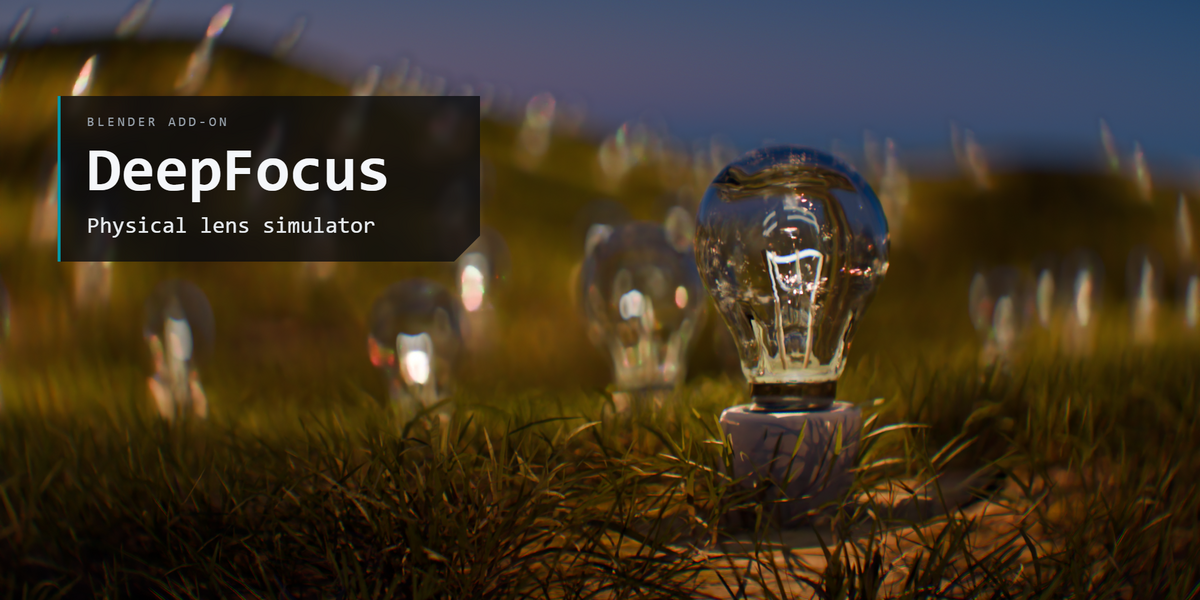
Lens Sim is a Blender add-on by Håvard Dalen that models camera lens behavior from optical data. It extends Blender's standard camera with lens profiles for Cycles, including bokeh, vignetting, distortion, chromatic aberration, lens softness and focus breathing.
Lens profiles and optical effects
The developer says Lens Sim's lens models use real-world patent data. Its library includes more than 80 lenses, from wide-angle to telephoto, along with macro, soft, tilt-shift and anamorphic options. Each profile has its own bokeh shape and distortion characteristics, so changing the lens can change the look of a shot.
Additional controls include a custom chromatic aberration ramp, extra distortion, bokeh swirliness, anamorphic effects, lens dirt (not supported in Octane) and extended field of view. Custom aperture images are supported up to 512 × 512 pixels because of current OSL limitations.
Camera setup and custom lenses
A single click extends a standard Blender camera into a Lens Sim camera, with support for multiple scene cameras. Its focusing system traces a ray from the focus object to the lens to determine the sensor position for that distance, avoiding manual lens focusing.
You can adjust lens specifications, save custom designs and share them. Lens Sim stores each lens in a built-in data table. The add-on also includes a simplified lens system for customizing Blender's standard camera.
Compatibility and rendering limits
The Superhive listing shows Blender 4.5–5.2. The current version uses Blender's OSL camera shaders, introduced in Blender 4.5. In Cycles, GPU rendering requires a compatible NVIDIA GPU with OptiX; CPU rendering is supported. Octane is also listed as supported and was tested with OctaneBlender 31.9.0. Try the demo to check your setup before purchasing.
Render farms using the current OSL camera shader version must support Blender's OSL camera shaders. Once a scene using the current OSL version is set up, it can render without the add-on, though Lens Sim is slower than Blender's native camera. Optical vignetting affects AOV passes, and OSL camera shaders do not support the inverse mappings needed for the Vector pass and Window texture coordinates. See the developer documentation for the full caveats.
The developer also supports an older v2.x version for Blender 4.2 and later. It supports GPUs from all vendors, but uses a more complex material setup and renders about 50% slower. The developer says this version receives bug fixes and support, but no new features.