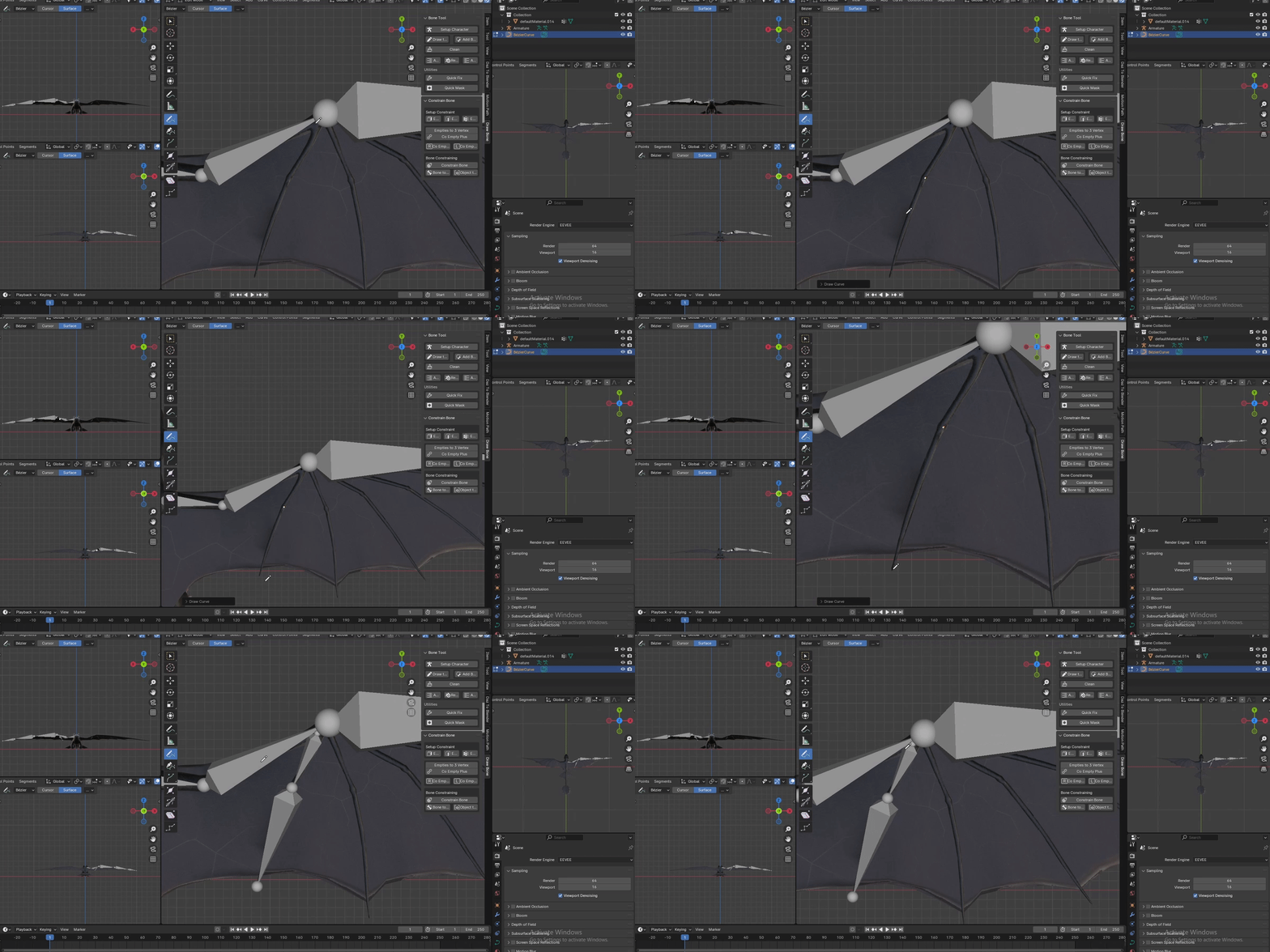
Draw Bone is a Blender add-on for custom rigging artists. Its main tool uses a curve tool to draw bones, then clean them and recalculate their roll. The add-on also groups helpers for weight painting, masking and constraints in the same rigging workflow. Its Transfer Animation Panel moves animation between armatures despite differences in their names, sizes or rotation axes.
Draw and clean bones
Drawing with curves gives artists a way to create bones as part of a custom rig. After drawing, Draw Bone can clean the bones and recalculate their roll. These tools focus on bone creation and orientation during rigging or animation work.
Handle selected rigging tasks
For weight painting, the add-on includes a quick fix for a specific selected polygon. Its mask modifier can hide excess parts of the model while you work, which may help reduce distractions in the viewport. These are targeted helpers; the product listing does not describe automatic rig generation.
Draw Bone also has two snap-and-constrain operations: one connects a selected IK bone to an object, and the other connects a selected object to a bone. The direction matters when choosing the helper for a particular rig setup.
Compatibility and product details
The product listing identifies Draw Bone as a Blender Extension Compatible add-on and reports Blender versions 3.0 through 4.5. It names Animation Store as the creator and lists the license as GPL. Check the Draw Bone product listing for the current compatibility details and its tutorial or demo before installing.