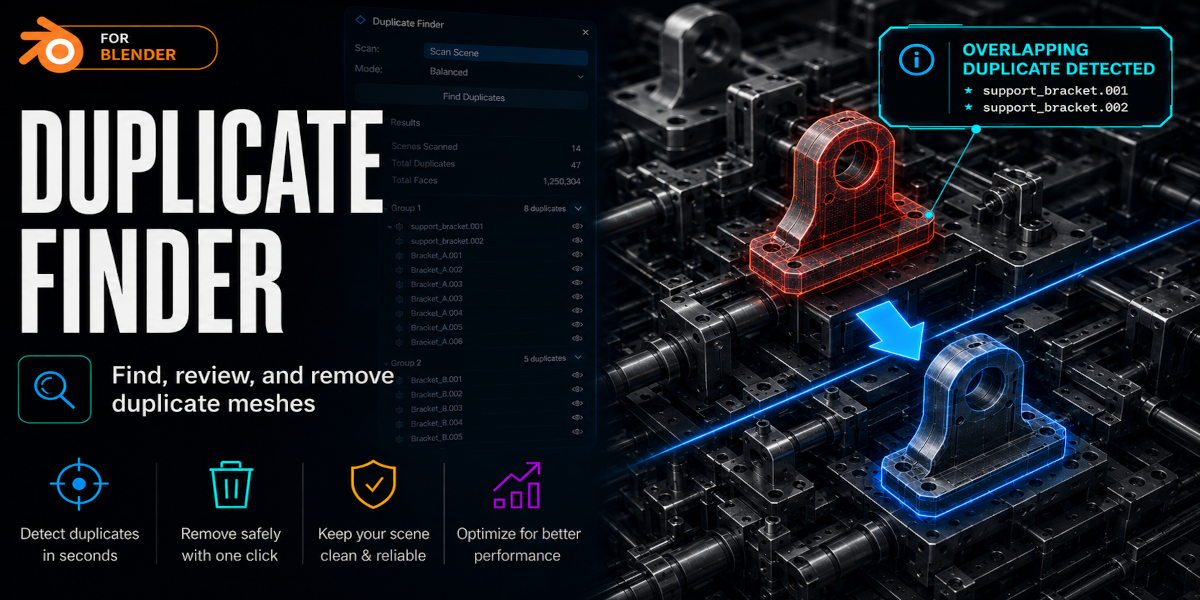
Duplicate Finder and Remover is a Blender add-on for finding, reviewing, and removing duplicate or overlapping mesh objects. It is designed for imported CAD scenes, where repeated geometry can add unnecessary complexity before rendering, optimization, or export.
Choose what to scan
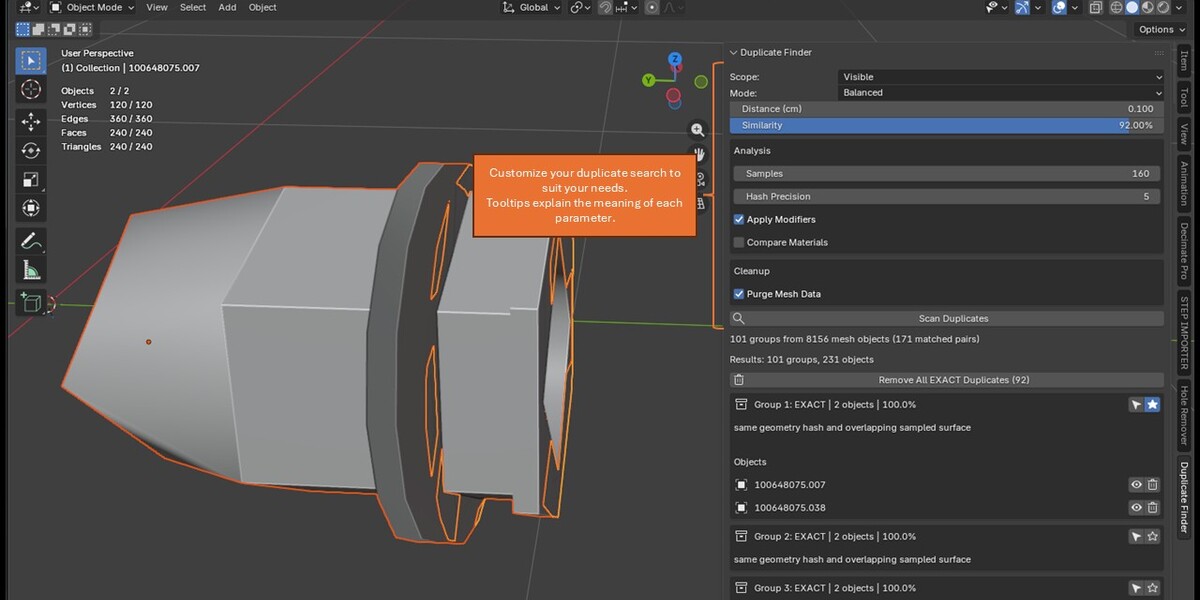
Scan selected objects, visible objects, or all mesh objects in the scene. The add-on compares mesh geometry, object bounds, shape characteristics, and sampled surface distance to find exact duplicates and similar objects. Strict, Balanced, and Loose modes and adjustable similarity settings let you change how similar objects are grouped. It can also compare evaluated meshes with modifiers applied.
Review groups before cleanup
Results appear in organized groups in the 3D Viewport sidebar. Inspect a group, isolate it temporarily, select and frame objects, or hide and show individual meshes while deciding what to remove. The listing documents automatic removal with confirmation for exact duplicate groups. You can also delete individual objects from a group and optionally purge unused mesh data during deletion.
Prepare imported scenes for rendering or export
Use the scan to find repeated or overlapping meshes in architectural, industrial, and technical models. Reviewing the groups before deletion gives you control over similar objects that may look alike but still need to remain in the scene. Cleanup can help reduce scene weight before rendering or preparing assets for real-time workflows such as Unity, Unreal Engine, or Three.js.
Compatibility and installation
The Superhive listing specifies Blender 5.1.x and 5.2 compatibility. Its installation documentation gives these steps:
- Download the add-on ZIP file.
- In Blender, open Edit, then Preferences, then Get Extensions.
- Choose Install from disk and select the ZIP file.
- Enable DUPLICATE FINDER if it is not already enabled.
For an update, the documentation says to remove the add-on from Blender Preferences, restart Blender, and install the updated version.