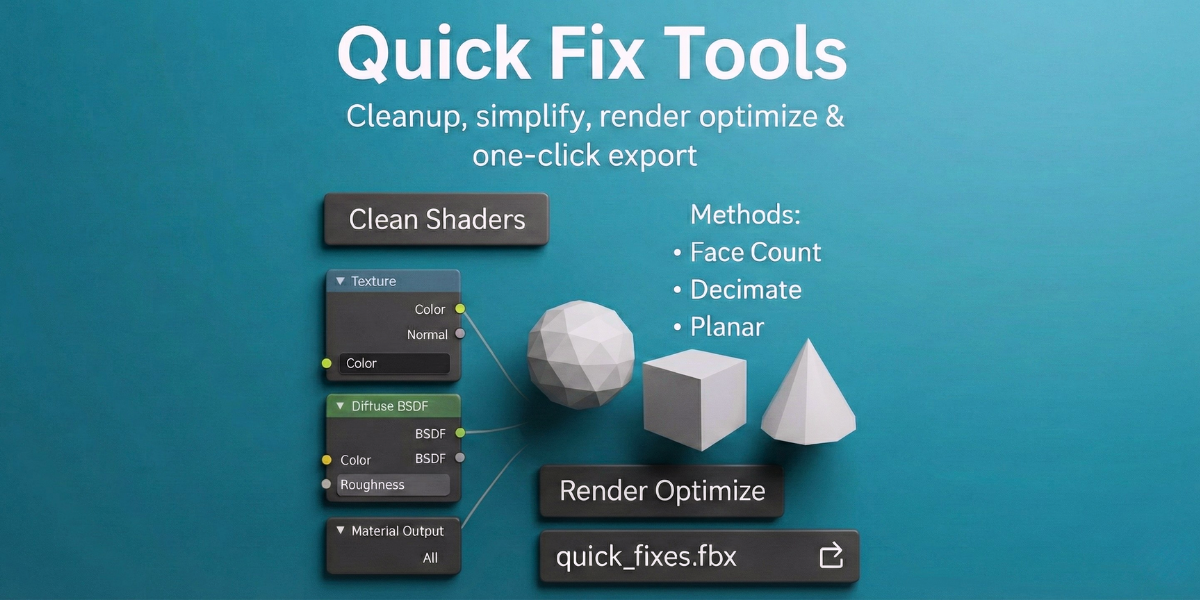
Quickfix Tools is a Blender add-on that groups scene analysis, mesh simplification, shader cleanup, Cycles render setup, and FBX or OBJ export in a sidebar. The product details list Blender 3.0 to 4.5; the description says 3.x through 4.5+. The listing gives an MIT license. See the Superhive product listing and its documentation for current details.
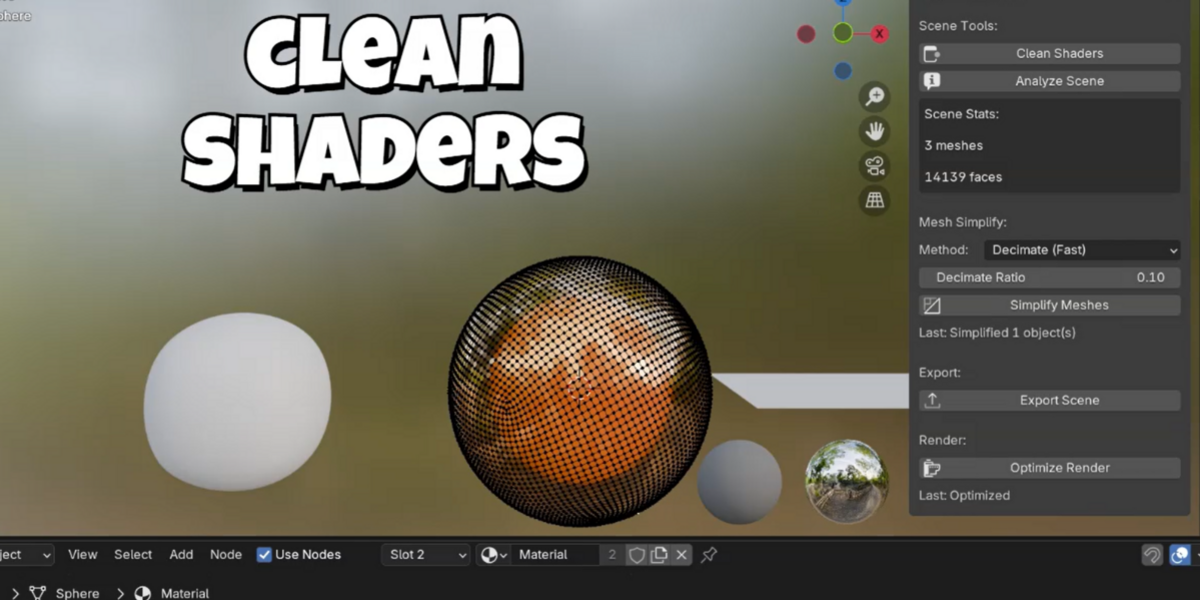
After installing the downloaded ZIP through Blender’s Preferences under Add-ons and enabling Quick Fix Tool, open the 3D View sidebar with the N key and select QuickFix. The panel includes shader cleanup, scene analysis, mesh simplification, export, and render optimization.
Tools for inspecting and cleaning a scene
Scene Analyzer reports mesh-object and face counts, which can help identify heavy parts of a scene before changing geometry. Shader Cleanup traces connected nodes, keeps the Material Output, and removes unused nodes. The documentation says it leaves unused materials in place, so material cleanup remains a separate task.
The Smart Mesh Simplifier offers three modes. Its documentation says it targets meshes with more than 10,000 faces, while the product listing describes automatic detection of high-poly meshes.
- Decimate is the fast option for general reduction and has an adjustable ratio.
- Voxel Remesh targets clean geometry and, according to the documentation, removes holes.
- Quadriflow is the quality option for retopology, though the documentation notes that it can take time on very high-poly meshes.
These modes produce different geometry, so inspect the result before using a simplified mesh in a final render, animation, or exported asset.
Export and render setup
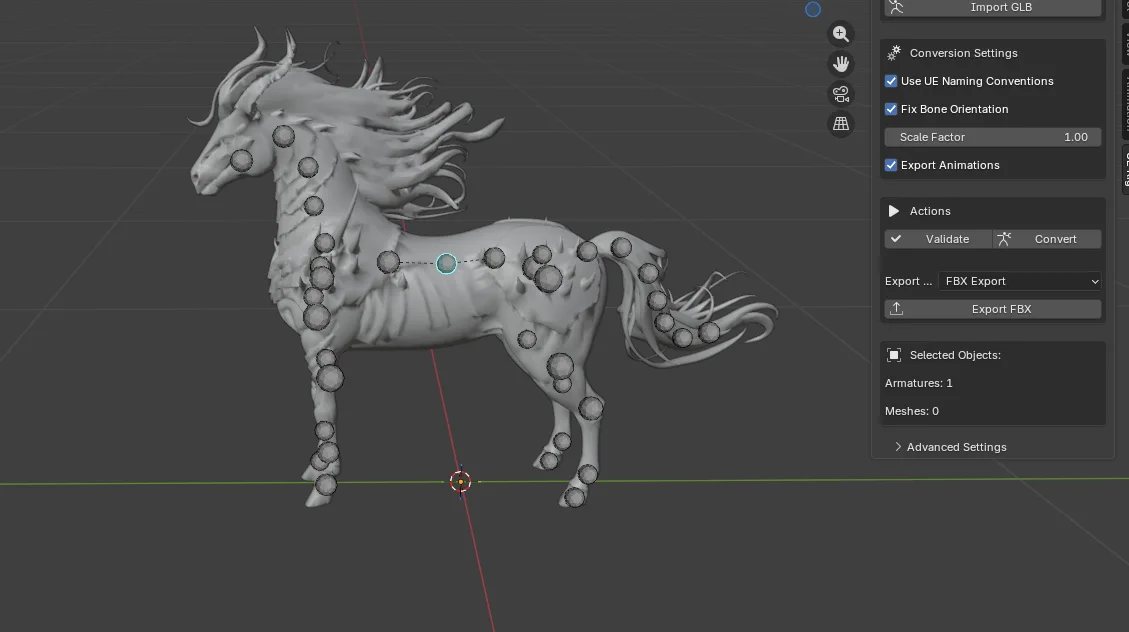
Quickfix Tools exports to FBX and OBJ. The documentation describes automatic object selection, a safe folder created for exports, and optional ZIP packaging. The product listing says the export workflow is designed to avoid overwrite errors and operating-system permission failures.
Render Optimizer is for Cycles. The documentation describes a one-click setup that applies adaptive sampling, GPU denoising with OptiX, a sample count of 128, and adjusted indirect lighting and bounce limits. Check the resulting settings against the scene and render requirements before relying on them for a final output. Although the listing names Cycles, Eevee, and Freestyle as supported render engines, the optimizer itself is described as a Cycles tool.
Compatibility and fit
For a Blender release newer than 4.5, check the developer’s listing for the current supported range. The add-on is suited to artists who want scene statistics, mesh reduction, node cleanup, and common export or Cycles setup actions in one panel. The developer describes the add-on as undo-safe, so users can reverse changes and try again.