Duplication Tool is a Blender add-on for making copies with incremental names and materials. That can help when a scene uses repeated objects and you want new copies to be easier to distinguish. The Blender Extensions record names Vinay-chikkam as the add-on's maintainer.
Duplicate objects with their materials
From Blender's Outliner, a pie-menu option duplicates a model with its materials.
Pie menus and shortcut settings
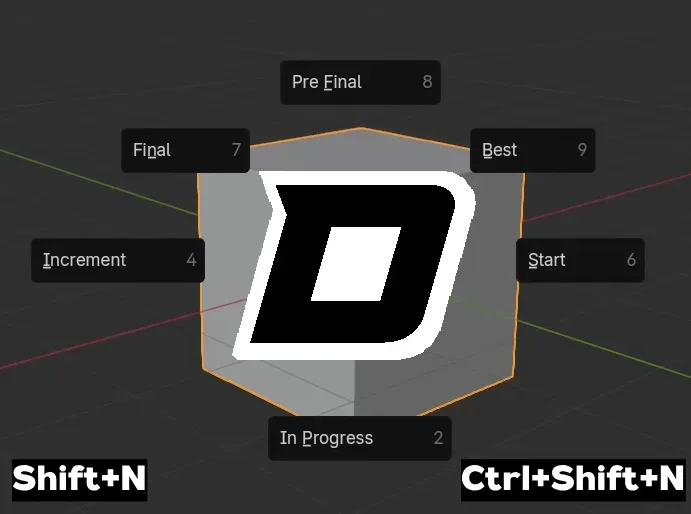
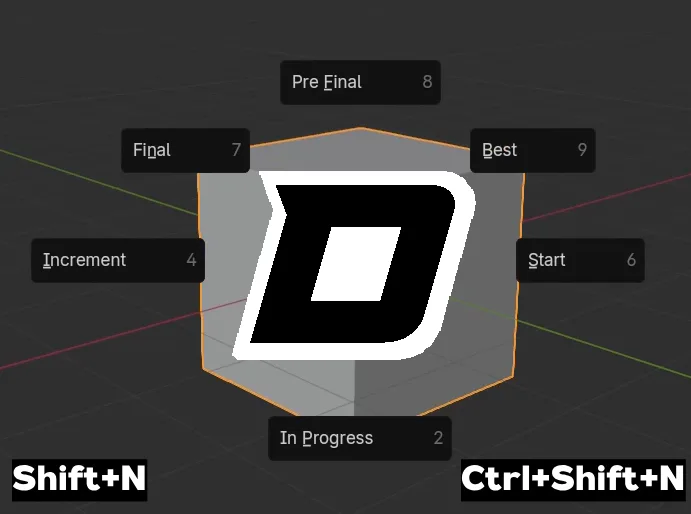
According to the AnyPlugins product page, Shift+N opens a pie menu to save a file in Layout mode, while Ctrl+Shift+N duplicates a model with its materials from the Outliner. Version 1.0.2 added customizable key assignments under Preferences > Add-ons > Duplication Tool. Check those preferences if a shortcut conflicts with a key you already use or behaves differently in your setup.
AnyPlugins reports that version 1.0.2 added a parenting function so Ctrl+Shift+N/P behaves like Blender's built-in duplication, and fixed a material-swapping issue. These release details are summarized on the AnyPlugins product page.
Compatibility, installation, and license
The Blender Extensions catalog record lists version 1.0.2, Blender 4.2.0 as the minimum version, and the GNU GPL 3.0-or-later license. It does not state a maximum Blender version. Review the current extension listing for release details before installing.
Blender's Extensions preferences documentation describes installing an extension from disk. This add-on may suit Blender users who often duplicate objects, want their materials included, and prefer pie-menu shortcuts they can adjust in preferences.