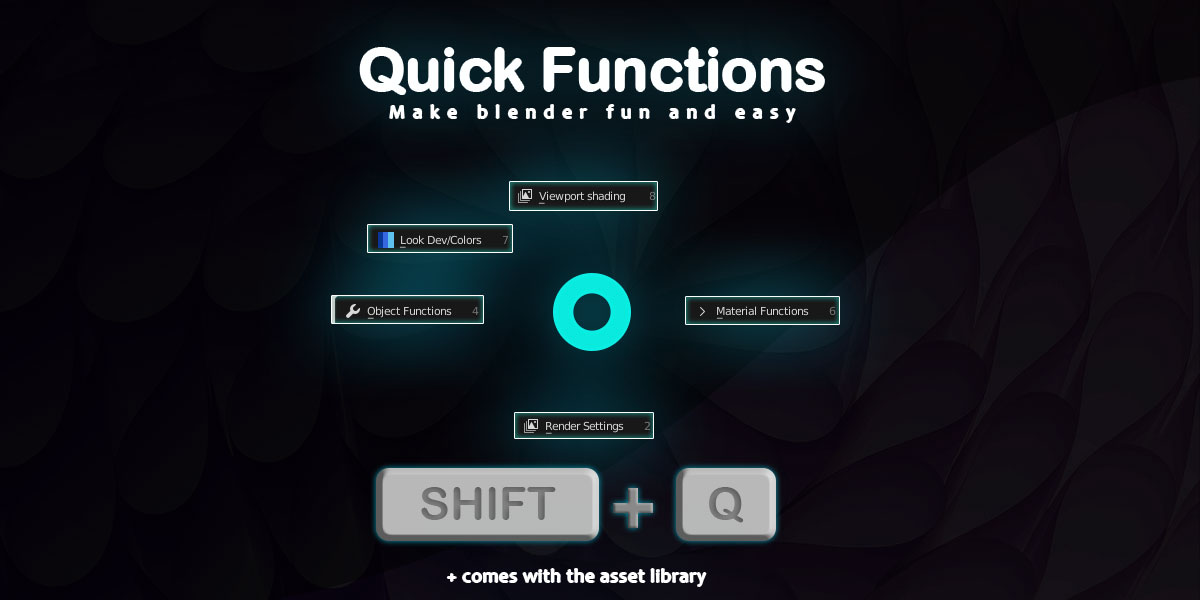
Quick Functions is a Blender add-on package by topchannel1on1 that groups scene, render and shader/node actions in pie menus. Its main shortcut, Shift+Q, opens tools based on the current context, reducing trips through Blender tabs for commands included in the add-on. The listing describes it as three add-ons in one.
Scene and setup tools
The scene tools can add volumetrics, place a sky texture or infinite plane, and use a sun object to control sky rotation and elevation. A context object panel gives quick access to commonly used object properties. The add-on can also import multiple FBX and OBJ models in one action.
Optimize Images
When large textures slow a scene and their full resolution is unnecessary, Optimize Images scales the images down by a factor of three. The creator says this can gradually improve Blender viewport speed. The listing does not specify performance gains for a particular scene.
Render and shader menus
The product includes a Render Functions pie menu and a shader/node pie menu. The latter provides quick access to nodes and operators for adding mapping or mixing nodes with a math or MixRGB node. Its node-to-shader operator connects a node to a shader input in one click. When the target is a normal or bump input, Quick Functions adds the required normal map automatically.
Compatibility and license
The Quick Functions product listing names Blender 4.0, 3.6, 3.5 and 3.4 as supported versions and lists a GPL license. Check the listing for current compatibility details before installing on another Blender version.
Who may find it useful
Quick Functions may suit Blender users who regularly move between scene setup, rendering and shader editing and want the included actions grouped into context-sensitive menus.