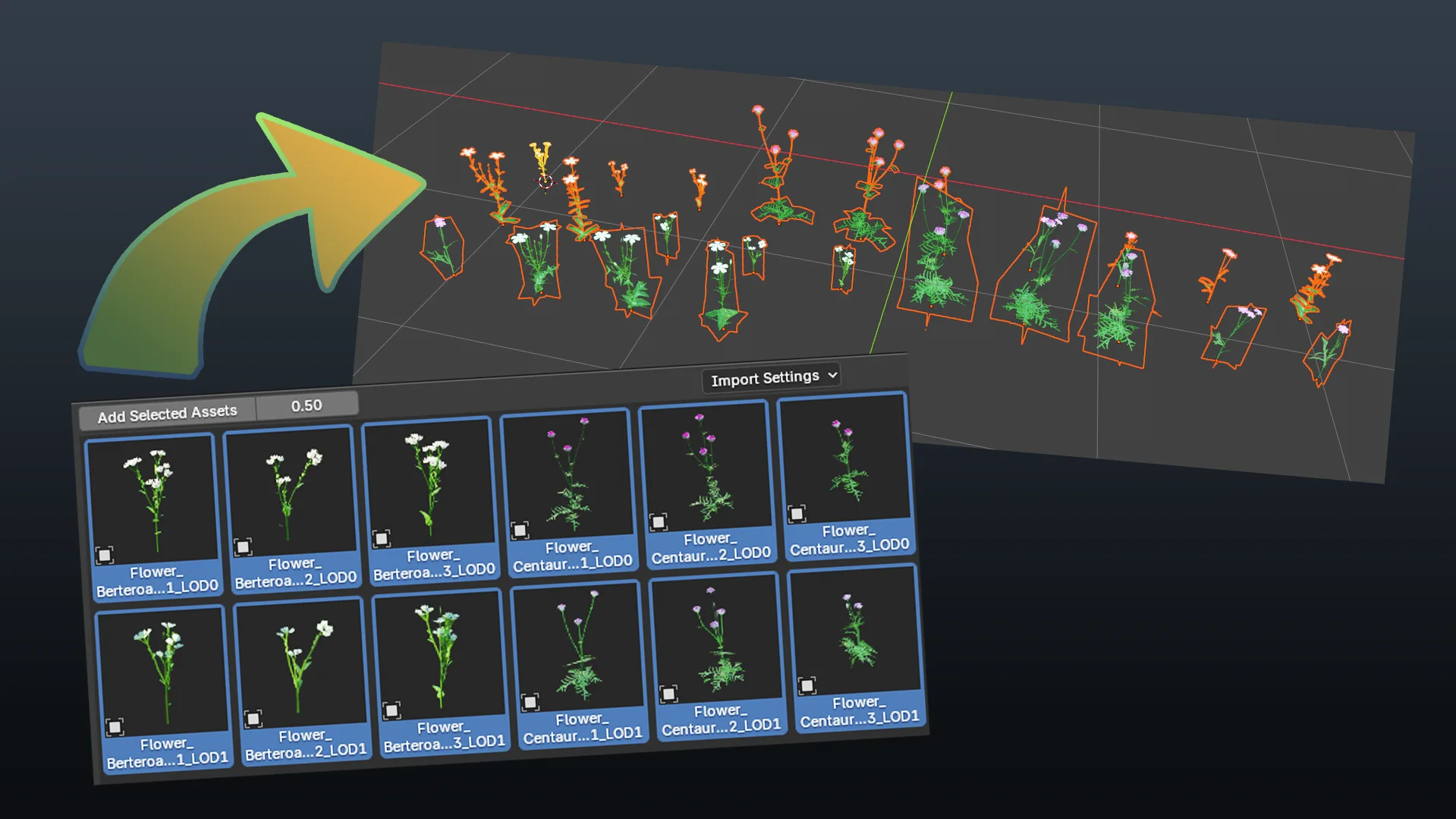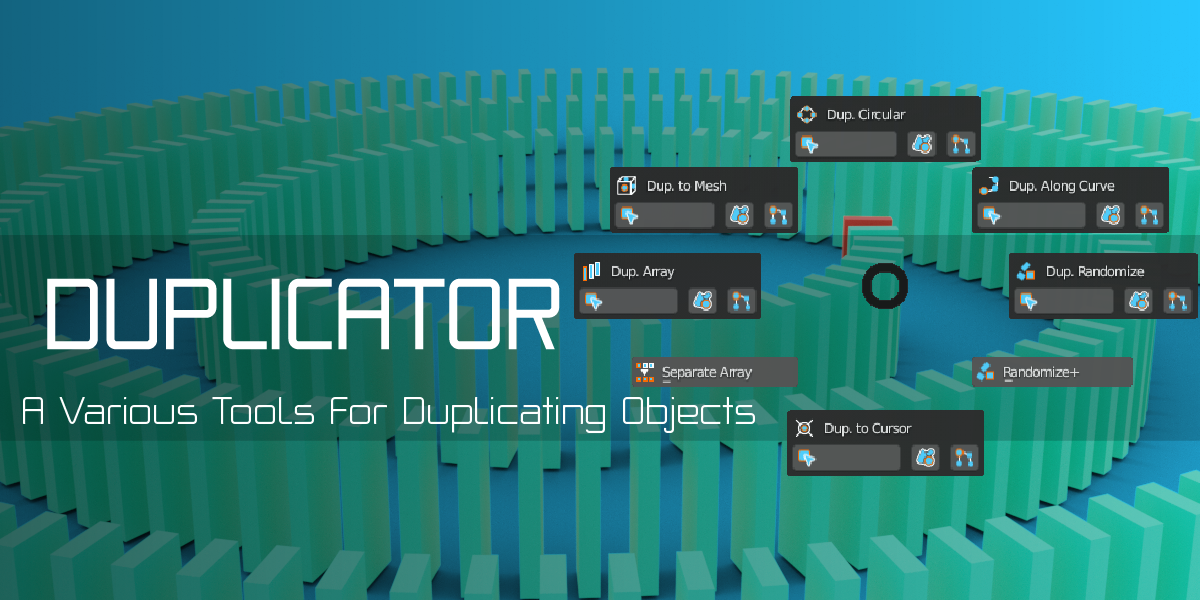
Duplicator is a Blender add-on from Orcavia for placing copies in patterns or onto geometry. Its product listing describes six duplication operators and two additional utilities. Copies can follow a curve or form a circular layout. Duplicate to Mesh places them on mesh faces or vertices.
Choose a duplication method
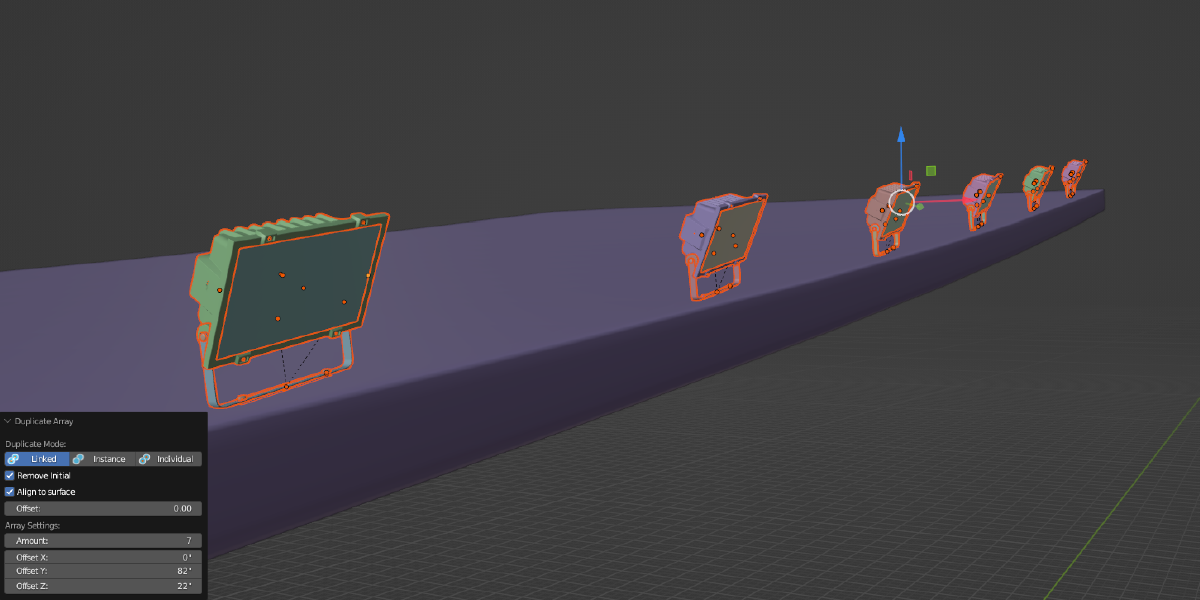
- Duplicate Array copies selected objects using the Array method. During the operation, press S and select a target to align the copies to a surface.
- Duplicate Circular arranges copies around a source object.
- Duplicate Randomize varies the direction, scale, and rotation of copies. It also supports surface alignment.
- Duplicate along Curve follows a curve. The active target object must be a curve.
- Duplicate to Mesh places copies on each face or vertex of the active object's geometry. Select the objects to copy first, then select the target mesh last so it is active.
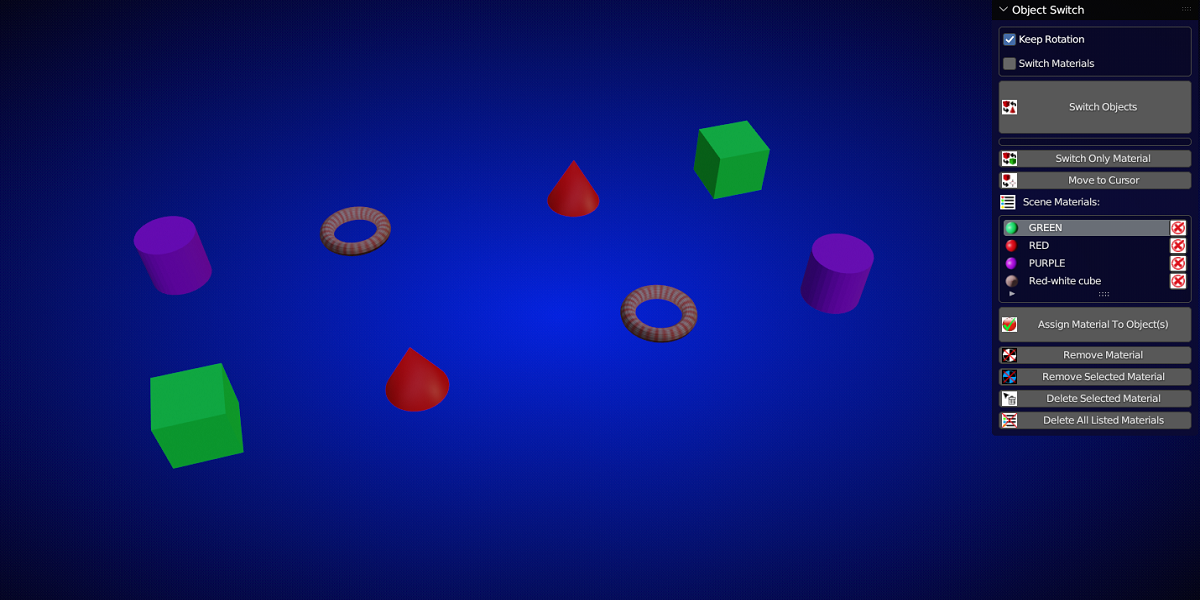
- Duplicate to Cursor places selected copies at the 3D Cursor. When all copied objects are meshes, they can sit on top of the cursor.
Set object selection and duplication modes
Duplicator offers three ways to select objects for duplication. Selection Only duplicates the selected objects and does not preserve their hierarchy. Group selects objects related to the highest hierarchy based on the active object. Parent and Child selects the active object's parent and its children recursively.
Each duplication operator also has Linked, Instance, and Individual modes. Linked copies share the source object's data, similar to Blender's Alt+D command. Individual copies duplicate both the object and its data, similar to Shift+D. Instance creates built-in instances per face, with the parent acting as the instancer. The documentation notes that Blender can shift objects when an instancer face is rotated.
Use the extra utilities
Separate Array splits objects created with an Array modifier into individual objects. It is available when the active object has an Array modifier. The documentation recommends using it on an object with only that modifier, since results with other modifier types may differ from expectations.
Randomize+ extends Blender's Random Transform operator with options to affect only the highest hierarchy or delete objects randomly.
Setup and compatibility
The Duplicator documentation says to install the add-on ZIP without extracting it, then enable it from Preferences under Add-ons. In Object Mode, the default pie menu shortcut is Shift+Alt+D. The Superhive listing identifies Blender versions 3.0 to 5.0 and a GPL license. Check the product listing and documentation for details that match your Blender version.