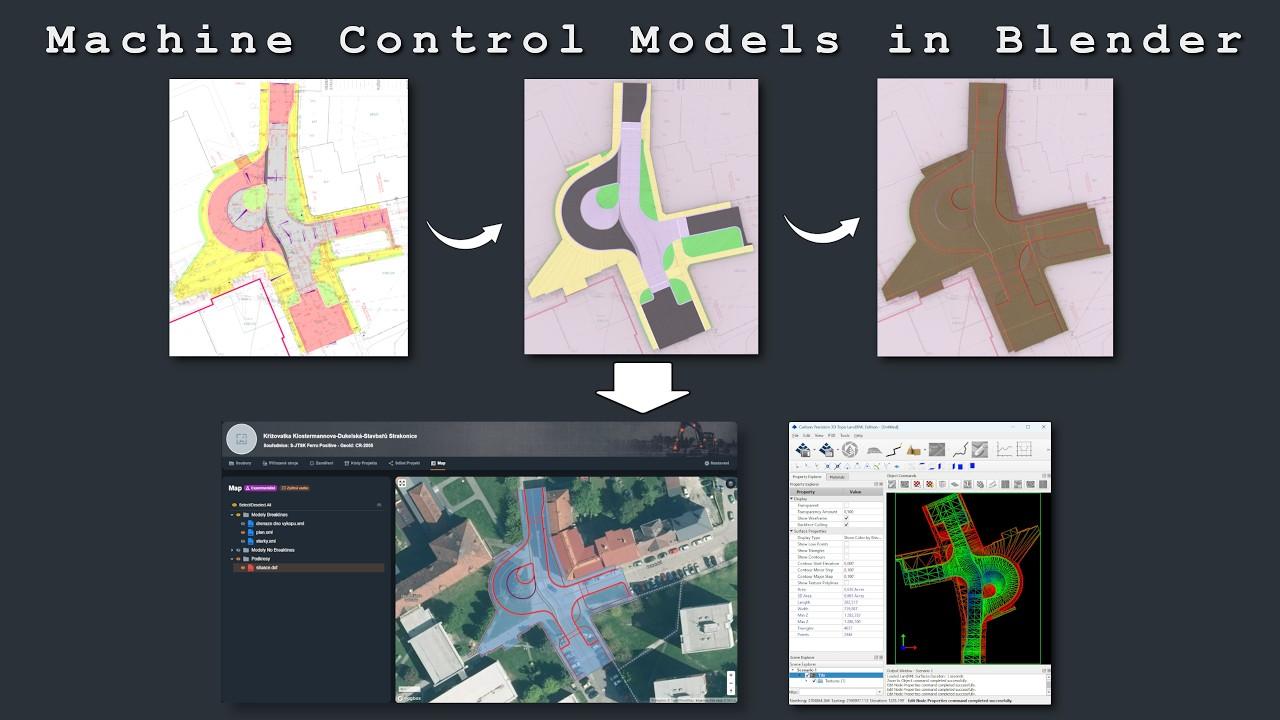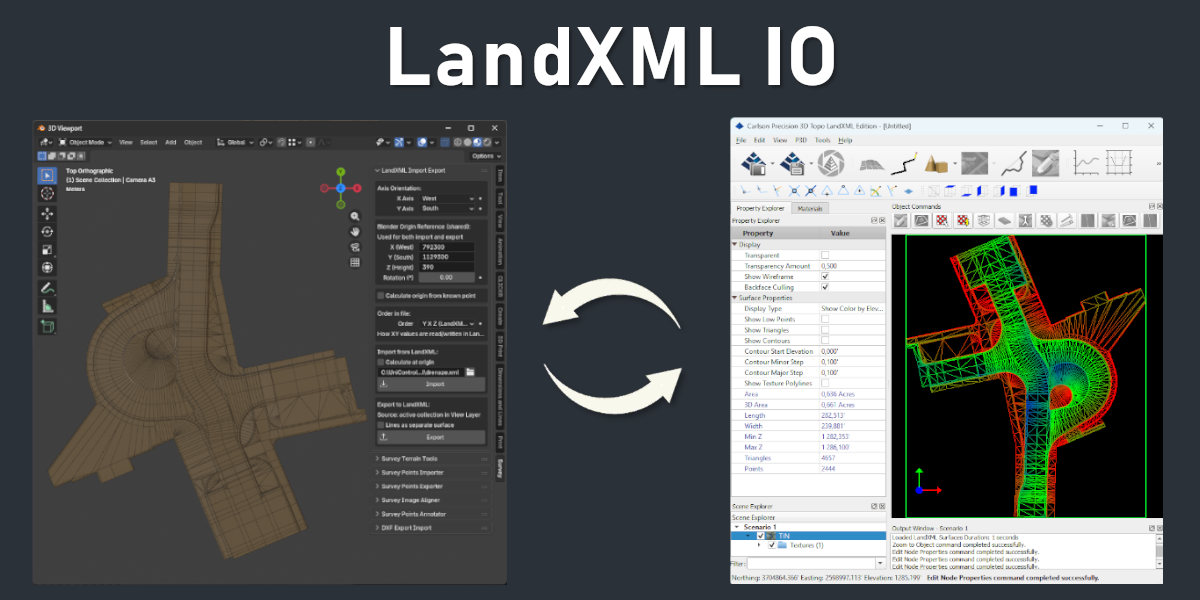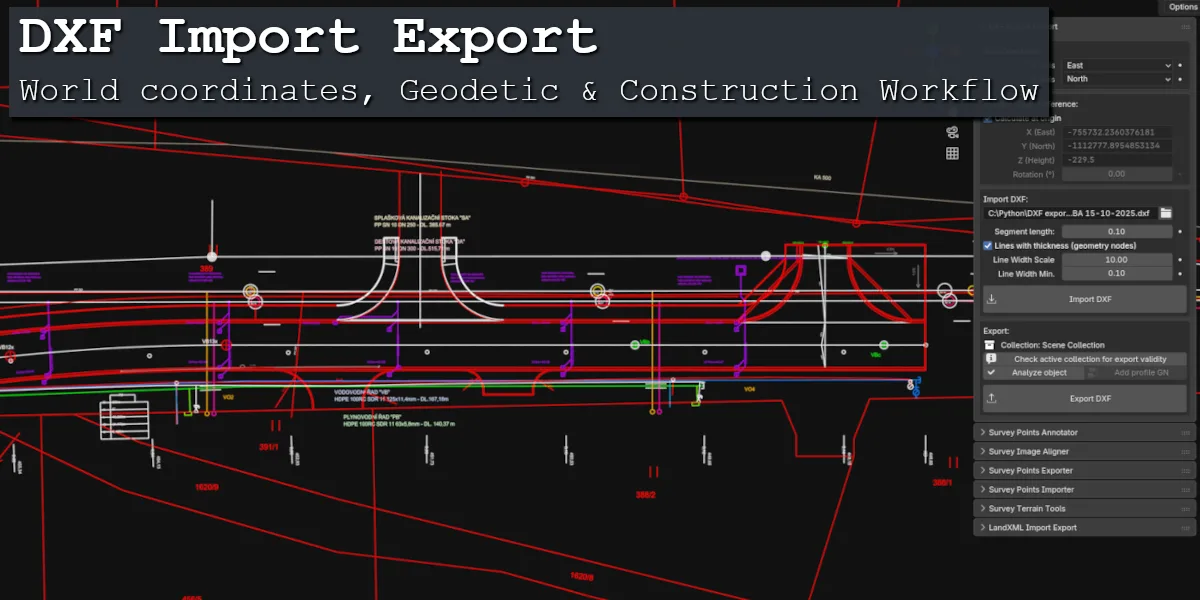
DXF Import Export – Geodetic & Construction Workflow is a Blender add-on for bringing DXF drawings into practical scene work. It places imported and exported geometry relative to a reference point, organizes imported entities by DXF layer, and writes Blender geometry back into common DXF forms. It requires Blender 5.0 or later.
Place drawings in a world-coordinate workflow
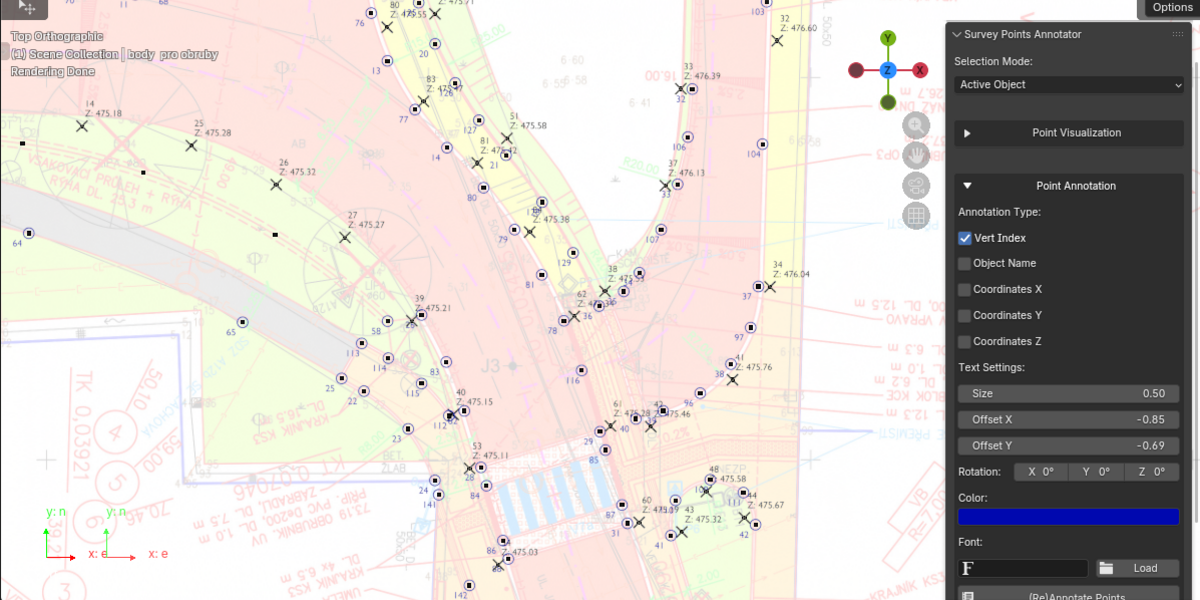
Reference-point transformation lets you position DXF data relative to a chosen world-coordinate reference. The add-on provides controls for the reference point, axis orientation, origin reference, and Z rotation, so a drawing can be aligned with an external coordinate system.
For files with large world coordinates, the documentation says manual reference-point entry is often the most reliable approach. The automatic Calculate at origin option may not work reliably with every DXF source, so check its coordinate behavior before relying on the placement.
Import entities by DXF layer
The importer reads commonly used entities from model space: LINE, ARC, CIRCLE, POLYLINE, LWPOLYLINE, SPLINE, ELLIPSE, POINT, 3DFACE, SOLID, TRACE, MESH, DIMENSION, TEXT, and MTEXT.
Imported entities are split into Blender collections by DXF layer. Layer color and line thickness carry over from the layer settings, and an optional Geometry Nodes setup can give imported lines visible thickness. This structure suits drawings used as references or underlays while building additional Blender geometry.
Export geometry from Blender
The exporter writes LWPOLYLINE from mesh edge chains, 3DFACE from triangulated mesh faces, and TEXT or MTEXT from Blender Font objects. A mesh must form a clean edge chain for polyline export: each vertex must have degree 1 or 2. Branching meshes are not exported as polylines. The add-on includes checks for collection suitability and tools to find invalid vertices in a mesh.
Fit and limits
This add-on fits Blender projects that need DXF references in geodetic, construction, engineering, or machine-control workflows. It produces practical data for downstream use, but does not aim for lossless DXF round-tripping. HATCH and BLOCK/INSERT entities are not directly supported.
Install it as a Blender extension from ZIP. Find DXF Import Export in the 3D Viewport's N panel under Survey. The add-on is licensed under GPL-3.0-or-later and includes the ezdxf library under the MIT License. Review the product documentation for entity support and coordinate details.