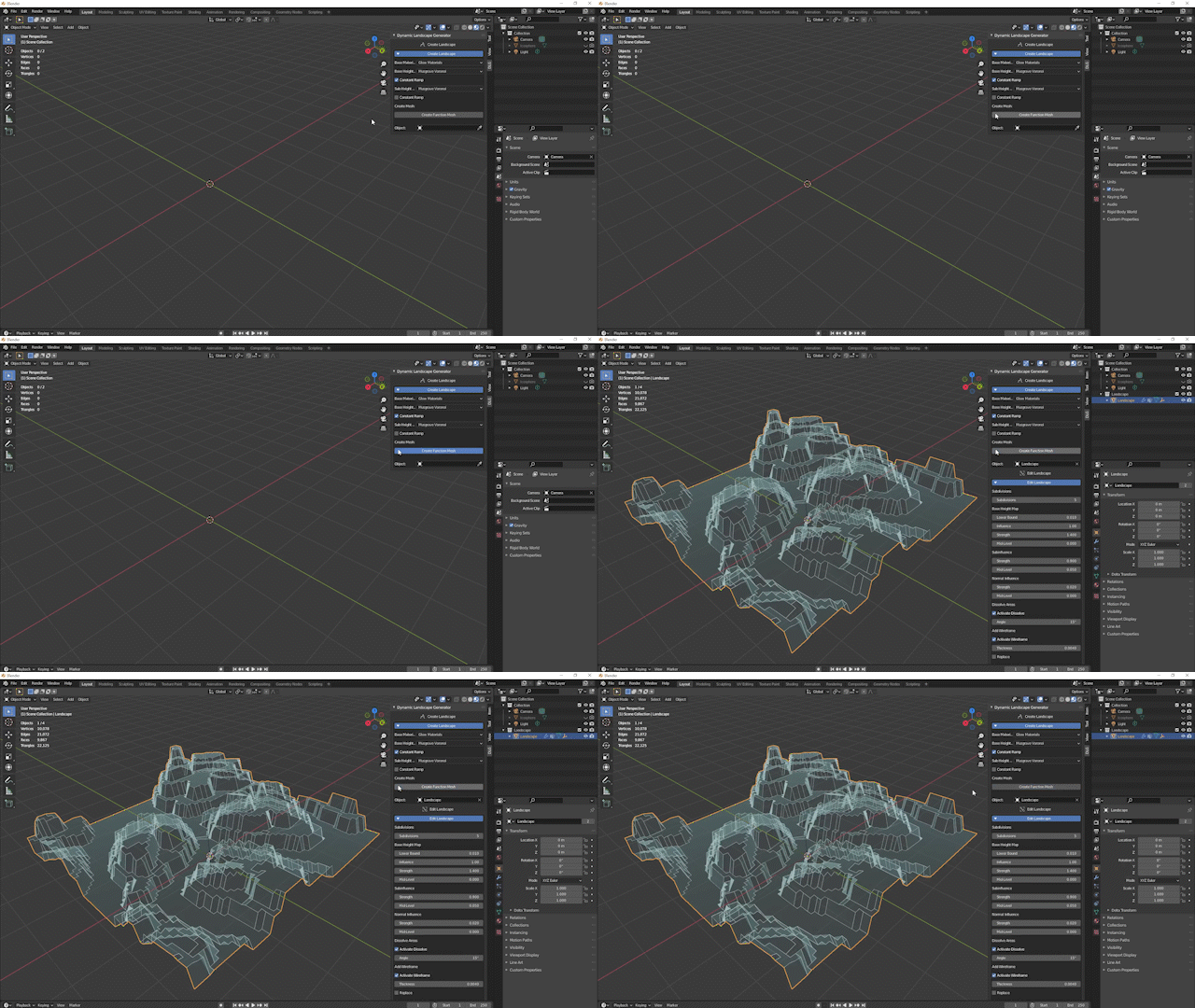
Dynamic Landscapes is a Blender add-on for building procedural landscape meshes from a material, a base-height texture, and a sub-height texture. Choose those inputs and run Create Function Mesh to create the mesh and see its live update in the viewport. You control it through an Empty and a panel in the 3D View. The pack includes two simple material presets.
Build and tune a landscape
The panel exposes subdivision, strength, and mid-level settings. Its Ramp option makes the textures behave more like a step function, giving the surface a less smooth, more stylized look. The developer recommends lowering subdivisions while trying different landscape types or moving the Landscape Mover.
To adjust the source textures after creating the landscape, select the object as active and open Texture Properties. The developer identifies VertexWeightEditBase as the base-height texture and Displace02 as the sub-height texture. You can also activate the Color Ramp there if you did not enable it during generation.
Move and deform the mesh
The Landscape Mover is an Empty that is a child of the landscape object. Move or animate it to change the landscape. You can also add deformer objects, from a cube to a more complex object, and configure their mapping distances, influence, and/or a falloff function. Dynamic Landscapes supports up to 20 deformers. Animated deformers update the landscape as they move.
Set up deformer objects before applying modifiers if you plan to animate or shape the mesh with them later.
Refine the surface
Dissolve creates N-gons that are not flat. The two Clean Up options reduce their number and intensity; the developer notes that the first option works better than the second. Smoothing is another option, and the product documentation notes that combining it with dissolve can produce interesting results.
Compatibility and installation
The Superhive listing names Blender 2.93 and versions 3.0 through 3.4. Its release notes record version 1.0.3 performance updates dated 6.08.2022 in the release notes. Check the current listing for compatibility with other Blender releases. The developer documentation says to download the ZIP, open Preferences, go to Add-ons, choose Install, select the ZIP, and activate the add-on.