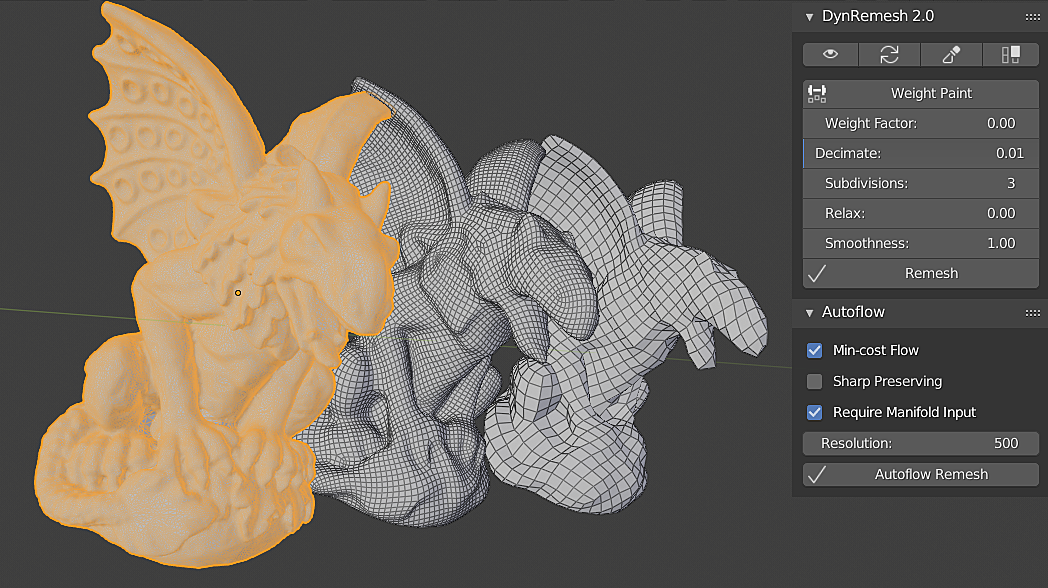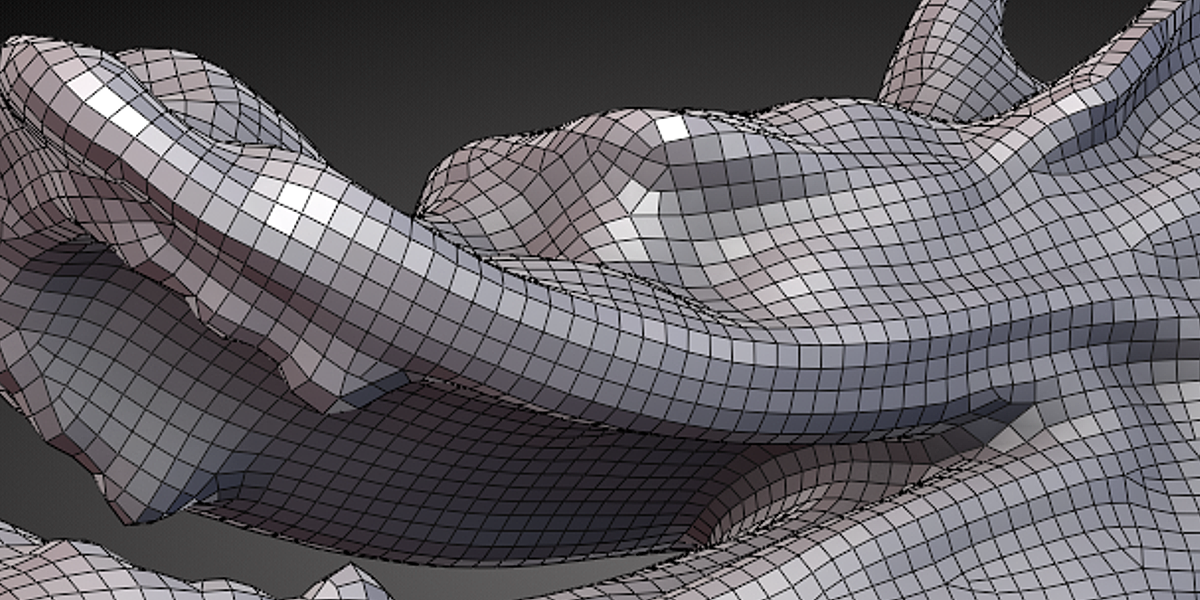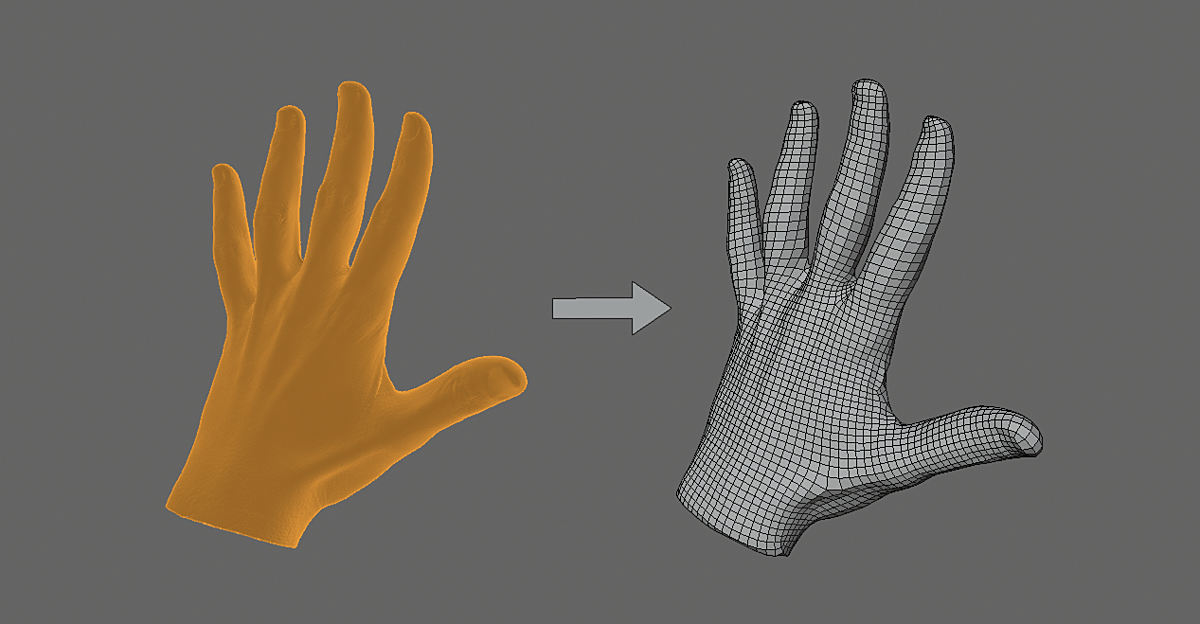
DynRemesh/AutoFlow is a Blender quad remesher for retopology on dyntopo sculpts and 3D scans with dense triangle meshes. AnyPlugins lists version 2.5.1; Superhive calls it DynRemesh 2.5, and its documentation labels a section DynRemesh 2.5.2. It automates the remeshing setup in one click, then lets you adjust density and apply Relax or Smooth options to the result. Superhive's 2.5.1 update log records a fix for inconsistent results when remeshing objects with different dimensions.
Remeshing controls
The Preset Bar detects a mesh's polygon count and recommends an option. You can adjust Density, Decimation, and Subdivision settings. The Weight Paint Operator lets you assign density with weights, while its Weight Factor setting controls density strength. Auto-Update refreshes the mesh when settings change. Symmetry support is marked experimental.
AutoFlow and QuadriFlow
AutoFlow includes QuadriFlow, described as a scalable algorithm for generating quadrilateral surface meshes based on Instant Field-Aligned Meshes. The product notes list QuadriFlow support for Windows and Linux. On Windows, the installation notes say to set the path to quadriflow.exe in preferences. The product listing describes the toolset; installation and usage notes explain setup.
Compatibility and setup
Superhive describes DynRemesh 2.5 and AutoFlow for Blender 2.8 and 2.9, but says they do not work with Blender 2.79; only DynRemesh v1.5 is supported there. Its listing names Blender 2.91, 2.9, 2.83, 2.82, 2.81, 2.8, and 2.79, while its installation notes recommend Blender 2.83. Check the version-specific notes before installing: these sources do not reconcile the difference or confirm support after Blender 2.91.
The documentation says to install DynRemesh from its ZIP through Blender's add-on preferences, enable it, then find it in the Tools tab. AutoFlow is installed by unzipping its folder into Blender's add-ons folder; its ZIP includes a README PDF.