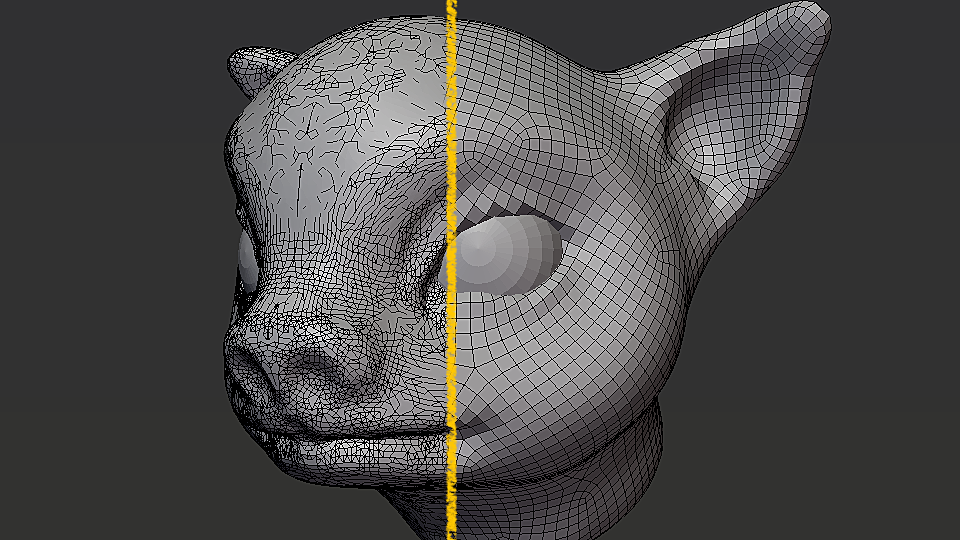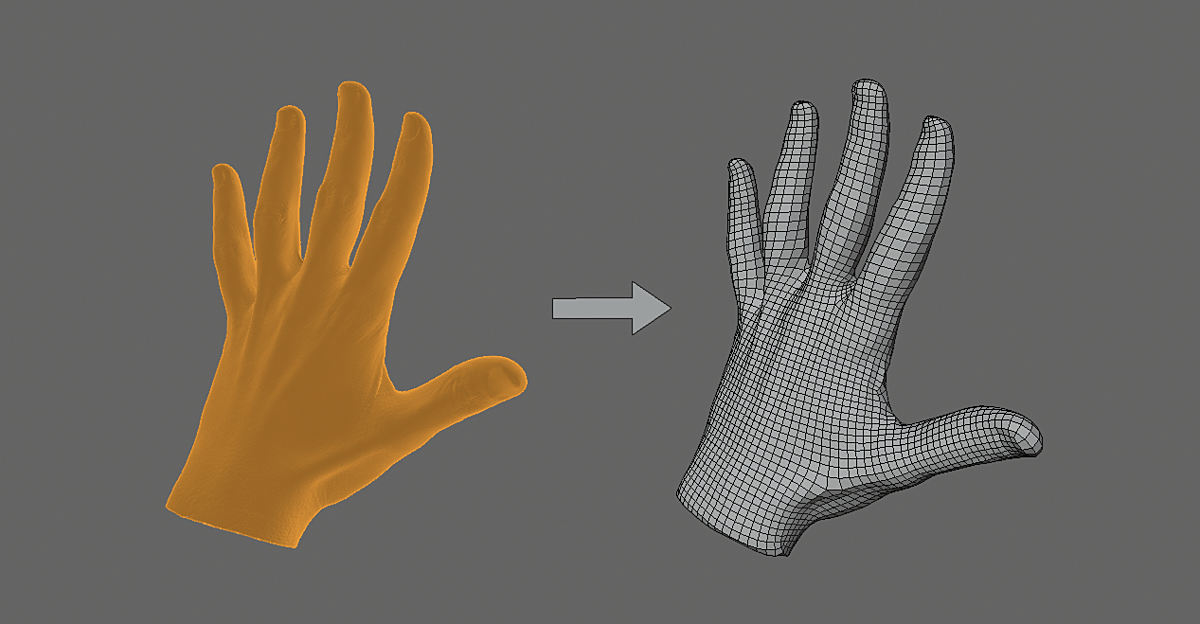
Tesselator is a Blender remeshing add-on by Jeacom for turning sculpts into quad, triangle, or quad-dominant meshes. It simulates a particle system, and Grease Pencil strokes can guide the flow. The product listing describes its results as approximate and says it works well on simple models.
Choose a topology and guide its flow
Tesselator can produce pure quads, pure triangles, or a mix of quads and triangles. Its documented controls let you enable a pure-triangle result or combine triangles with quads during subdivision. The product documentation describes the mixed mode as useful for sculpting.
Grease Pencil guides give you a way to influence the mesh flow: set the guide option to surface and draw strokes on the model. The documented setting does nothing when Grease Pencil is unavailable.
Resolution affects alignment and density
The documentation for the original Tesselator 1.0 explains that Resolution controls how many particles fit on the object. Higher resolution is not always better. Lower resolution with more subdivisions can produce a smoother mesh with weaker alignment. Higher resolution with fewer subdivisions can improve alignment, but may introduce more wedges and poles.
Subdivisions set the density and detail of the final mesh. Relaxation smooths alignment where possible, while X Mirror forces symmetry around Blender's red X axis. See the Tesselator 1.0 documentation for these settings.
Know the geometry limits
The product FAQ warns that small spikes and thin rods can disappear when the resolution is too low. Sharp, complex forms can also be difficult to remesh. Very low-polygon source meshes may prevent the solver from computing its approximate Voronoi diagram; the FAQ suggests subdividing such a mesh.
Tesselator is not intended to produce animation-ready character topology. Its FAQ recommends hand retopology for that work.
Version and license details
The product listing names Blender 2.79, 2.8, 3.0, 3.1, and 3.2. It describes Tesselator 1.28 as available for Blender 2.8, with masking density, sharp-feature support, and an improved triangle mode. Settings for 1.28 are not documented there; the published settings documentation covers the original 1.0. The listing identifies the add-on as GPL licensed. Check the product page for details that apply to your Blender version.