Jsculpt Tools is a Blender add-on by Jayanam that brings several mesh-sculpting tasks into one workflow. It can add primitives in Sculpt Mode, extract a mesh from a painted mask, join and remesh selected objects, and add a retopology mesh snapped to a sculpt. The GNU GPL is the add-on's license; source code is available upon request.
Add primitives and extract a mask
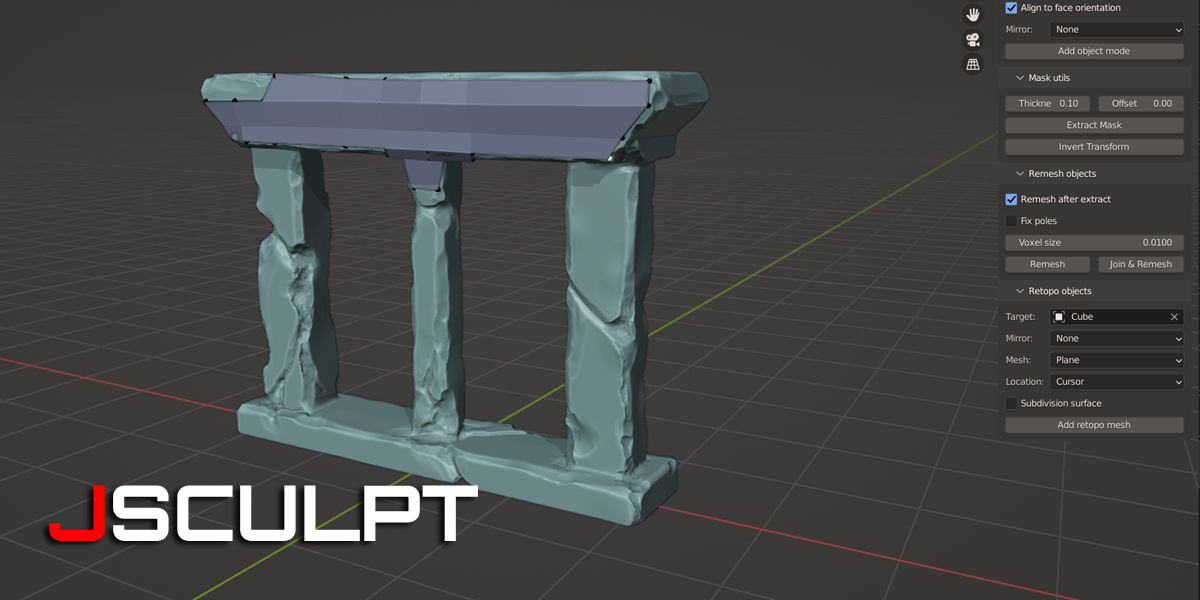
In Sculpt Mode, the add-on can place a sphere, cube or torus aligned to the sculpting surface. You can also choose an object from the scene to place where you click. Selecting a mirror axis in the panel adds a Mirror modifier to the object.
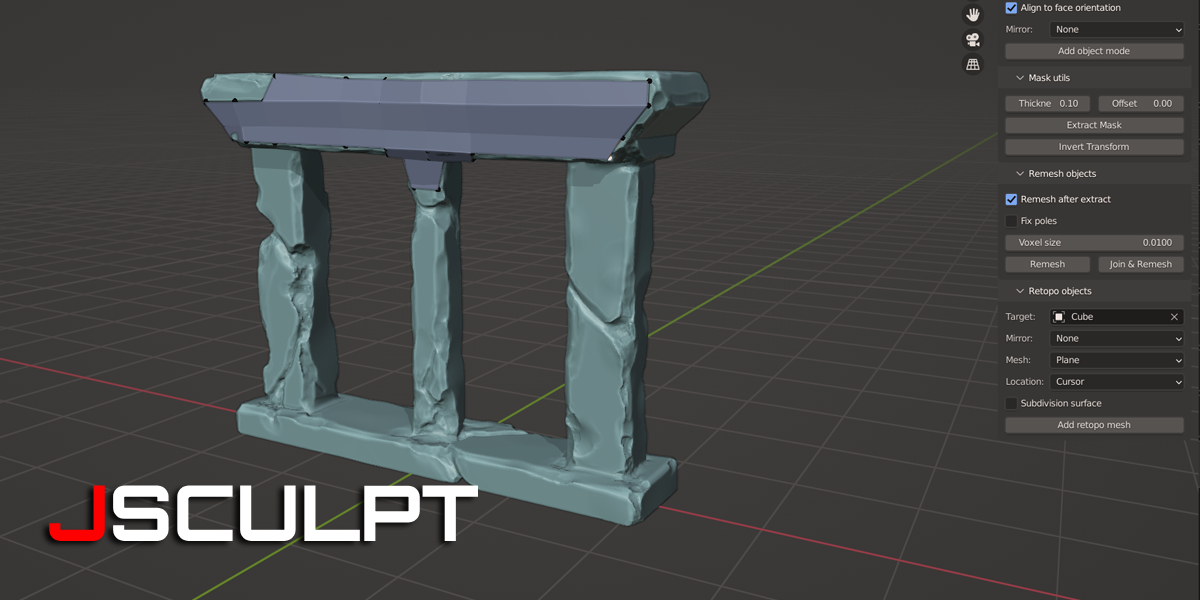
For mask work, paint an area on the sculpt and choose Extract Mask to create a new mesh from that region. Set its thickness and offset in the panel. If you enable Remesh after extract, the add-on runs Blender's Voxel remesher using the voxel size you set.
Join objects, select a sculpt object, and prepare retopology
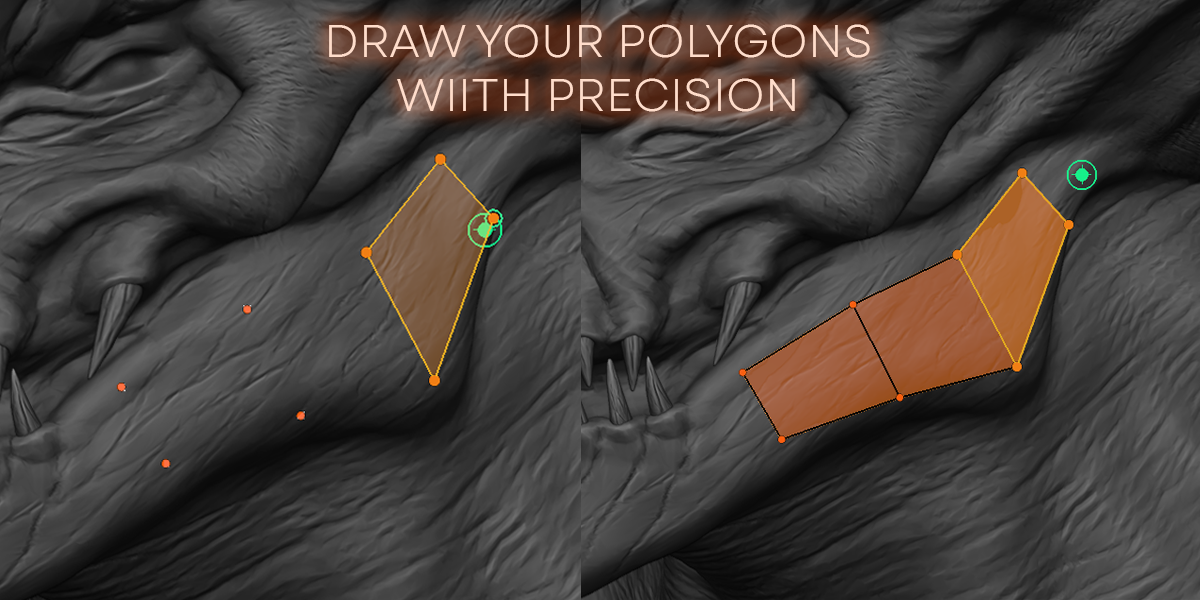
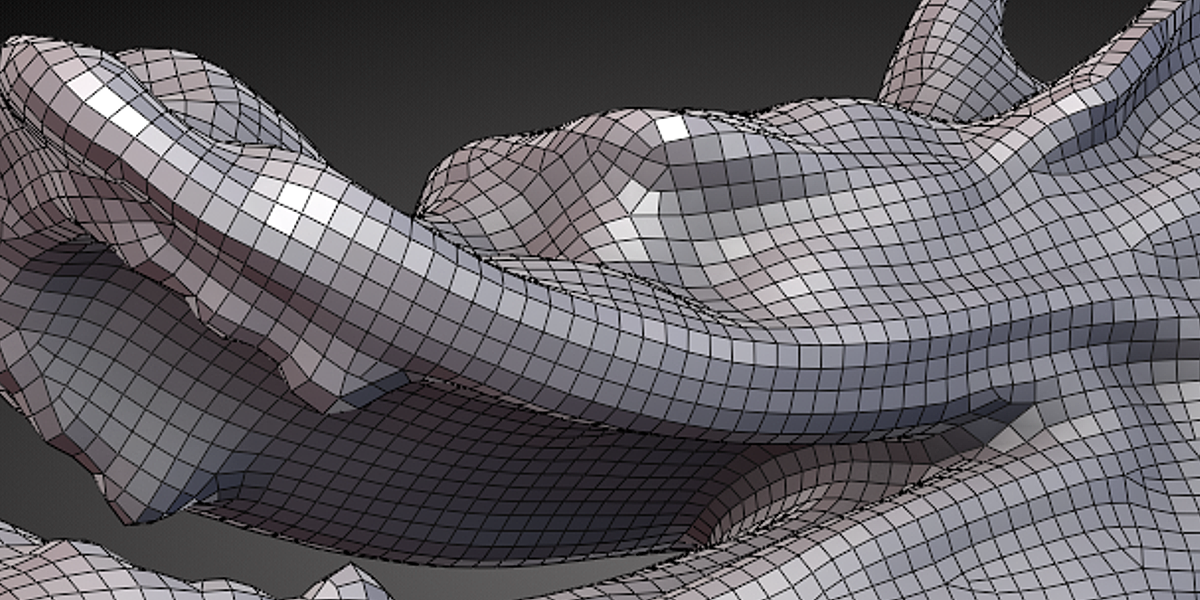
In Object Mode, select objects and use Join & Remesh to combine and remesh them for further sculpting. For retopology, select the sculpt as the target and choose Add retopo mesh. The new mesh is snapped to the target; you can set its placement to Cursor or Origin, choose Vertex or Plane, and optionally add Mirror and Subdivision Surface modifiers.
In Blender versions below 3, hover over an object and press Shift + D to make it active for sculpting without switching to Object Mode. Alt + Q transfer mode is unavailable in those versions.
Blender support and installation
The Superhive listing identifies Blender 5.0, and its product FAQ gives a supported range of Blender 3.0 to 5.0. It says the add-on is developed and tested with Blender 4.x to 5.x; Blender 2.8x might work, but is outside that stated range.
Install the downloaded ZIP through Edit > Preferences > Add-ons without extracting it. After installation, press N to open the sidebar and find the JSculpt Panel.