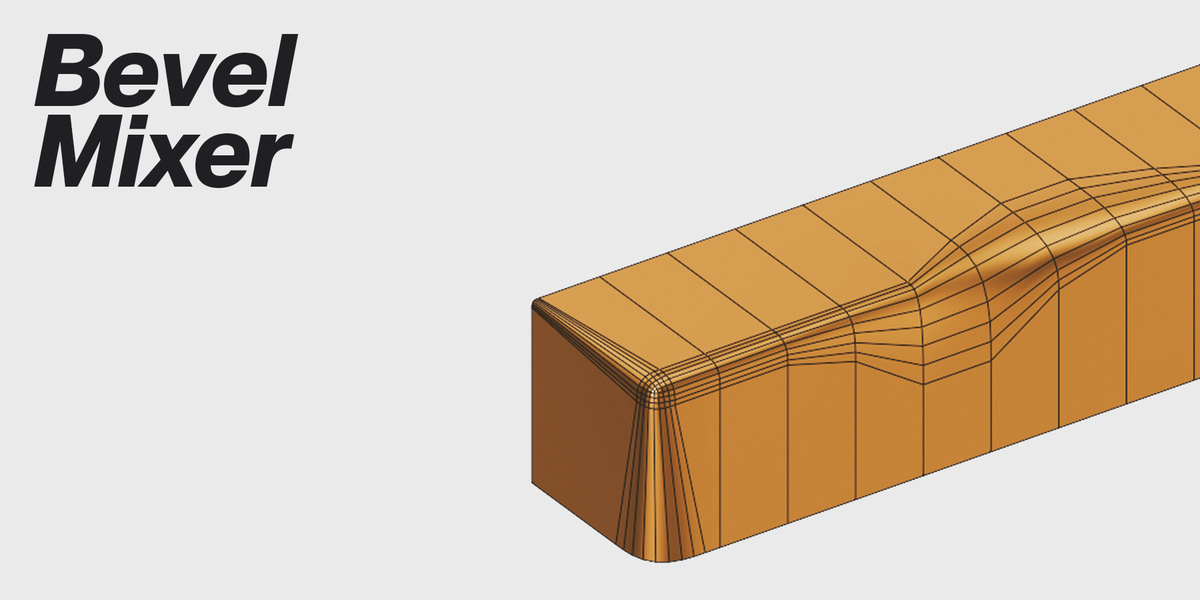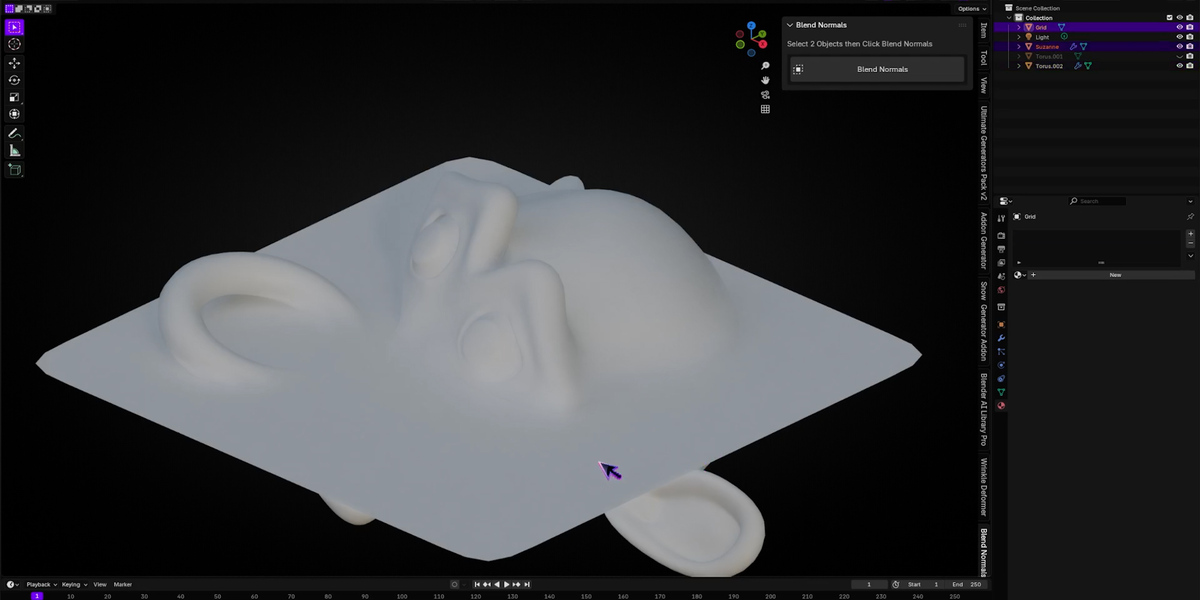
Easy Blend Normals is a Blender add-on for blending normals between two objects with one click. The active object acts as the main object and the other as the target. The add-on uses Geometry Nodes and keeps the setup non-destructive and editable.
It is aimed at hard-surface modeling, where shading breaks can appear around boolean cuts or between separate kitbash parts. The creator also lists panels, plates and mechanical seams as uses. Blending the normals can make separate pieces shade more smoothly together without a manual normal transfer workflow.
How to use Easy Blend Normals
- Select two objects in Blender, then apply their scales with Ctrl+A and choose Scale for best results, as the product notes recommend.
- Set the main object as active. The other selected object is the target.
- Click the Blend Normals button to blend their normals.
The resulting Geometry Nodes setup remains editable, so you can adjust it later. The add-on has no external dependencies.
Where it fits
- Cleaning up shading after boolean operations.
- Blending shading across separate kitbash parts so they read as one solid mesh.
- Smoothing transitions between hard-surface panels, plates and mechanical seams.
Compatibility and license
The Superhive product page marks Easy Blend Normals as Blender Extension compatible and lists Blender 4.5 to 5.3. It names Cycles and Eevee under render engines, identifies the license as GPL, and tags the product as free. Check the seller listing for current availability and compatibility details. The product documentation lists Blender 4.5 and describes the two-object workflow and scale recommendation.