Real Cable Generator Addon is a Blender add-on from A.T Design Studio for creating cables from an existing curve or object. It uses geometry nodes, but the product listing says users do not need prior knowledge of them.
Create cables from curves or objects
After installation, the add-on appears in the right-hand 3D View panel. Select a curve or object in the scene, then choose Cable curve to replace the curve with a cable or Cable Object to replace the object. The Convert option can turn the finished cable into a mesh or another output; the listing does not identify the other output. You can also add objects from the panel.
Included assets and materials
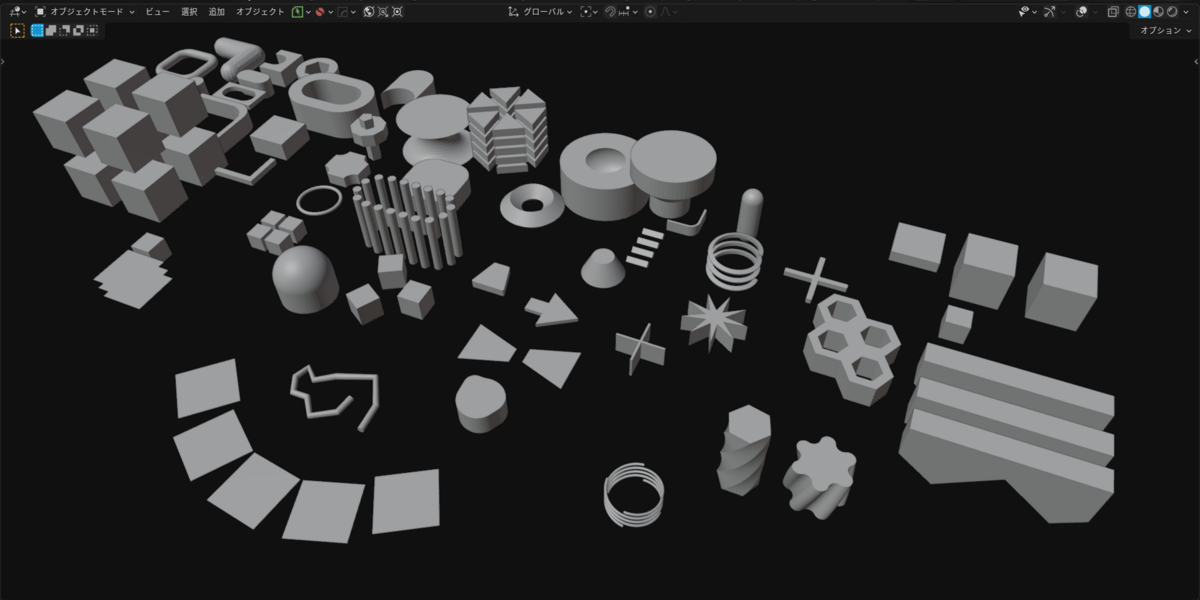
The listing includes 25+ assets and 15+ materials. By default, the materials assign a random cable color. To change the shader material, use the modifier properties.
Beyond cables
A.T Design Studio says the add-on can also be used to design objects such as wicker and hard surfaces. The listing does not detail a separate workflow or specific controls for those forms.
Listed Blender versions and license
The product listing names Blender 4.1, 4.0, 3.6, and 3.5, and identifies the license as Creative Commons. Check the Superhive product listing . Review the Creative Commons terms before reuse.