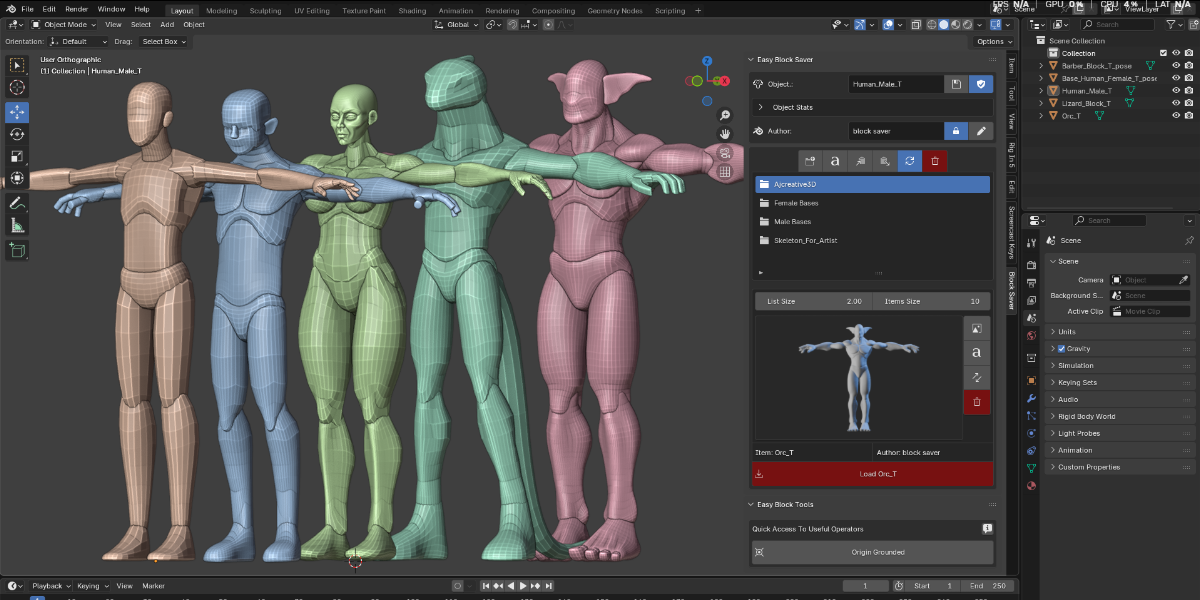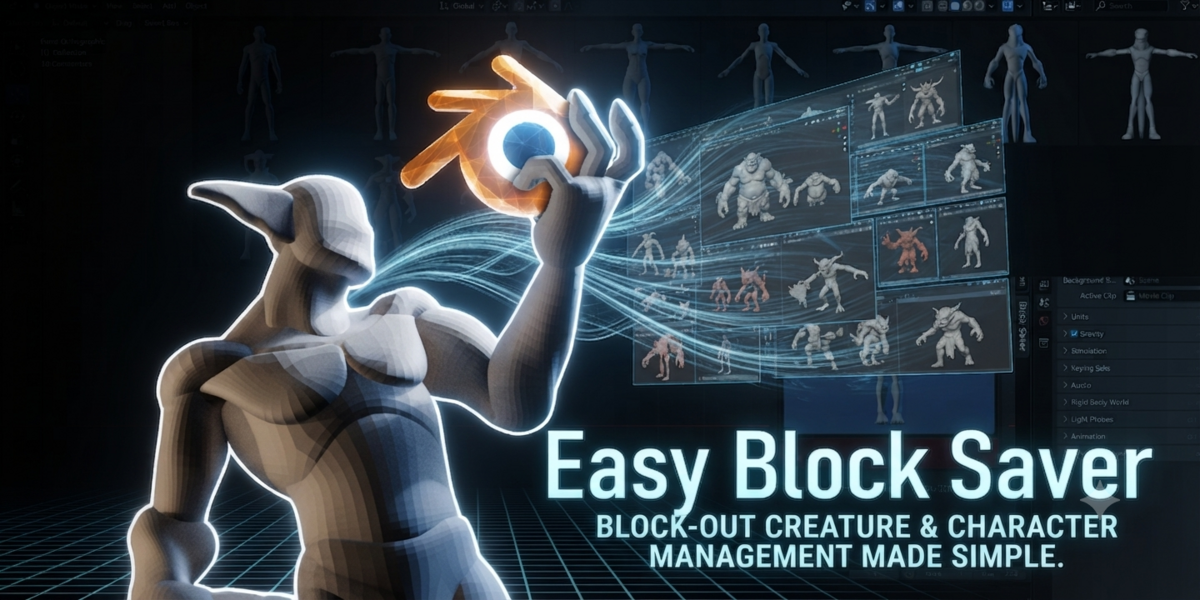
Easy Block Saver is a Blender add-on for saving, organizing, and reloading block-out meshes while modeling characters or creatures. Its Block Saver tab appears in the 3D Viewport sidebar, where you can browse saved models and load one into the current scene. The Superhive product listing states support for Blender 3.6 to 5.2 and a GPL license.
Keep block-out meshes ready to reuse
A block-out is an early geometric base for a model. Easy Block Saver lets you select a mesh, give it a name, and save it for later. The documentation describes a visual list with thumbnails, so you can find a stored character or creature base and load it when you need it. The add-on brings the chosen model into the current scene, ready for further sculpting or detailing.
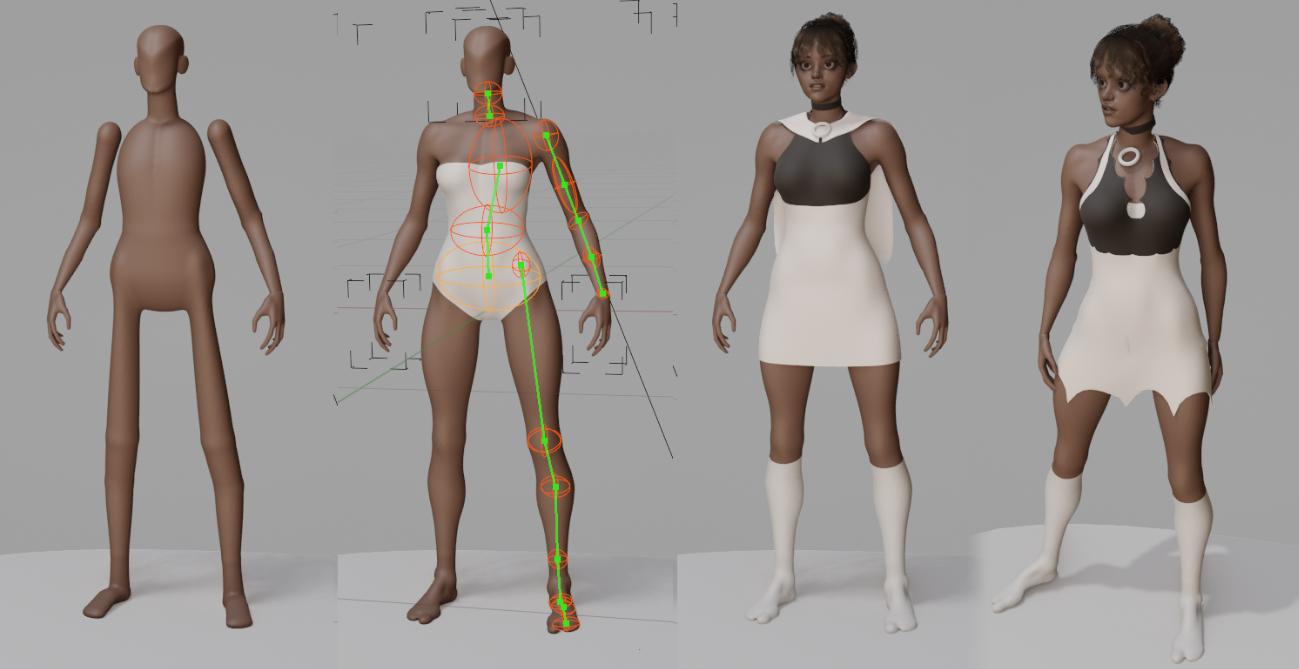
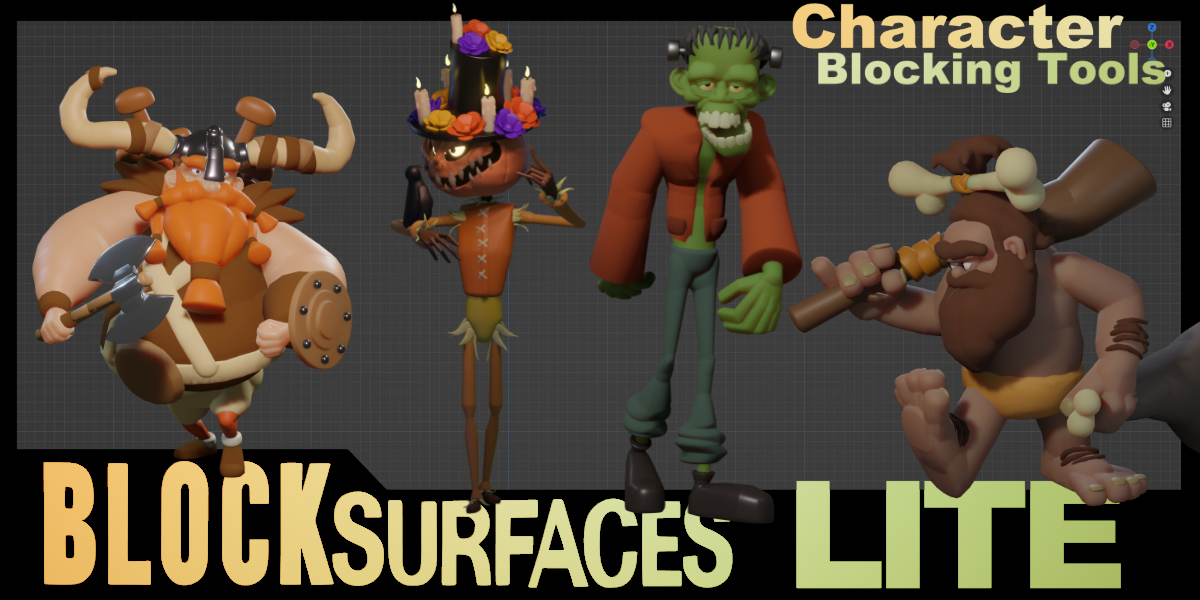
Although it is designed for character and creature work, the product FAQ says it can also store organic or hard-surface block-out meshes. That makes it useful for keeping named base shapes available across modeling sessions.
Install and use the add-on
The product documentation describes this workflow:
- Download the add-on ZIP file. In Blender, open Edit, then Preferences, then Add-ons. Choose Install and select the ZIP file, then enable Easy Block Saver in the add-on list.
- In the 3D Viewport, open the sidebar and select the Block Saver tab.
- Select a block-out mesh, enter a name, and save it. To reuse it, browse the saved models and click the load control for the one you want.
Compatibility, license, and price
Superhive lists compatibility with Blender 3.6 to 5.2 and the GPL license. The supplied listing does not show a current price or discount terms. Check the product page for current availability and pricing before downloading; the 50% Off wording in the catalog name does not establish an active promotion.