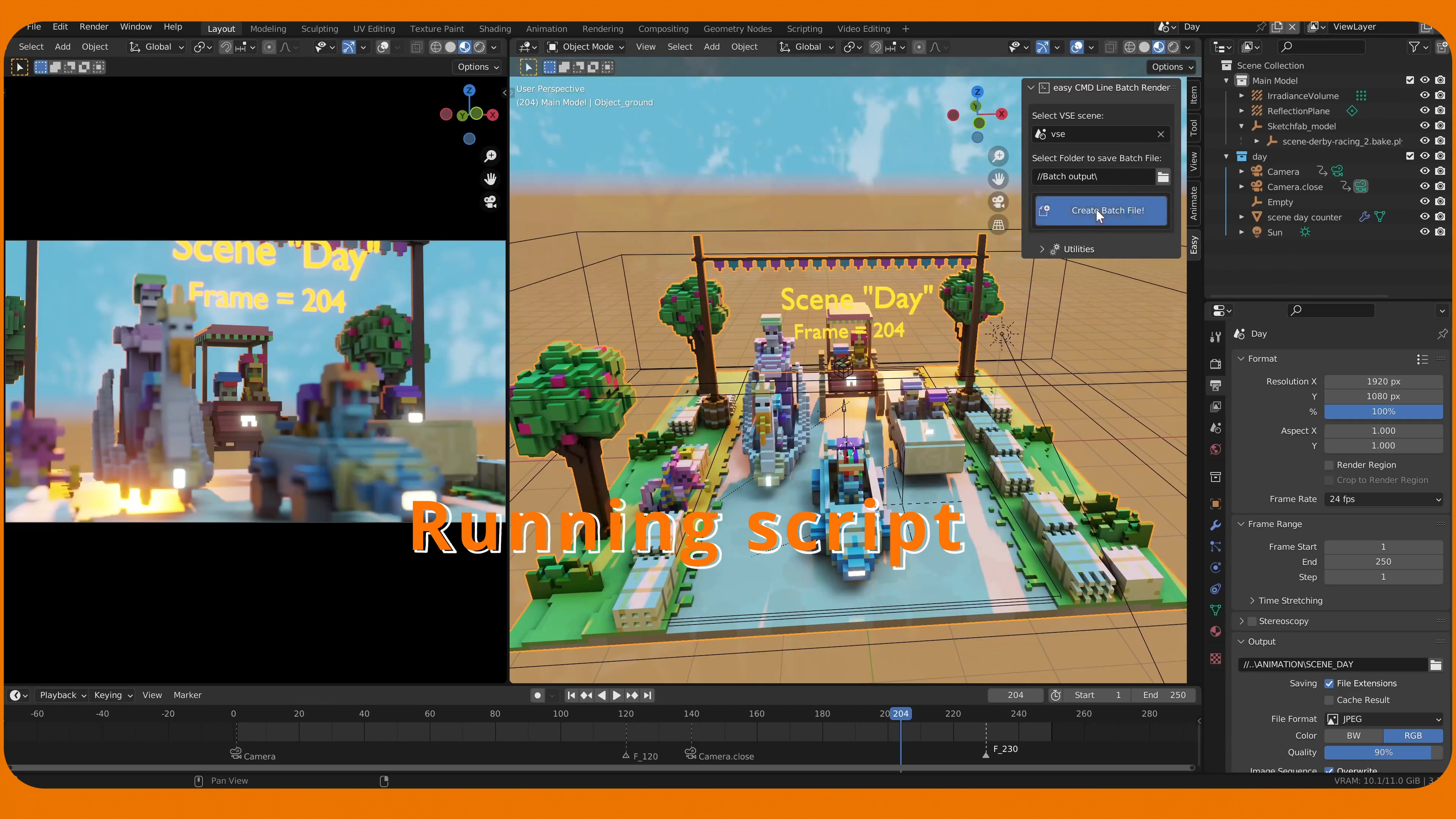
Easy Command Line Batch Render is a Blender add-on that uses the Video Sequence Editor (VSE) as a visual interface for generating command-line batch files. It generates .bat and .sh scripts for Windows, macOS and Linux from scene and frame selections made in the VSE.
What the batch files can include
A batch can contain multiple scenes, use different output formats and resolutions, and specify either frame ranges or individual frames. Several batch files can also be combined into one. This suits render jobs planned as separate scene or frame selections in the Sequencer.
Build the render plan in the VSE
The add-on is aimed at artists who prefer choosing frame ranges visually instead of writing down frame numbers. It also includes a Geometry Node Tree called easyFrameCounter, which can be appended to a scene and used as a frame-preview reference to the original scene while working in the VSE.
Creator Marko Radosavljevic describes developing the add-on after using the Sequencer to review shots for an animated short, then manually taking the final frame ranges to individual scenes for rendering. That workflow explains the focus on planning in the VSE and generating scripts for command-line rendering.
Inspect outputs and check compatibility
The add-on creates an overview text file describing the image sequences the batch will output, so you can review the planned outputs before a longer render. It displays warnings first and keeps additional information available for inspection.
The Superhive product listing identifies Blender 3.3 and GPL licensing. It does not confirm compatibility with later Blender versions, so check the listing before using the add-on with a newer release. The listing also links to an in-depth tutorial video.