Easy Gobo Lights 💡 is a Blender add-on for adding patterned light to a scene. It can create a new gobo light or apply a gobo texture to a light you already have. Its included library contains 118 patterns, with natural effects and abstract designs among the options described on the Superhive product page.
Shape light without a manual node setup
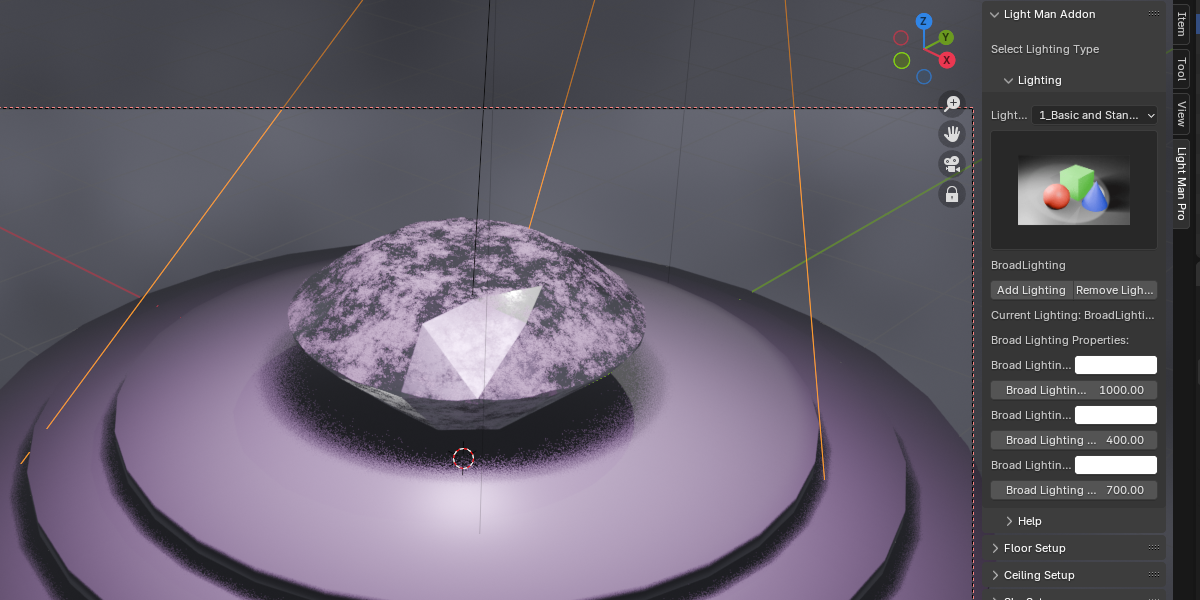
Choose a texture in the add-on panel to change the pattern cast by a light. A real-time preview shows the effect as you work. You can adjust intensity, scale, rotation and color, which gives you control over the pattern's size, direction and appearance in the scene.
The add-on supports area lights, spotlights and other Blender light types, according to its product listing. The library is ready to use from the add-on, so the documented workflow does not require building a node setup by hand.
Apply a gobo to a new or existing light
- Add a light, or select a light already in the scene.
- Open the Easy Gobo Lights panel.
- Load and choose a texture from the included library.
- For an existing light, use the panel's Add Gobo to The Selected Light button.
- Adjust the effect, then render the scene.
The product documentation describes this panel-based workflow.
Scenes it can support
Easy Gobo Lights is intended for cinematic scenes, product visualizations, architectural renders and creative art projects. In those scenes, a patterned beam can add a defined light shape or shadow effect. The preview and adjustment controls let you try different library patterns and settings in the scene before rendering.
Easy Gobo Lights is suited to Blender artists who want to work from its built-in texture library. The library contains 118 patterns; whether users can import custom gobo textures is unspecified. Check with the creator if importing your own patterns is part of your workflow.
Blender version, render engine and license
The Superhive listing reports Blender versions 4.0 to 5.3, names Cycles in its render-engine field and lists the license as GPL. Check the current product details if your Blender version, render engine or license requirements are important to your project.