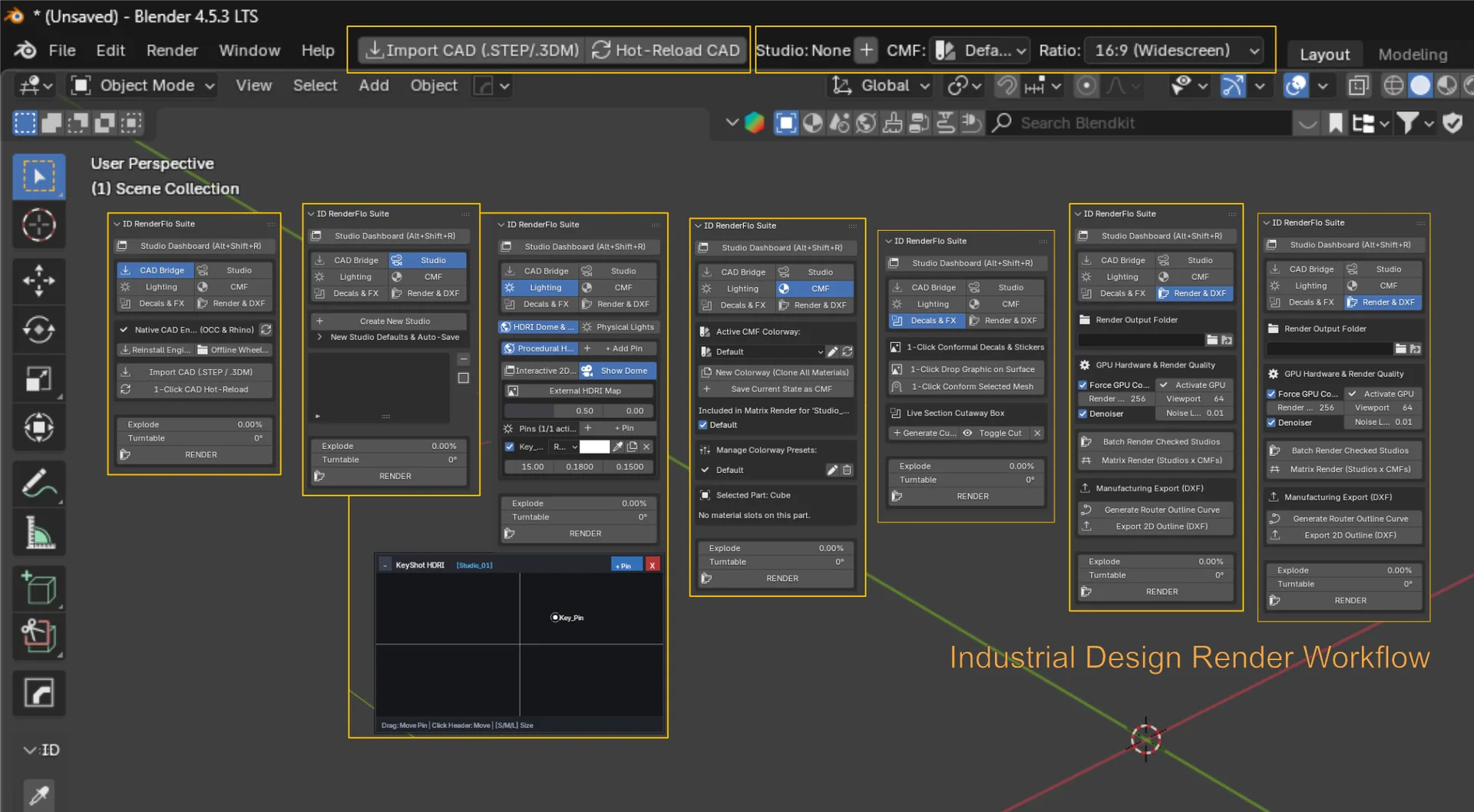
ID RenderFlo is a Blender add-on for industrial designers and product visualization workflows. It brings CAD models into Blender, then helps organize camera setups, studio lighting, material variants, and batch renders around a product scene.
Bring CAD models into Blender
The listing names STEP, STP, IGES, and STL imports. Version 3.3.0 notes specifically describe STEP and Rhino 3DM imports, with unit calibration, origin centering, and one-click hot reload; they do not clarify whether IGES and STL remain supported in that release. These tools give a product scene a consistent starting point when imported geometry needs to be checked or refreshed.
Set up product views and studios
ID RenderFlo organizes presentation work into reusable studios and camera views. Version 3.3.0 adds multi-shot camera staging, standard CAD views, orthographic scale controls, and custom render samples. Aspect-ratio presets help prepare shots for square, portrait, landscape, or ultrawide layouts without rebuilding each camera setup from scratch.
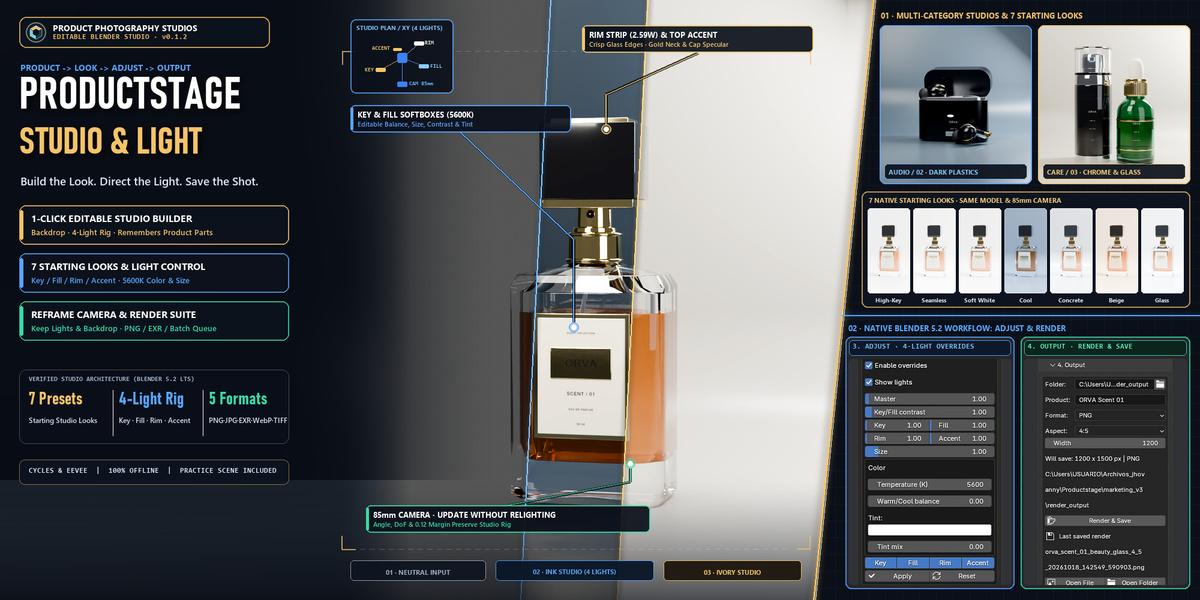
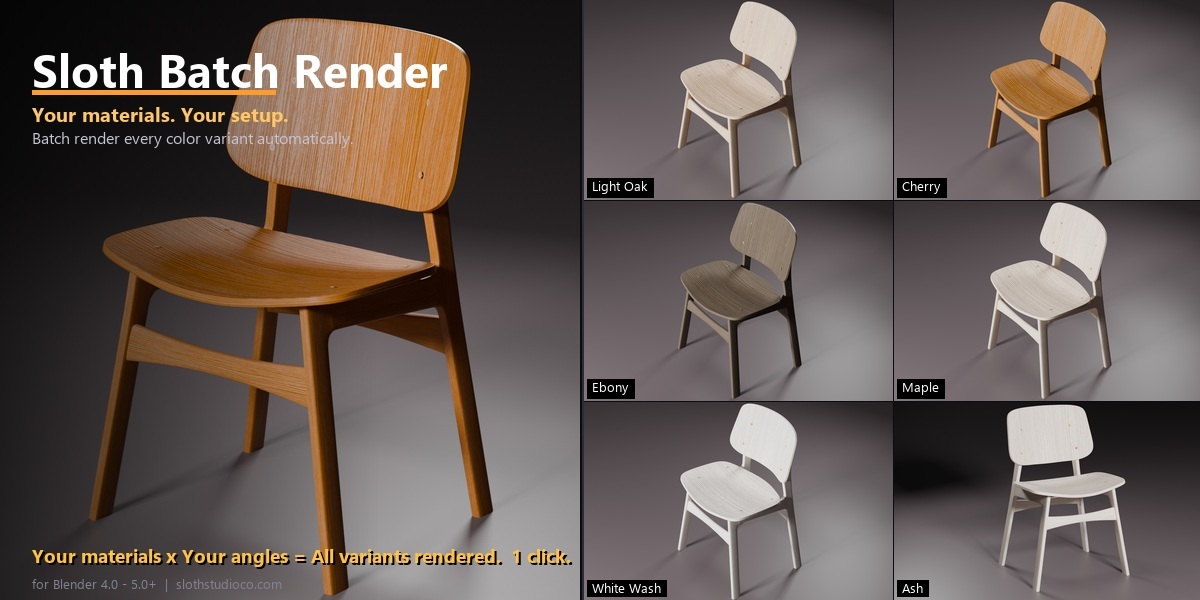
The lighting tools include 14 studio environments and a custom HDRI library. Color, material, and finish variants can be managed as colorways, so a designer can review different surface treatments in the same presentation workflow.
Queue renders across views and colorways
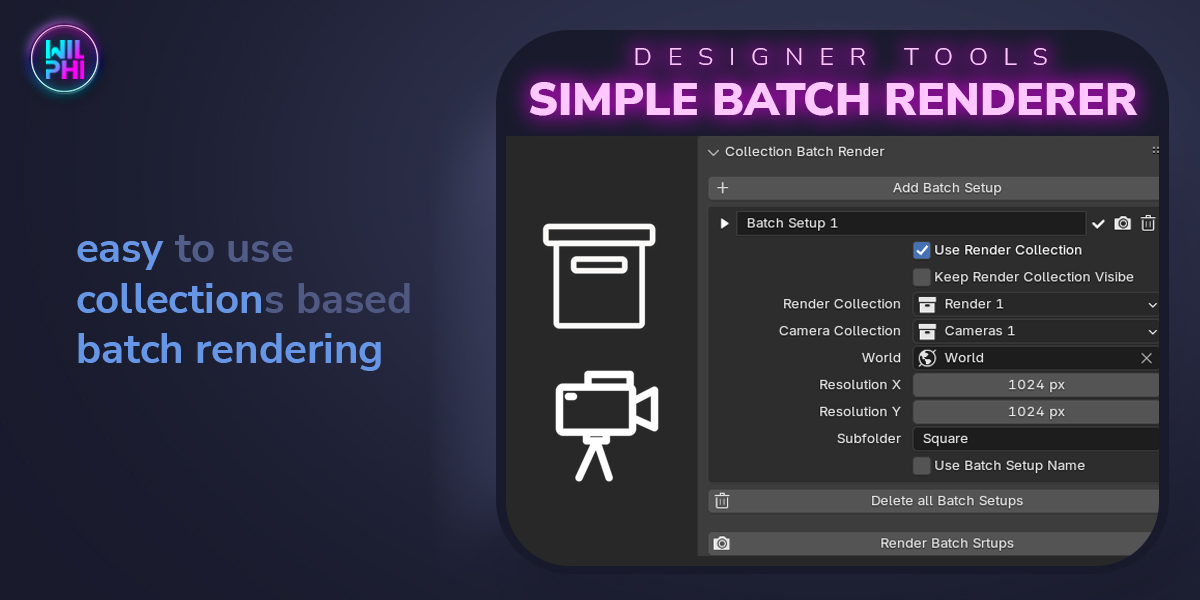
The GPU batch queue can render selected studio shots and combinations of studios with colorways. The add-on describes support for OptiX, CUDA, HIP, and Metal render backends. This setup is useful when a product review needs several camera angles or finishes exported together. The extension requests file access to import CAD models and export studio batch renders.
Version and compatibility
The Blender Extensions listing identifies version 3.3.0 and Blender 4.2 LTS or newer. Platform packages are listed for Windows, macOS, and Linux. The listing provides the current package details, while the version history records changes such as the 3.3.0 studio workflow and CAD import updates. Check those pages before installing if your Blender version or operating system is important to your project.
See the official ID RenderFlo listing for its current package, permissions, and license information.