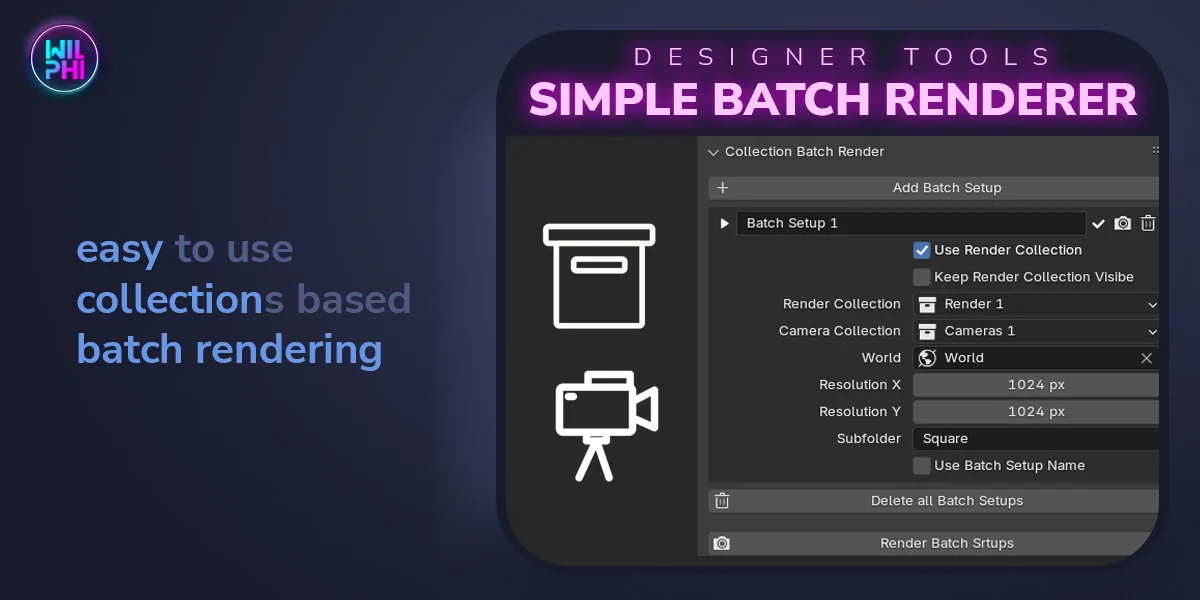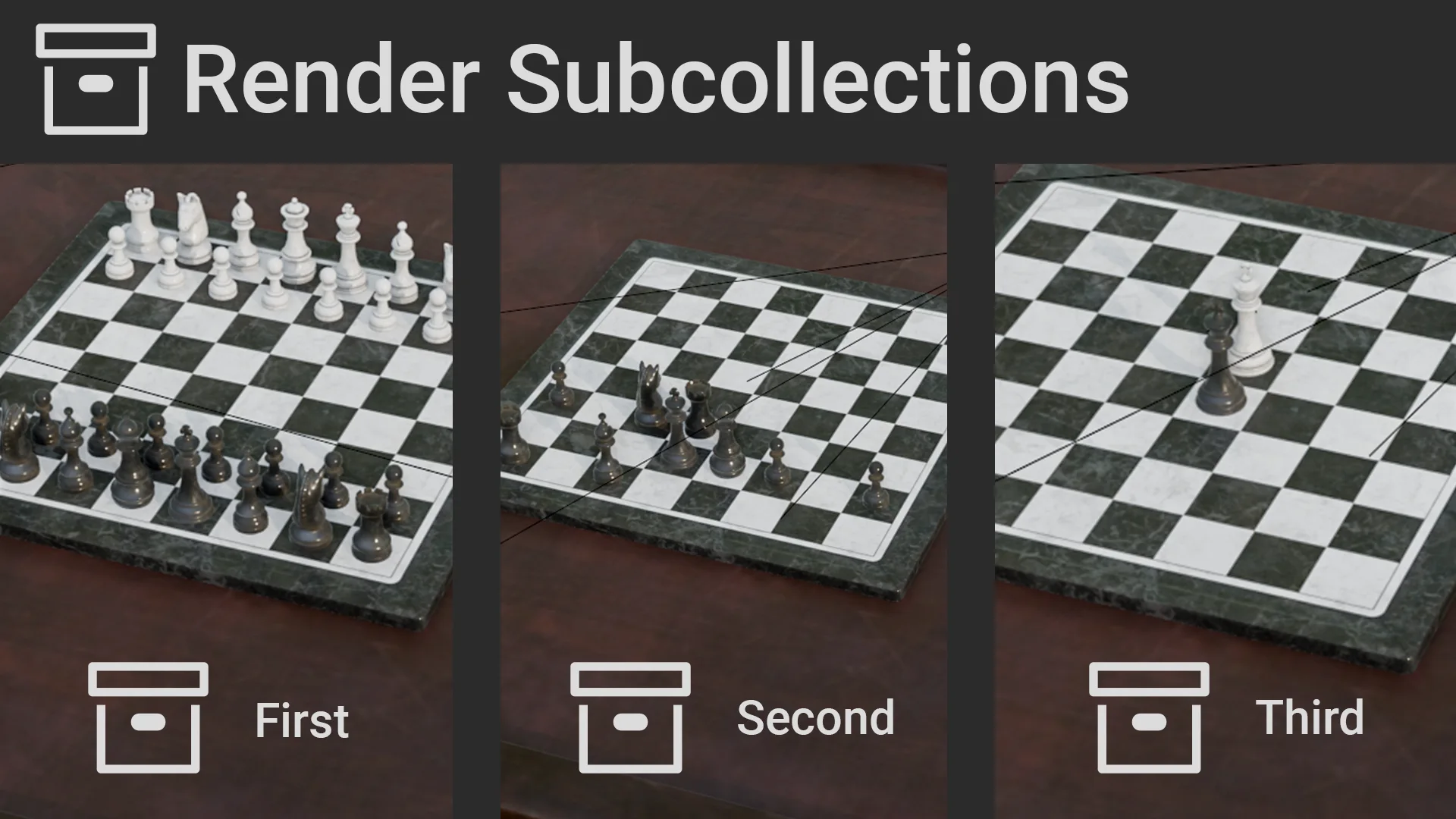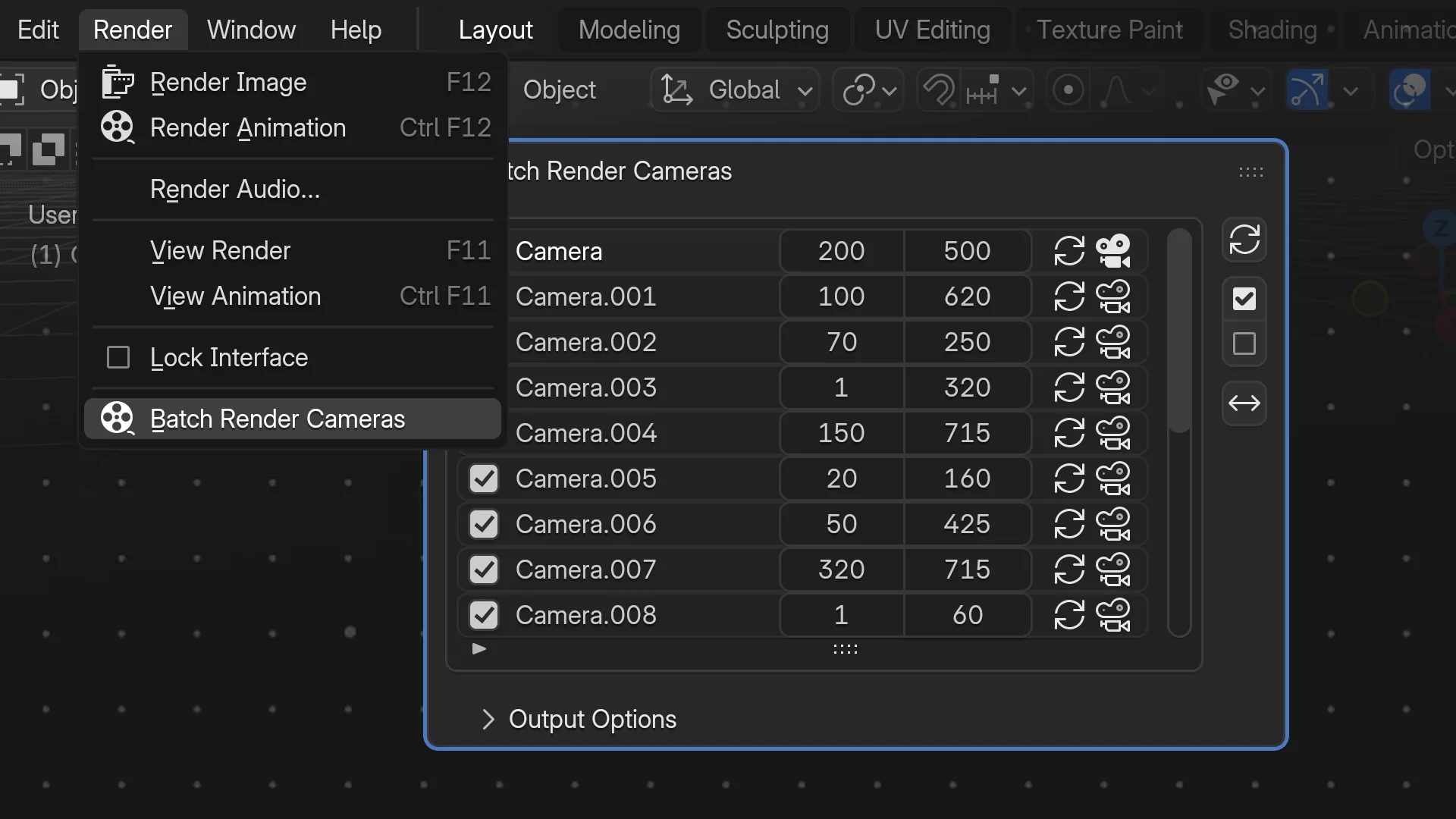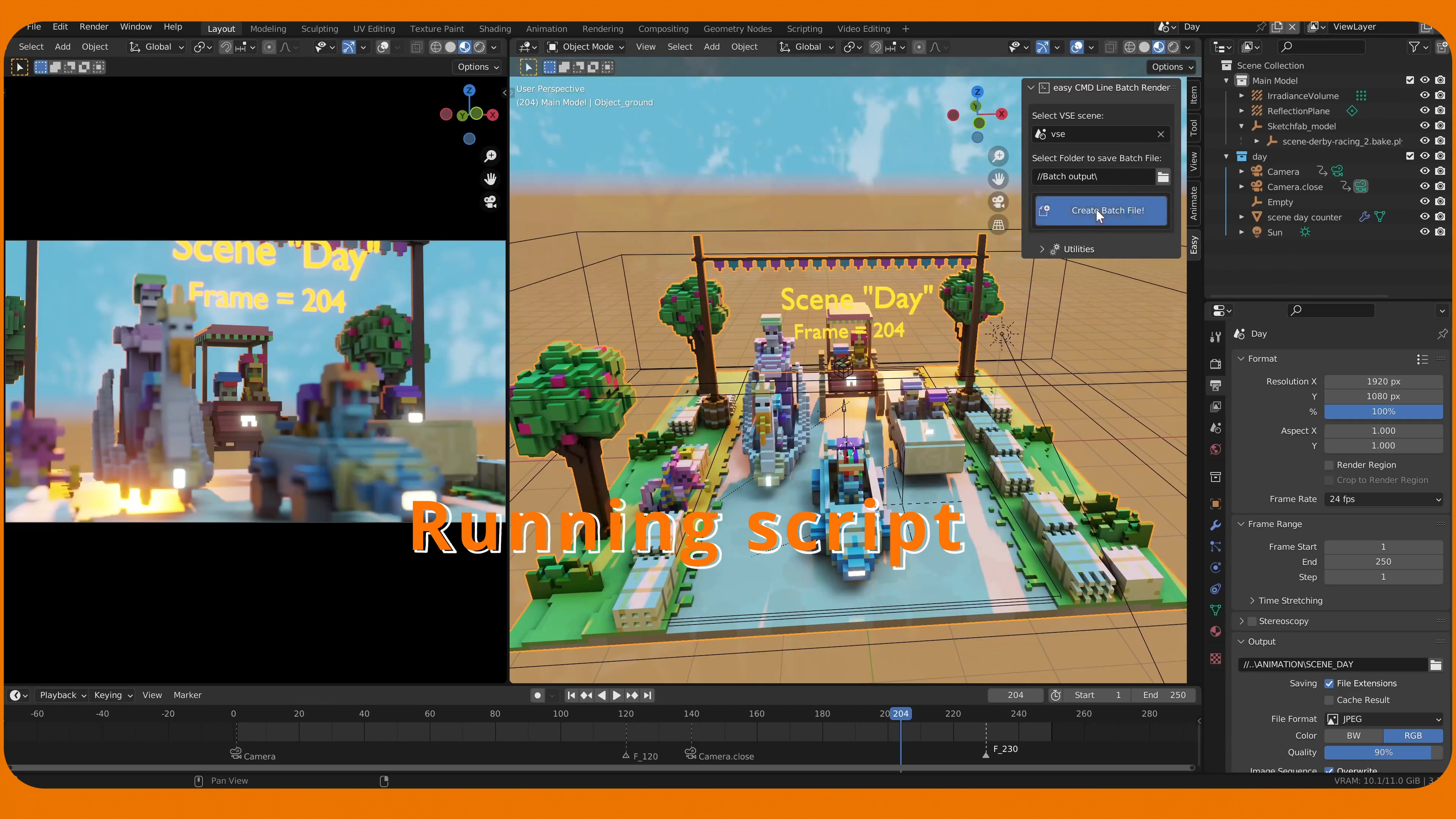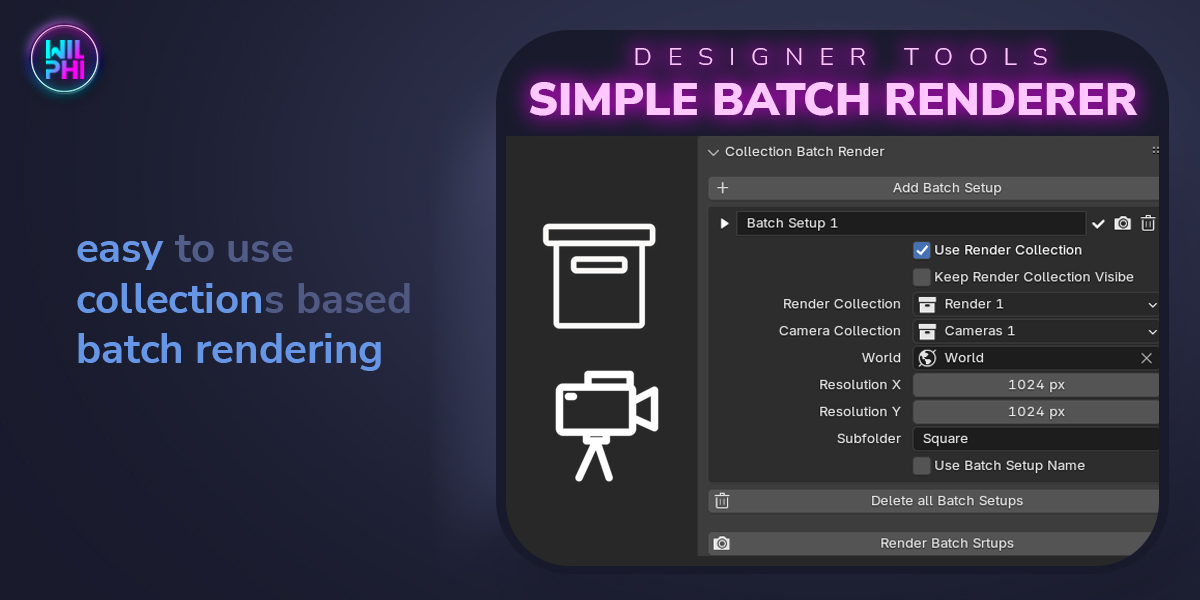
Simple Batch Renderer is a Blender add-on for rendering object or collection variations from multiple camera angles. Each batch setup has its own resolution, world settings, and naming options; the render and camera collections determine the targets and angles for a run.
How the batch workflow works
- Choose a render collection containing the objects, collections, or object hierarchies you want to render.
- Choose a camera collection. Each render target is captured from the camera angles in that collection.
- Set up one or more batches with their own resolution and world settings. You can mark each setup active or inactive.
- Run the render. The add-on manages visibility during the process and restores scene state afterward.
Only active batch setups are rendered. This lets you keep different configurations in one scene and select which ones to include in a run.
Output naming and folders
Date prefixes can be disabled. Enter a folder name to write each batch setup’s images to its own subfolder; leave the field empty to use the standard output destination. You can also use a batch setup’s name as the output filename. These controls help keep multi-angle images and configuration variations grouped by setup.
Who may find it useful
The feature set is aimed at product designers, 3D artists, and architects preparing product shots, material variations, or architectural presentations from several views. It is most relevant when a scene has multiple render targets and camera angles to process as a group.
Availability and Blender compatibility
The current Superhive listing says Simple Batch Renderer is no longer available for purchase. A product record marked verified in July 2026 described it as free, named Blender 4.2 as its target, and said Blender 4.3 support was expected shortly. That record does not establish whether the add-on remains available to download, what its current price is, or which Blender releases it supports now.