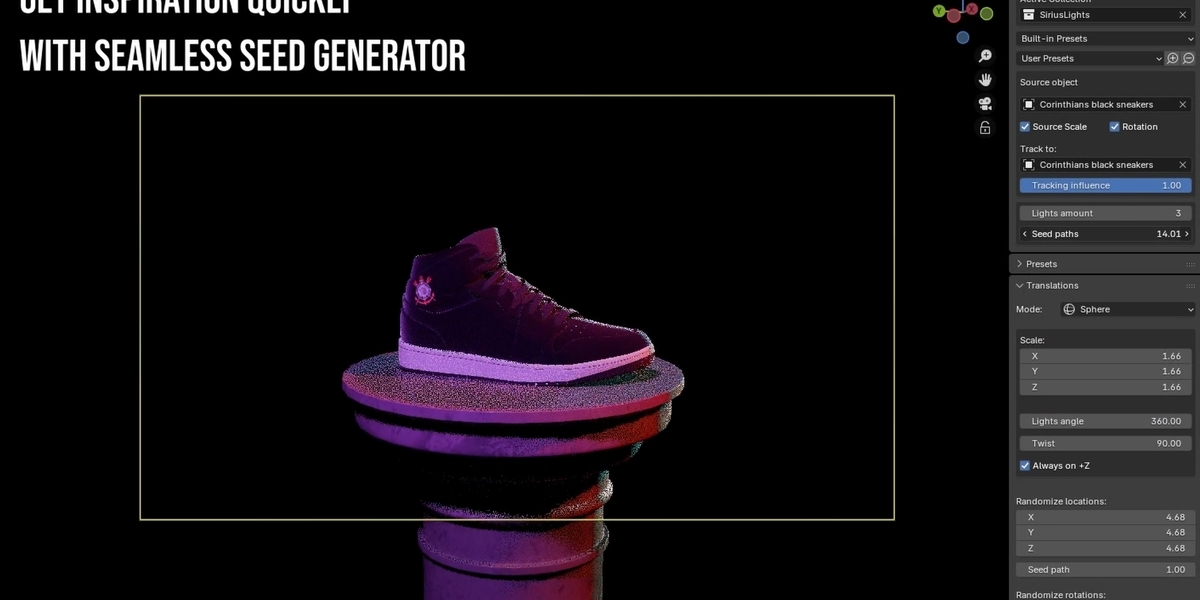
Sirius Lights is a Blender add-on for creating and managing grouped lighting rigs. It arranges lights in circles, grids, spheres, along curves, or across mesh surfaces, giving artists a way to build a setup from a collection instead of placing every lamp individually. Its controls cover randomization, color, light properties, and animated effects.
Build light arrays from curves and meshes
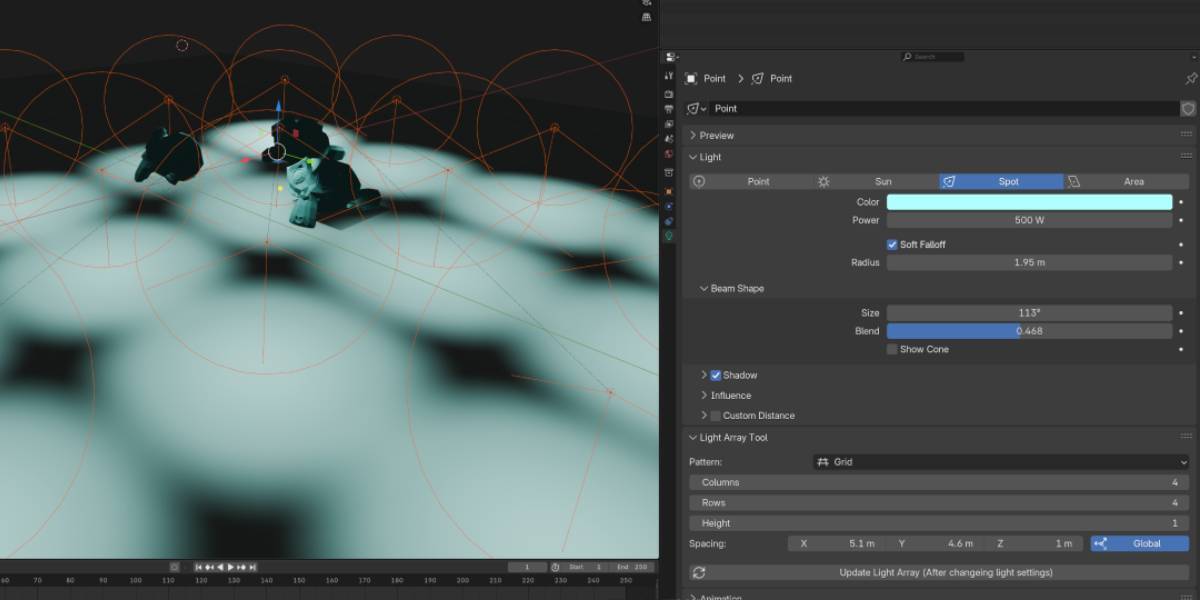
Choose a placement mode, then distribute lights along a Bezier curve or across an object's vertices or face centers. Sirius Lights can also arrange them in circles, grids, and spheres. Collections keep larger setups organized, while source-object and tracking controls can help orient or aim lights around a scene.
Randomization controls vary light position, rotation, and color. Seed paths make those variations reproducible, so you can create alternate arrangements while retaining a chosen result. The add-on also supports batch changes to light type, power, radius or softness, and spotlight settings.
Shape color and animated effects
Color options include Kelvin temperature, procedural HSV ranges, and palettes such as complementary, analogous, triadic, tetradic, and monochromatic. For animation, flicker controls adjust intensity, speed, and smoothness. Harmony synchronizes the flicker across lights; chaos makes their changes more independent. Glitch controls add abrupt changes for effects such as a faulty bulb or neon sign.
Presets let you save and reuse lighting setups. The product listing also describes handlers and caching that update setups when curves, meshes, or keyframes change, and help manage larger light collections. Image projection for advanced effects is listed as a Cycles feature.
Compatibility and licensing
Sirius Lights is listed for both Eevee and Cycles. Its Superhive detail field gives a Blender version range of 3.0–4.5, while the overview says support extends through Blender 5.0. Check the current product listing for updates, then ask the creator to confirm support for your Blender version. The listing identifies the license as GPL; AnyPlugins lists the add-on as free, so confirm the current offer and terms on Superhive.
The Sirius Lights documentation describes its controls and setup, and the product FAQ covers common usage questions.