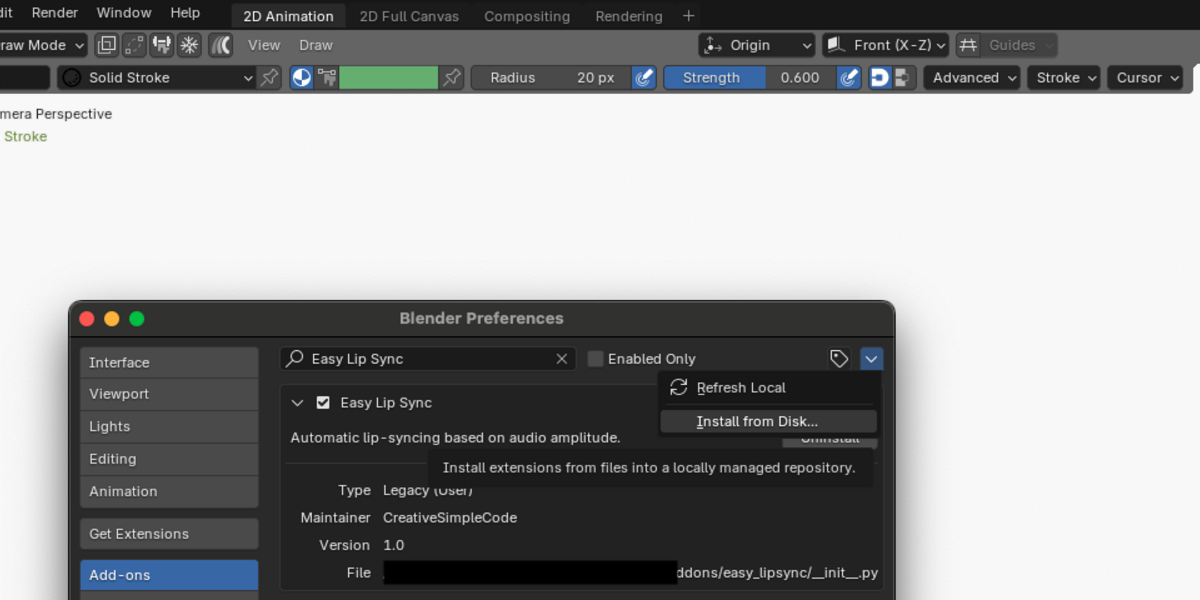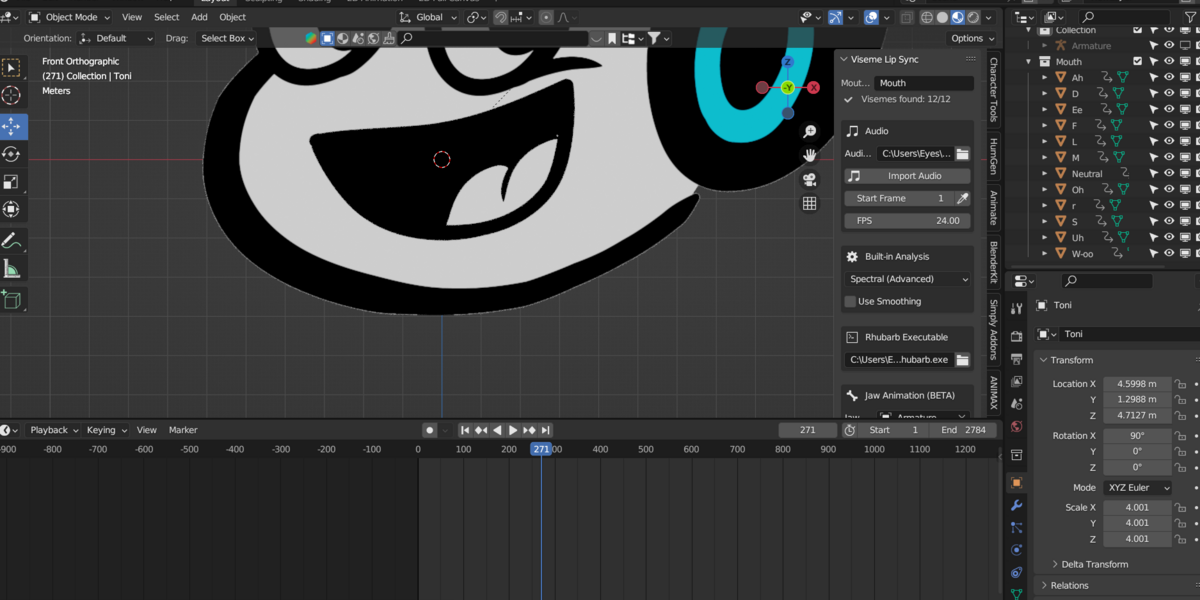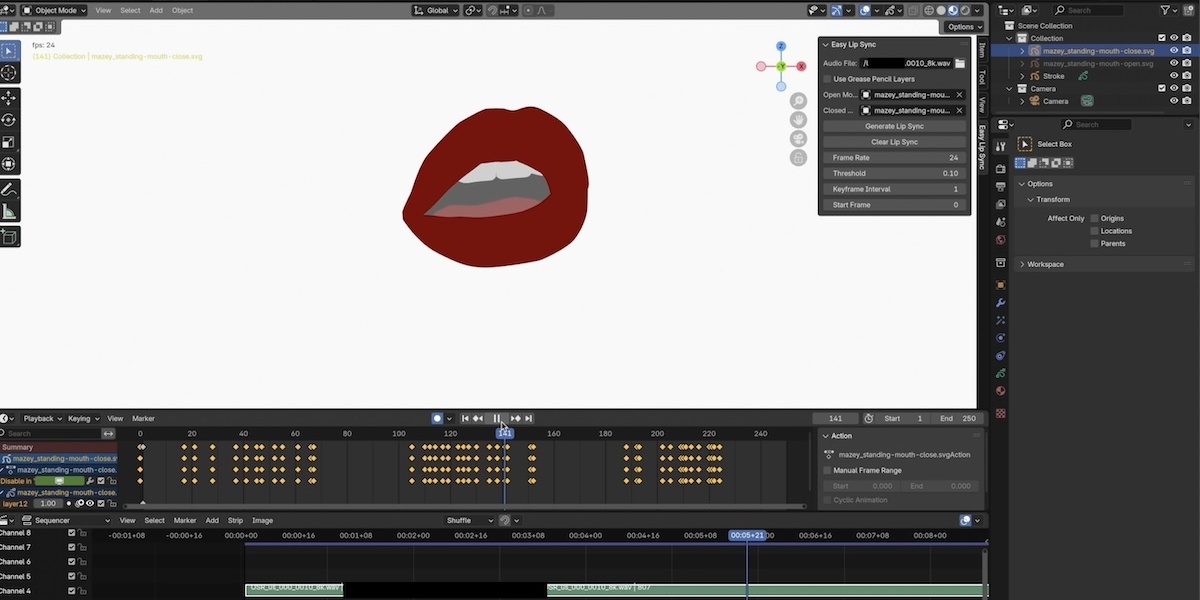
Easy Lip-Sync is a Blender add-on from CreativeSimpleCode that generates timed mouth keyframes from audio; the documentation recommends 16-bit mono or stereo WAV for best results. It works with traditional objects or Grease Pencil layers, with controls for frame rate, threshold and keyframe interval. The product listing summarizes the audio format; the documentation covers installation and setup.
Set up a mouth animation
- Use a 16-bit mono or stereo WAV file for best results.
- For an object-based setup, prepare objects for open and closed mouth states. The documentation gives
Mouth_OpenandMouth_Closedas example names. For Grease Pencil, create layers for those states. - Open the Easy Lip Sync panel in the viewport sidebar with the N key. Choose the audio file and mouth objects or layers, set the start frame, then adjust the frame rate, threshold and keyframe interval.
- Generate the lip-sync keyframes and review their timing. The panel also has a Clear Lip Sync action for removing generated keyframes before another pass.
Where the workflow fits
Easy Lip-Sync generates keyframes from audio amplitude for open or closed mouth states. That can suit a character rig already prepared with those states. The documentation does not describe phoneme recognition or a range of phoneme-specific mouth shapes, so confirm those capabilities with the creator if your project needs them.
Blender compatibility and license
The product listing names Blender versions 3.0 through 4.2 and identifies the add-on as GPL licensed. The documentation's troubleshooting note says to ensure compatibility with Blender 3.0 or later, while the listing names versions only through 4.2; confirm newer-release support with the creator.