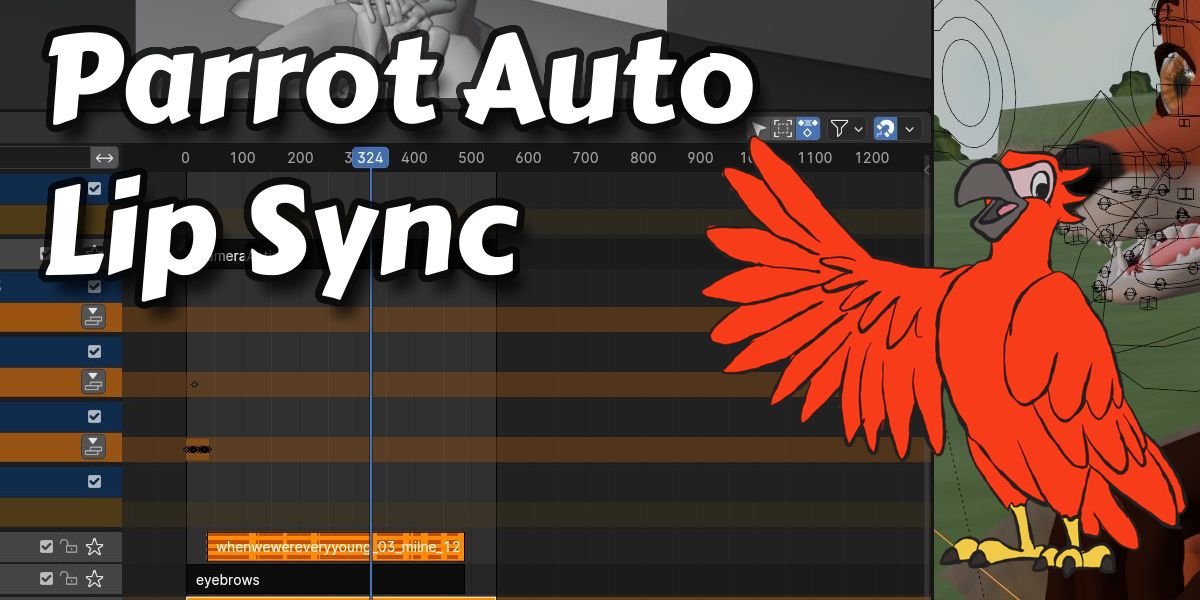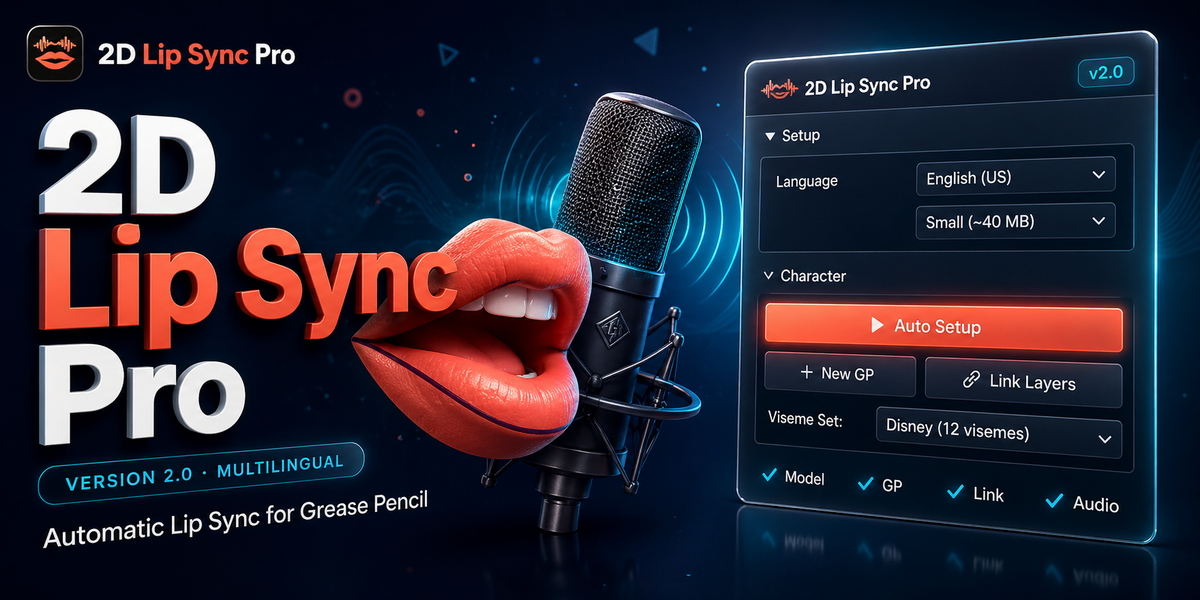
2D Lip Sync Pro automates lip sync for Blender Grease Pencil. It analyzes WAV or MP3 dialogue, detects phonemes with offline speech recognition, then generates keyframes on a character’s mouth layers. Version 2.1 adds per-character dialogue tools for scenes with multiple speakers.
The add-on suits Blender animators who want to create a first pass from recorded dialogue and then adjust timing, words or layer links in their scene. Recognition runs locally, and the generated keys, audio strips and viseme timing stay available in Blender’s animation editors.
From audio to Grease Pencil keyframes
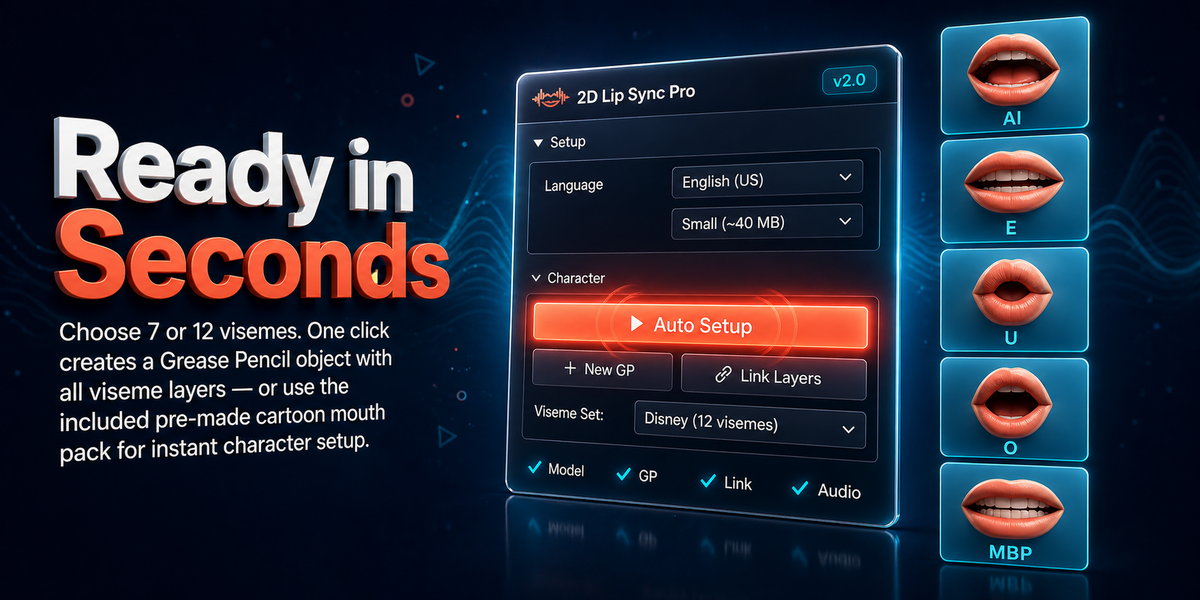
- Use Auto Setup to create a Grease Pencil object with viseme layers linked.
- Load a WAV or MP3 file and choose a language. Download the model from Setup for German, French, Spanish or Dutch, then run Analyze.
- Generate Lip Sync to place keyframes on the mouth layers and the audio strip in Blender’s Video Sequence Editor.
The add-on can match layer names automatically or let you link layers to visemes manually. You can inspect the color-coded viseme overlay in the Dope Sheet and drag or retime viseme strips in the NLA editor. A frame offset adjusts the overall timing, and the mouth can follow a rig bone such as the default Mouth bone or a custom-named bone.
Offline recognition and language support
Speech recognition uses Vosk, the CMU Pronouncing Dictionary and Sphinx phoneme dictionaries. It does not use a cloud service or require API keys or recurring recognition fees. English (US) is ready out of the box. German, French, Spanish and Dutch speech models can be downloaded from the Setup panel, with a grapheme-to-phoneme fallback for unknown words in those four languages.
Dialogue tools for multiple characters
In version 2.1, each character keeps its own audio, recognized words and timeline text. Audio is placed on that character’s VSE channel, and selecting a character shows its transcript and color-coded timeline strips. The panel indicates which character Generate and Clear will affect. Clear removes that character’s keyframes, words, timeline text and audio; one Undo restores them.
The add-on includes a 7-viseme Simple set and a 12-viseme Disney-style set. Its Word Editor lets you correct a misheard word and regenerate without analyzing the audio again. Async analysis is designed to avoid freezing Blender’s interface during recognition.
Compatibility, licensing and price
The product page gives conflicting Blender compatibility details: its version 2.1 headline says Blender 5.0+, the details list Blender 4.3 to 5.1, and the FAQ says Blender 4.2/4.3 through 5.1+ with Grease Pencil v3. Confirm support for your version with the creator before installing. See the quick-start documentation for setup steps. The listing names Windows, macOS with Intel or Apple Silicon, and Linux.
According to the Superhive listing , the add-on has a GPL license and free lifetime updates. The listed price was €20, with a temporary €15 offer; after the offer ends, the price returns to €20. Check the listing for current pricing.