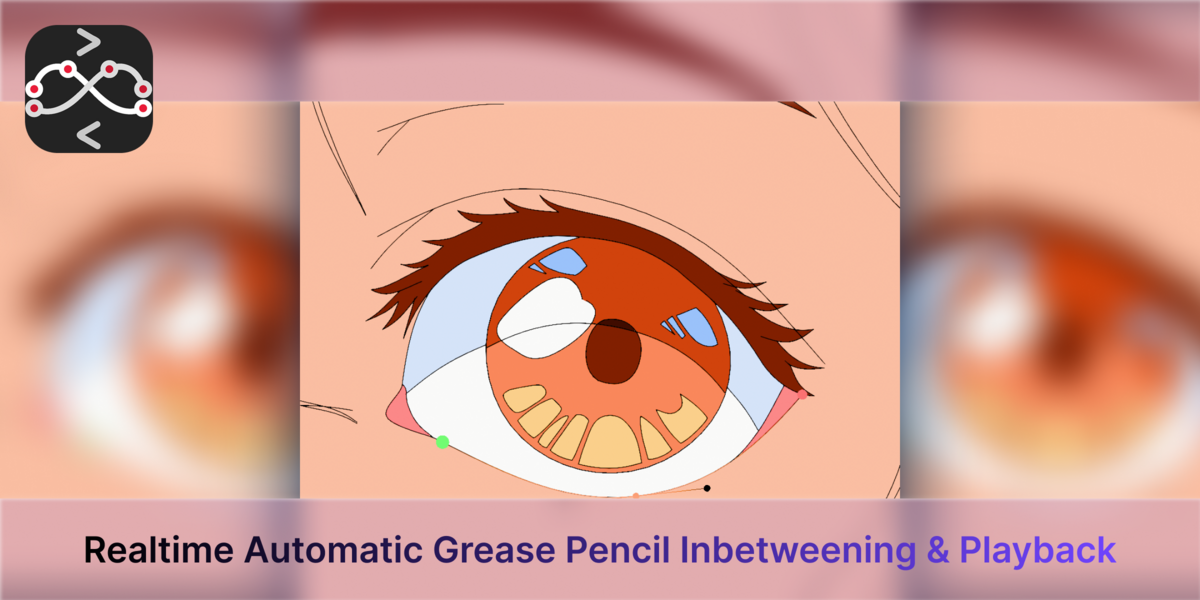
Grease Pencil Auto Interpolate is a Blender add-on that generates in-between frames for Grease Pencil animation. It uses Grease Pencil Geometry Nodes to process interpolation during real-time playback and leaves the original keyframes untouched.
Set up interpolation
Install the add-on, draw keyframes, toggle interpolation, then play the animation. During real-time playback, interpolation runs in the background. The product documentation lists no additional timing controls.
Pair strokes across keyframes
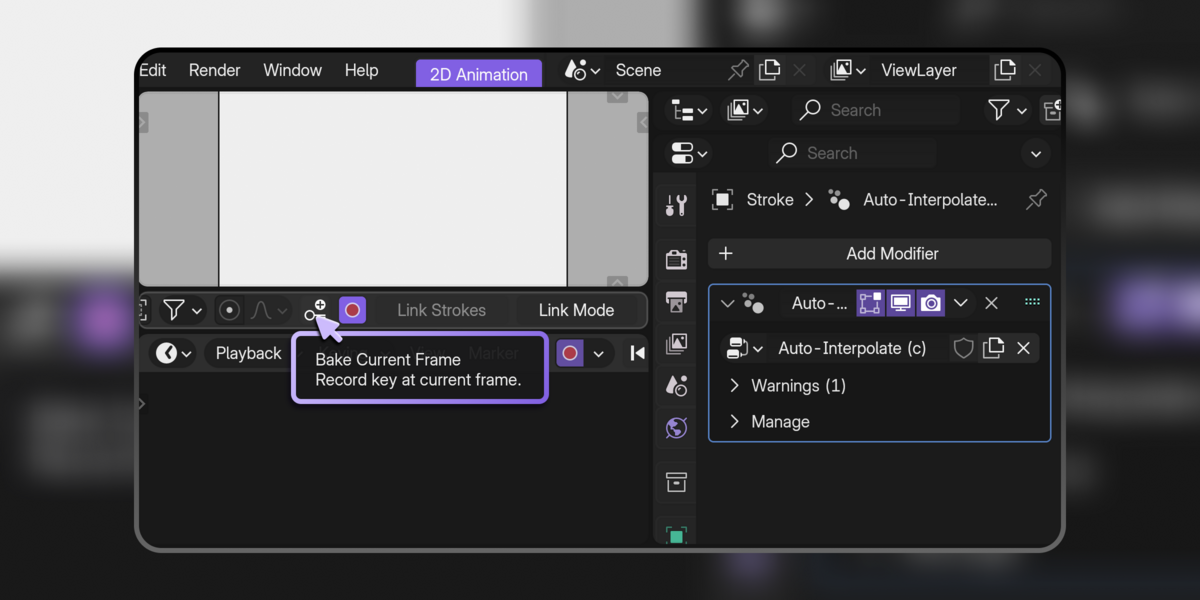
When strokes need guidance for matching between keyframes, Link Strokes Mode lets you select two strokes and pair them. For more complex drawings, the product listing says you can provide a few manual hints and let the algorithm resolve the remaining matches.
Import raster line art
The add-on also includes GPAI Line Art import for PNG and JPEG files. Choose File > Import > GPAI Line Art to convert raster drawings into editable Grease Pencil strokes. This can bring scanned drawings, sketch photos, or digital raster art into a Grease Pencil workflow.
Blender support and license
The Superhive product details list Blender 4.3 through 5.2, mark the add-on as Blender Extension compatible, and name the MIT license. The AnyPlugins summary lists support through Blender 5.1, so check the product's current version history if compatibility with a particular Blender release matters.