Grease Pencil Radial Symmetry by Dantti adds real-time mirror, radial, and frame symmetry options to Blender’s Grease Pencil drawing workflow. The product listing describes two versions: GPv2 / Basic for Blender 2.9 through 4.4 and later, and GPv3 / Advanced for Blender 4.3 and later.
Symmetry options
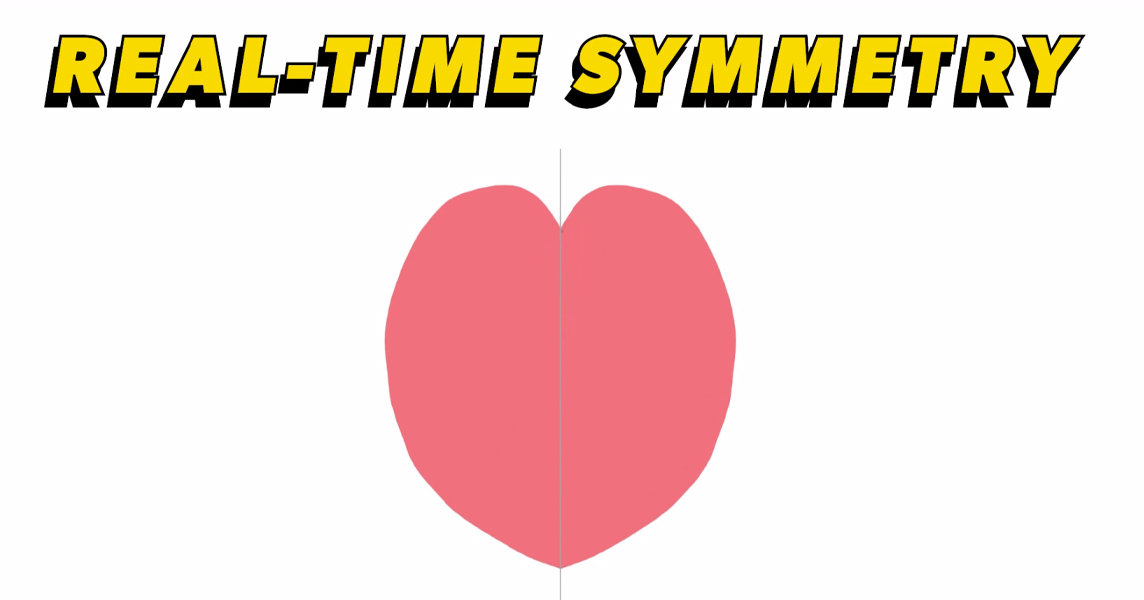
- Mirror strokes across the X or Z axis with real-time presets.
- Draw with radial symmetry using up to 20 segments.
- Use a frame symmetry preset.
- In GPv3 / Advanced, use a Geometry Nodes setup to change the radial segment count and orientation on the fly.
These options suit Grease Pencil artists making mirrored drawings, repeated radial motifs, or frame-symmetric designs. The product listing says the resulting Grease Pencil work can be modified and animated.
Choosing a version
GPv2 / Basic covers Blender 2.9 through 4.4 and later. GPv3 / Advanced covers Blender 4.3 and later and includes the Geometry Nodes radial setup. The version ranges overlap. If you use Blender 4.3 or 4.4, compare the version details in the product listing before choosing; see the product documentation for GPv3 preset guidance.
Included materials
The package includes the symmetry presets, an instructions PDF, and four demo files. The documentation page describes guidance for drawing, modifying, animating, and converting work to 3D objects, along with tips for the GPv3 preset. The listing also says future updates are included.