Audio-driven lip sync in Blender
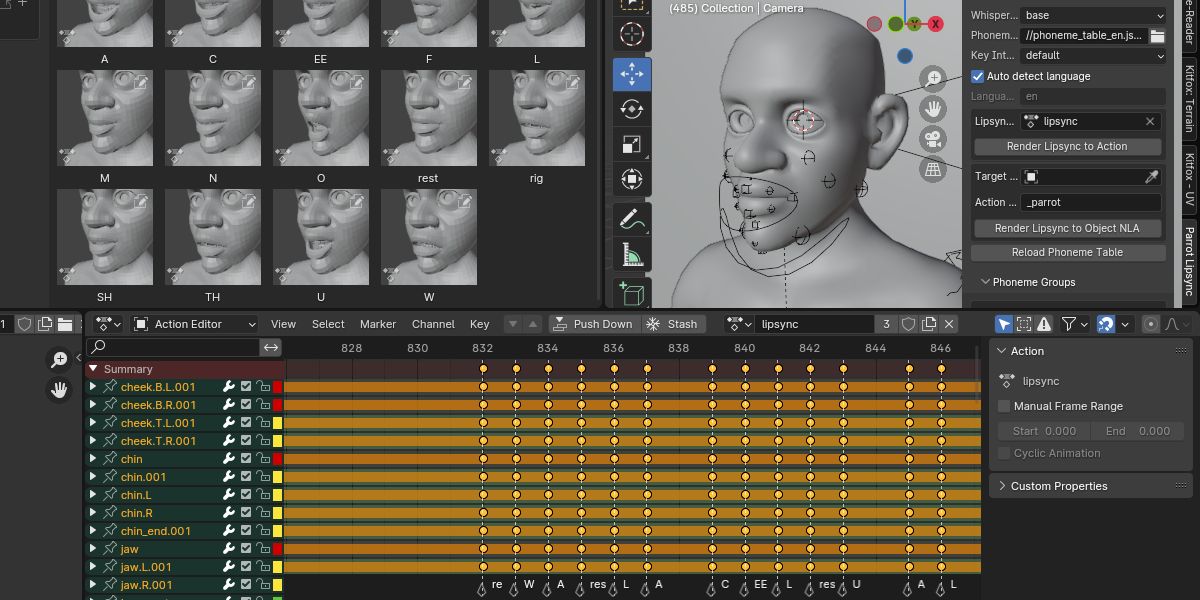
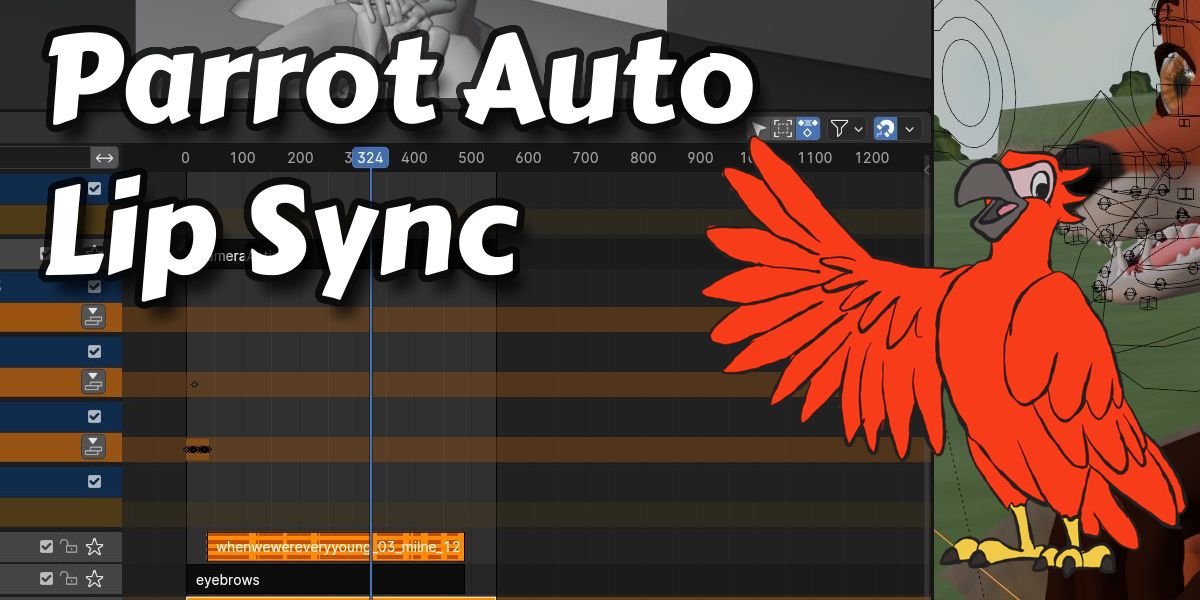
Parrot Lipsync is a Blender add-on that generates lip-synced data from audio tracks. Its listing says the data can be used for both 2D and 3D animation. The listing does not specify the target rig or exact generated controls. See the Superhive product listing and its documentation for those details.
Language support from version 1.1.0
Starting with version 1.1.0, Parrot uses Allosaurus to approximate syllables, and the Superhive listing describes it as usable with any language. Its linked documentation also says East Asian languages that use kanji are unsupported. Earlier versions used word-based processing and were limited to a small set of common languages. The listing does not identify the current release, and the documentation does not say whether that restriction applies to version 1.1.0 or later; check version-specific guidance for your language. The listing describes lip-sync processing; it does not claim to translate or transcribe audio.
Blender compatibility and license
Superhive lists support for Blender 4.2 through 4.5 and an MIT license. The project repository's version 1.1.4 manifest lists Blender 5.1.0 as the minimum, so check which version and distribution you are installing. The documentation requires FFmpeg to be available from the command line but does not list Parrot's supported audio formats; check the installation instructions for the build you plan to use.
Who it may suit
Parrot Lipsync may fit animators who work in Blender, have an audio track, and want generated lip-sync data for a 2D or 3D project. If your workflow depends on a particular character rig or audio format, check the documentation because the product listing does not detail those requirements.