How the deformation grid works
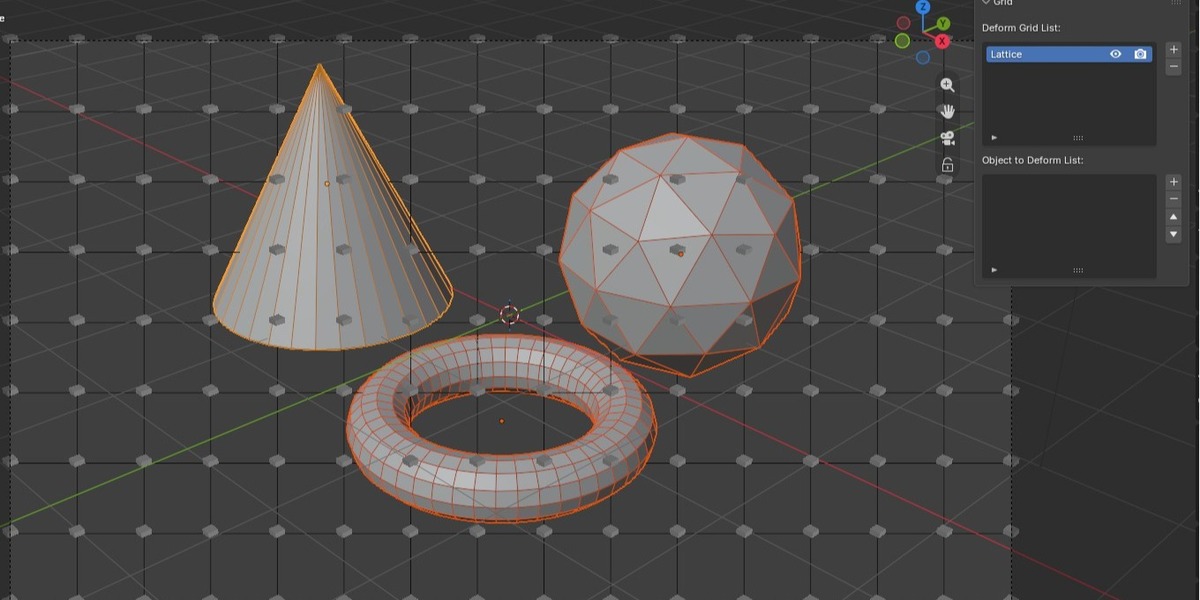
Ead Easy Animation Deform (Smear) is a Blender add-on by BlenderTools. It places a grid in the camera view, where you animate control points to deform an object. The deformation is 2D-style and works well from the camera view. Smear deformation is used to make fast movement look smoother.
Set up a deformation
- Select the objects you want to deform and choose the view for the deformation, usually the camera view.
- Press the plus button to add a grid, then set its resolution by choosing the number of points along the X and Y axes.
- Animate the grid’s control points to shape the deformation.
You can add or remove objects from a grid’s influence, add more grids for specific deformations, and hide the deformation in the viewport or render. The product documentation cautions that a high grid resolution can slow processing.
Compatibility and license
The product details list Blender versions 2.93 and 3.0 through 4.0. The documentation describes the add-on as an extension for Blender 5.2 and later. Its FAQ says version 0.0.9 was tested on Blender 4.1, 4.2 and 5.2, with other versions untested. These notes differ, so check the current version FAQ and download details for your Blender release. The listing identifies the license as GPL.