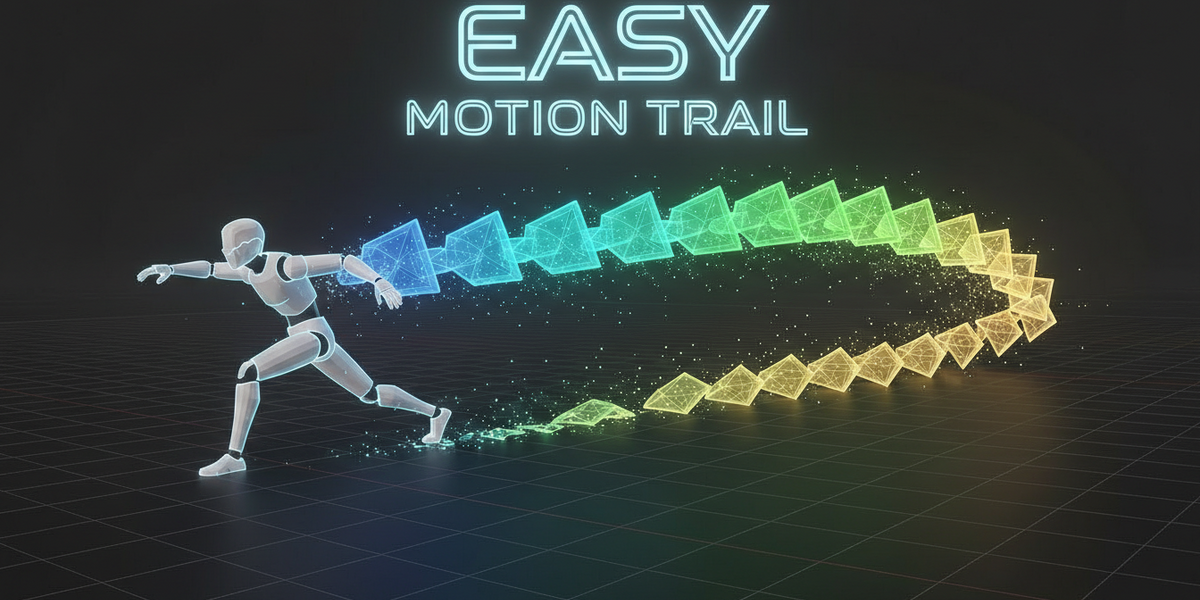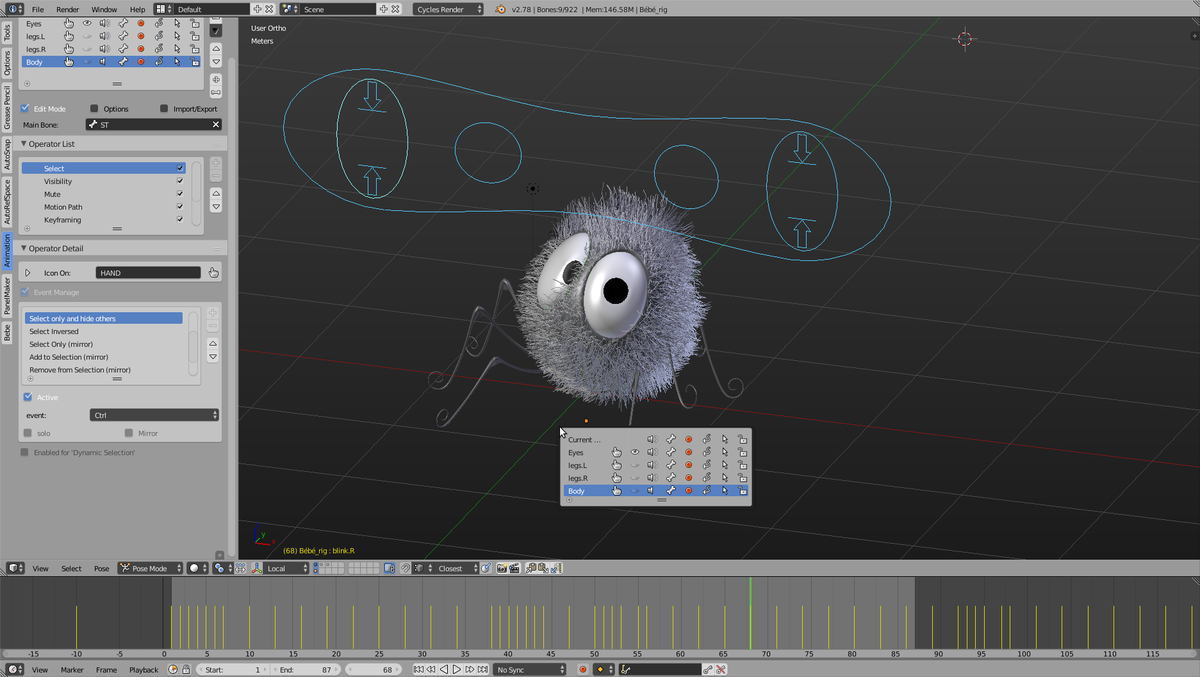
Easy Motion Trail is a Blender add-on for viewing and editing animation paths in the 3D View. It draws trails from existing animation for selected objects and pose bones. An object trail follows its animated world-space position; a bone trail follows evaluated motion, including parent offsets, constraints, and IK chains.
Read and edit motion in the viewport
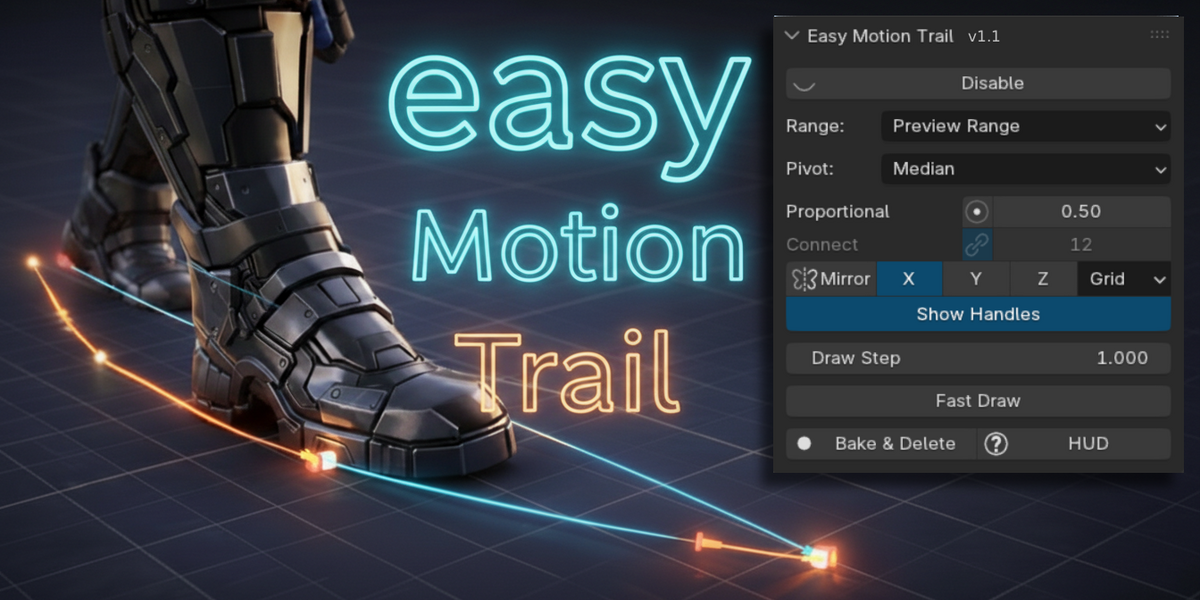
Select a trail point with a left click or use B for box selection. Move points with G, rotate with R (press R again for trackball rotation), and scale with S. The trail updates while you work. Proportional editing uses O and an adjustable falloff; mirror controls can use the Object, Grid, or Cursor as the pivot. Version 1.2 also adds Connect for nearby motion-capture points.
A circular marker shows the current frame, while the trail fades on either side of the playhead. This makes the path's timing and spacing visible as you adjust it.
Keyframes and Graph Editor changes
Use Alt + right-click between two trail points to insert a keyframe. It snaps to the nearest whole frame. To delete a key, use the same shortcut on an existing point or press X. The add-on works with the active action or slot; it does not create keys automatically.
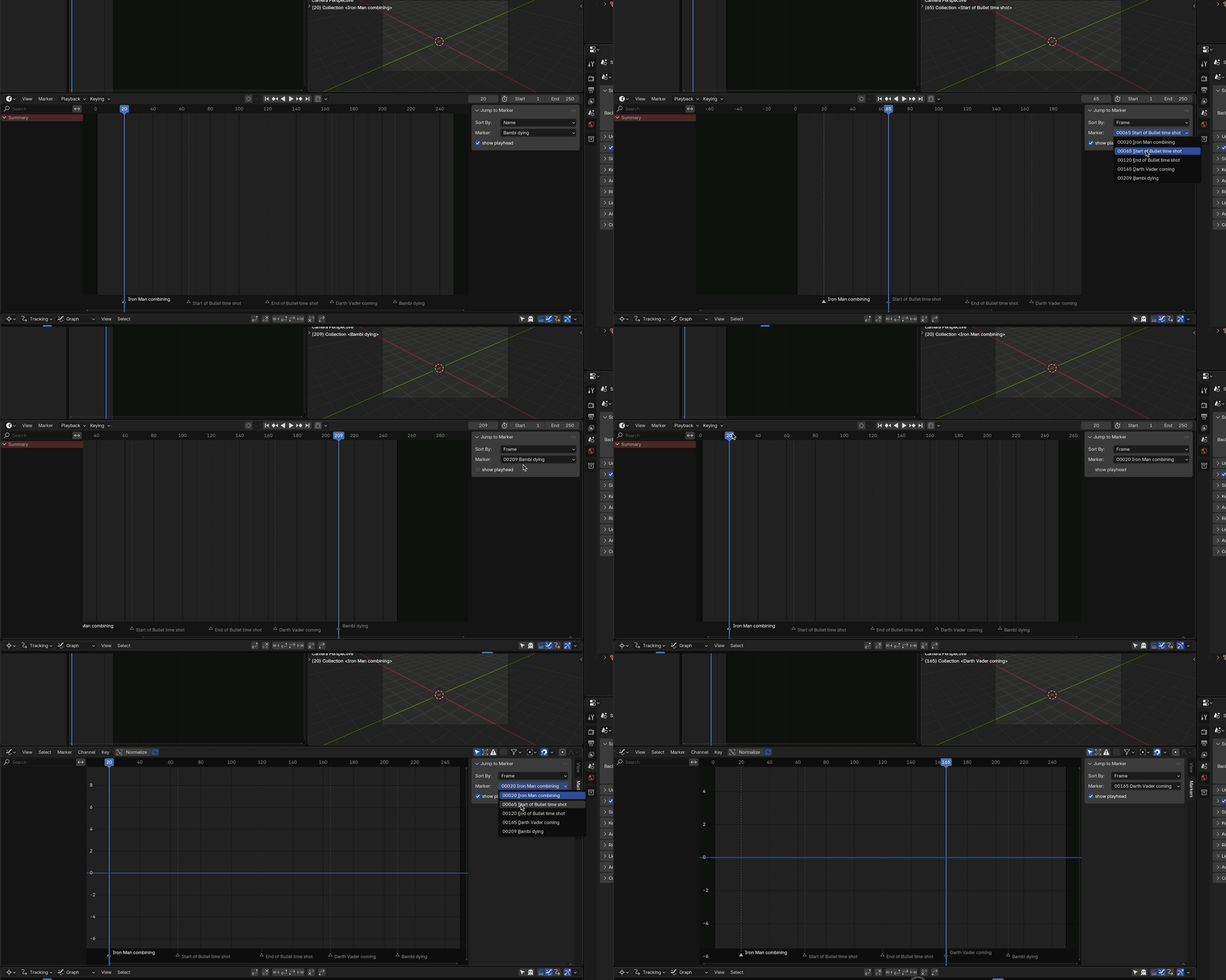
Version 1.2 synchronizes viewport edits with the Graph Editor in real time and includes Auto and Auto Clamped tangent assistance. You can adjust a path in the viewport and follow the resulting curve feedback in the editor.
Install and enable a trail
- In Blender, open Edit > Preferences, then choose Add-ons or Extensions in newer Blender versions.
- Choose Install from Disk, select the Easy Motion Trail ZIP package, and enable it.
- Select an animated object, or select a bone in Pose Mode, then press Alt + M.
Use the Disable button in the N-panel to hide the trail. If you delete an object and restore it with Ctrl + Z, disable and re-enable its trail.
Check the action and rig setup
Easy Motion Trail reads the currently active action or slot. Bake NLA clips before using it. For very complex constraints or dense animation data, set a Custom Range and allow time for the cache to rebuild. During transforms, the add-on limits cache updates for responsiveness and rebuilds afterward for accuracy, which is useful when working with dense character or face rigs.
The Superhive listing identifies version 1.2 and lists Blender 3.6–5.3 in its details. Check the product listing for current compatibility information before installing.