Easy Scatter Pro 1.2.0 is a Blender add-on for placing objects across an environment through procedural painting and manual positioning. Its five modes cover precise placement, physics-driven drops, broad brush or lasso distribution, edge falloff, and camera-facing sprites. The Easy Scatter Pro listing describes it for Blender 4.1 and later; Superhive's compatibility field lists Blender 4.1 to 5.0.
Choose a scatter mode for the placement task
- Pin Tool: Place objects precisely with surface-normal detection, sticky rotation, and scale controls. Line Scatter can arrange items such as fences, pillars, or streetlights.
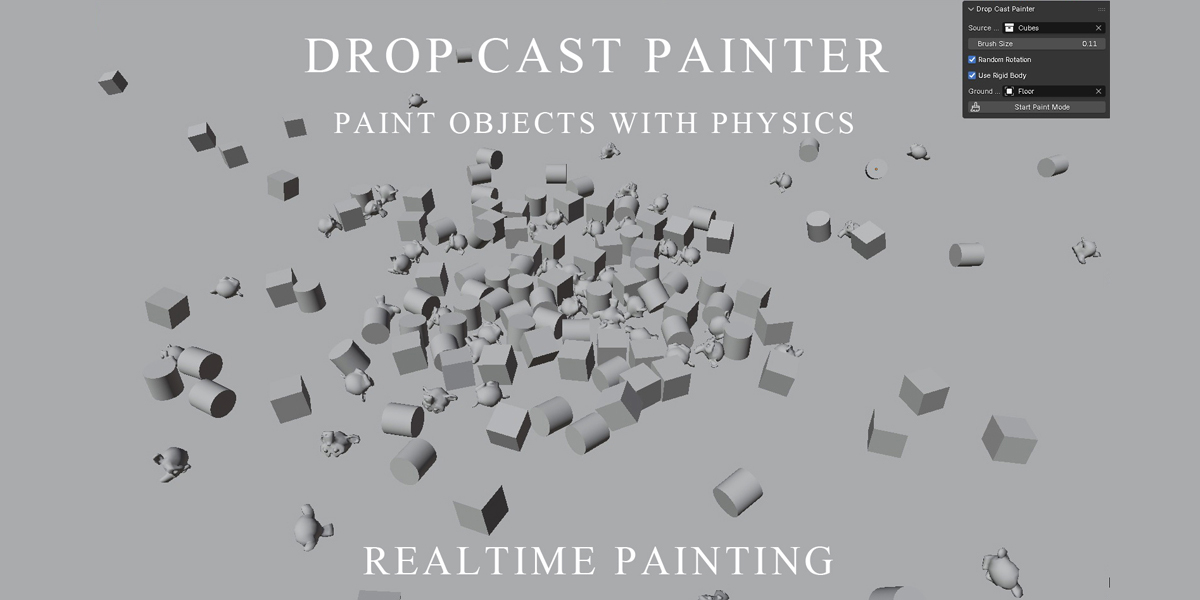
- Throw Scatter: Drop objects from the cursor as rigid bodies using Blender's physics engine, so they can settle through simulation.
- Circle Scatter: Paint objects with a brush or lasso and adjust their density.
- Falloff Scatter: Paint with a gradient that places fewer objects toward the brush edge.
- Billboard Scatter: Place 2D sprites that can face the active camera.
The tools support forests, grass patches, and other scene dressing, as well as more controlled arrangements such as fence lines.
Edit and control placed objects
Each scatter operation can have its own session group. Groups keep their properties separate and let you edit or remove one layer without changing the others. The Eraser and Replacer modes remove or swap objects by painting over them.
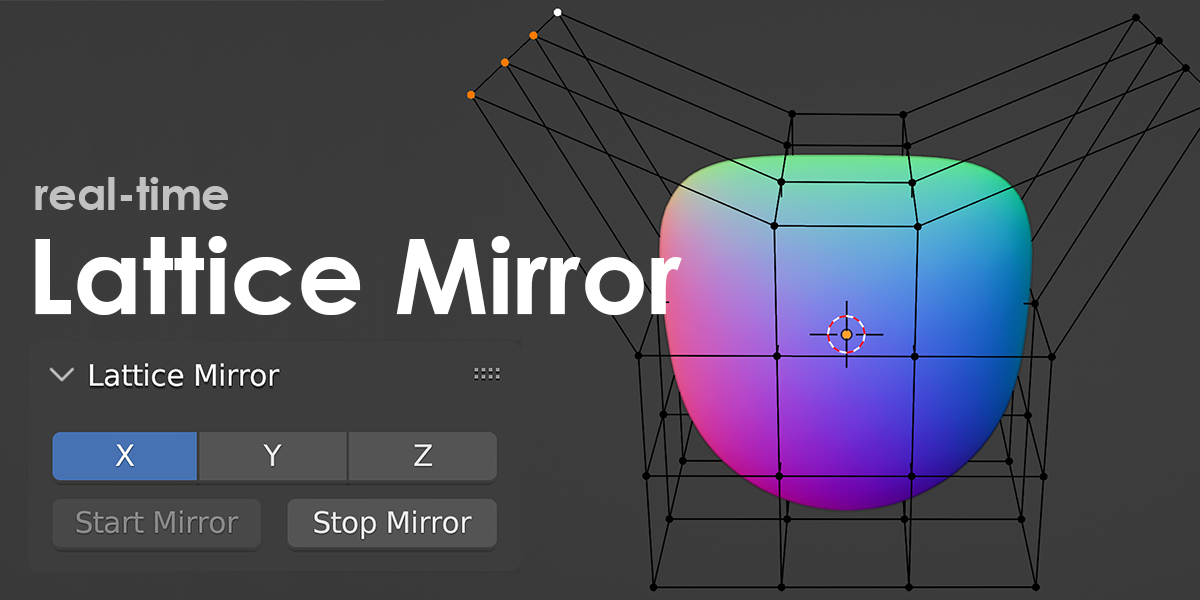
For broader scene adjustments, the add-on includes non-destructive mirroring across the X, Y, and Z axes, including combined axes. Mirroring can use the world origin, a selected object, or the hit location as its center. A Custom Shape option restricts scattering to a selected curve or mesh boundary. Random transforms can vary scale, rotation, and tilt, while the Lattice Deform cage reshapes scattered objects.
In the viewport, camera culling hides objects outside the active camera's view frustum or beyond a set distance. The listing describes this as a way to save viewport FPS, but provides no benchmark for a particular scene.
Changes in version 1.2.0
Version 1.2.0 adds global shortcuts for the Eraser, Replacer, Mirror, and Deform tools. The listed default keys are E, R, M, and D, and the keys can be customized in the add-on preferences. This version also adds an interactive Lattice Deform cage, drag-and-place painting with the Circle tool and spacing validation, and separate properties for each session group.
Compatibility and availability
The AnyPlugins listing describes Easy Scatter Pro for Blender 4.1 and later and marks it as free to download and use; a Superhive product listing showed Blender 4.1 to 5.0 compatibility, a $17.99 price, and a GPL license. In the supplied capture, the Superhive product link redirected to the marketplace homepage, leaving the current price, license terms, and Blender-version support unconfirmed.