easyShape FX adds button-driven effects to a selected After Effects shape layer. It suits motion designers who want to create mirrored shapes, organic forms, or repeated layouts using shape-layer controls.
Effects for shape layers
- Symmetry: Adds a mirror effect. The default is horizontal; hold Shift when applying it for vertical mirroring, or Shift+Alt for both axes. Separate axis checkboxes let you enable or animate each axis.
- Metaball: Creates an organic, blobby effect. Adjust Blobbiness and Shrink/Grow; the effect adds a Fill color to the shape layer's contents, which you can adjust in the Metaball effect controls.
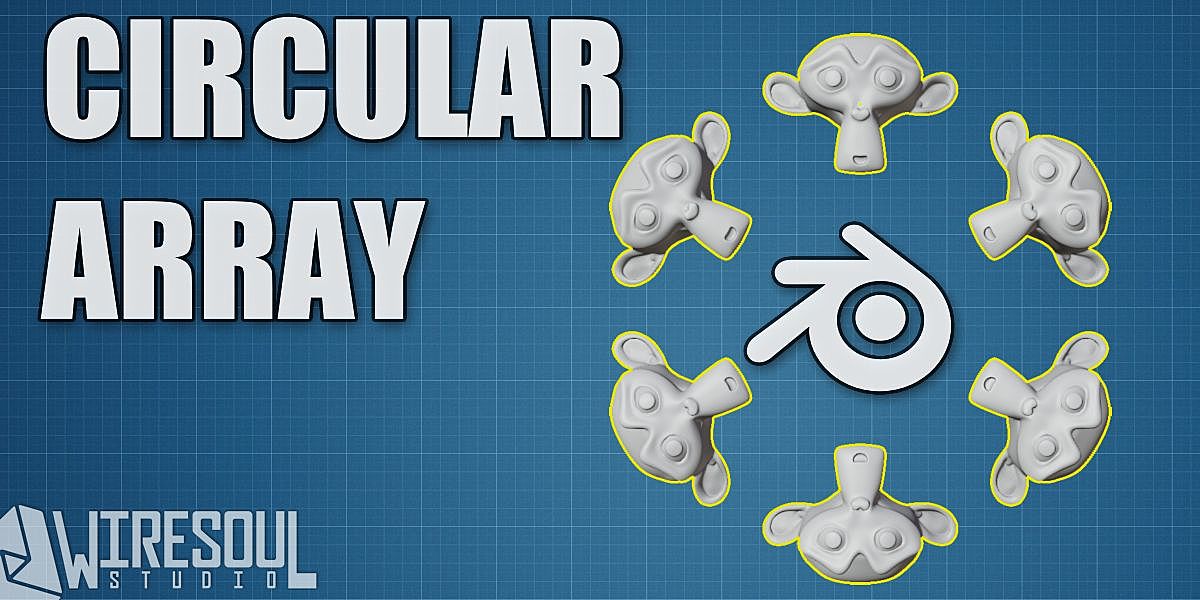
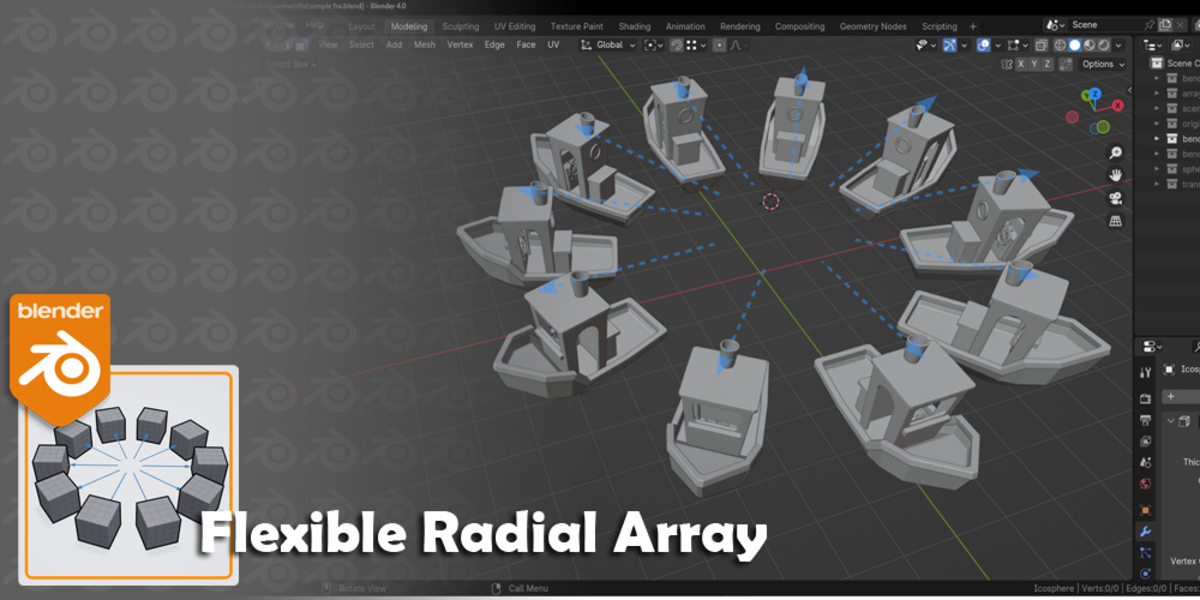
- Radial Array: Repeats the selected layer's contents around a ring. Set the radius, axis, and angle of completion. Per Step Transform controls, including scale, can be combined with the instance count and angle to make spiral patterns.
- Linear Cloner: Repeats the layer's contents along a line. Set the clone count and choose whether the layout is centered on the first clone or the average midpoint. Per Step Position controls adjust spacing and allow vertical or diagonal arrangements.
- Grid Cloner: Repeats the contents in a geometric grid. Set separate X and Y clone counts and gaps. It uses two native Repeater animators, one for each axis.
Workflow and compatibility
Apply effects to one selected shape layer at a time. Each easyShape FX effect can be applied only once to a given layer. The radial array groups the selected layer's contents. The linear and grid cloners use After Effects' native Repeater animators, and their expressions can be removed if you want to adjust the repeaters manually.
The listing names After Effects 2026 through 2020, CC 2019 through CC 2014, CC, and CS6, and says the tool works on PC and Mac. On CS6, applied effects appear as “missing effects” each time you apply a preset; the listing calls this cosmetic and says the features still work.
Install it with the aescripts + aeplugins Manager App, or copy both easyShapeFX.jsx and the easyShapeFXassets folder into After Effects' Scripts > ScriptsUI Panels folder.
License terms
The listing uses Name Your Own Price for individual users. Businesses and teams must pay the suggested price shown on the listing for a valid license. The EULA grants one copy for use by one user on one computer at a time; additional users or copies require an appropriate license for each.