ECamera2Batch is a MaxScript tool for 3ds Max that creates batch render views from selected cameras. It can read width, height, and frame values from camera names, so each view can use its own render settings without entering them one at a time.
Set render values in camera names
Add the tokens w, h, and f to a camera name for width, height, and frame. For example, MainCamera w1920 h1080 f100 sets the view to 1920 x 1080 at frame 100. When ECamera2Batch finds custom values, it applies them over preset settings. If a camera name has no recognized values, the existing render configuration stays in place.
Build views from selected cameras
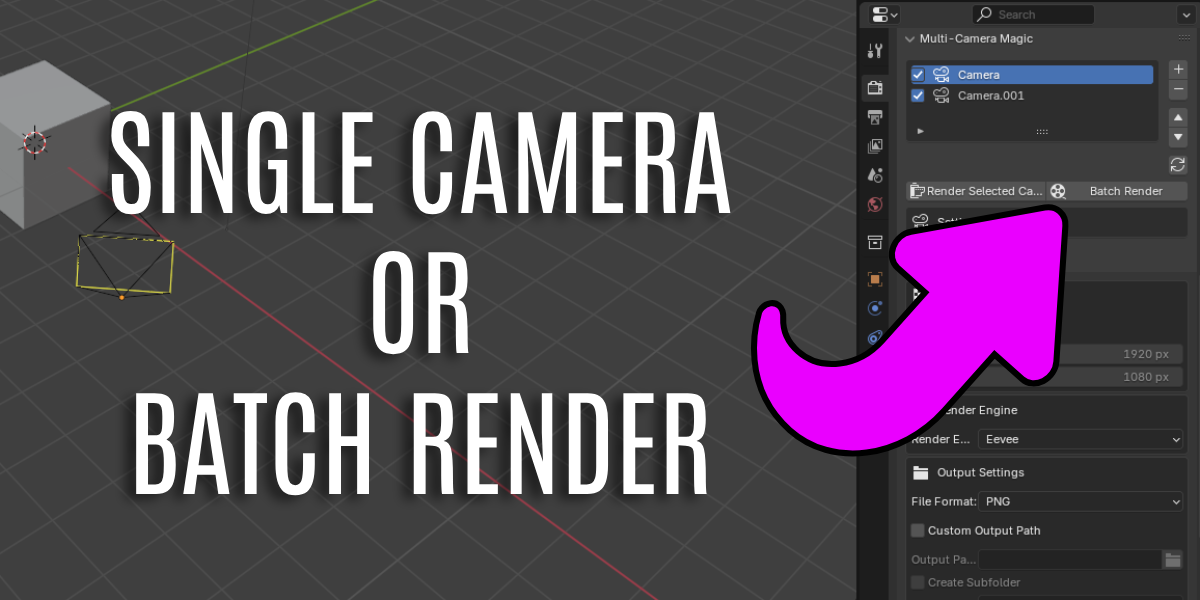
ECamera2Batch processes multiple selected cameras and sorts them alphabetically before creating batch render views. It assigns output filenames and checks for duplicate views to avoid adding the same view twice. The tool works with 3ds Max's Batch Render Manager and can open its dialog to show the created views. It also reports successful and failed operations with statistics.
Choose output files
You can set an output directory and file naming, with automatic file extension handling. Listed formats include JPG, PNG, and TGA. This setup is useful when a scene has several camera views that need different resolutions or frame numbers. The AnyPlugins feature listing describes the name tokens, batch workflow, and output options.
Version, compatibility, and price
AnyPlugins lists version 1.04, Windows support, and compatibility with 3ds Max 2020 through 2026, with no additional plugins required. The developer's shop lists ECamera2Batch at $10 per year, reduced from $13, while AnyPlugins describes it as free. Confirm current licensing terms with the developer.