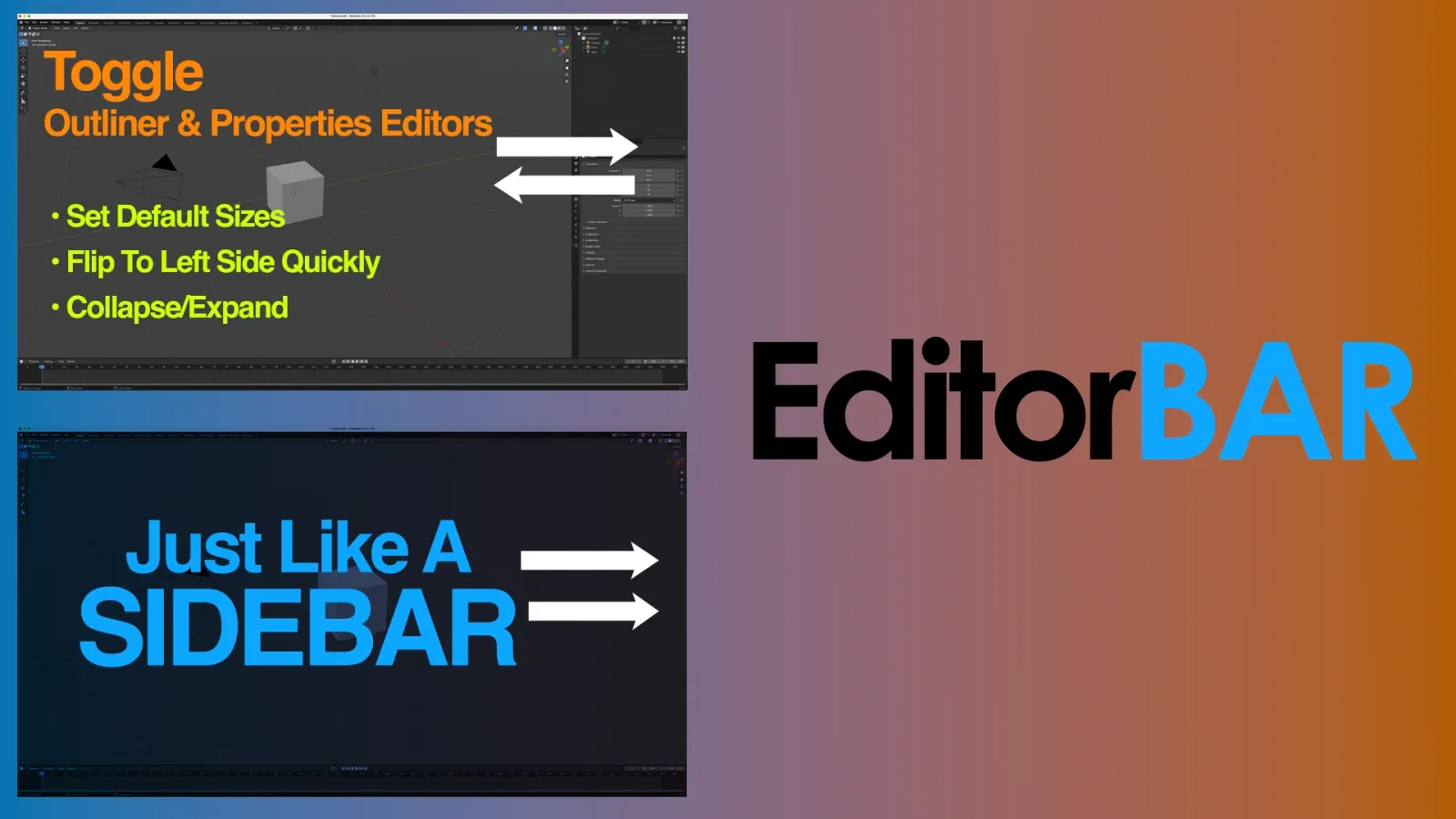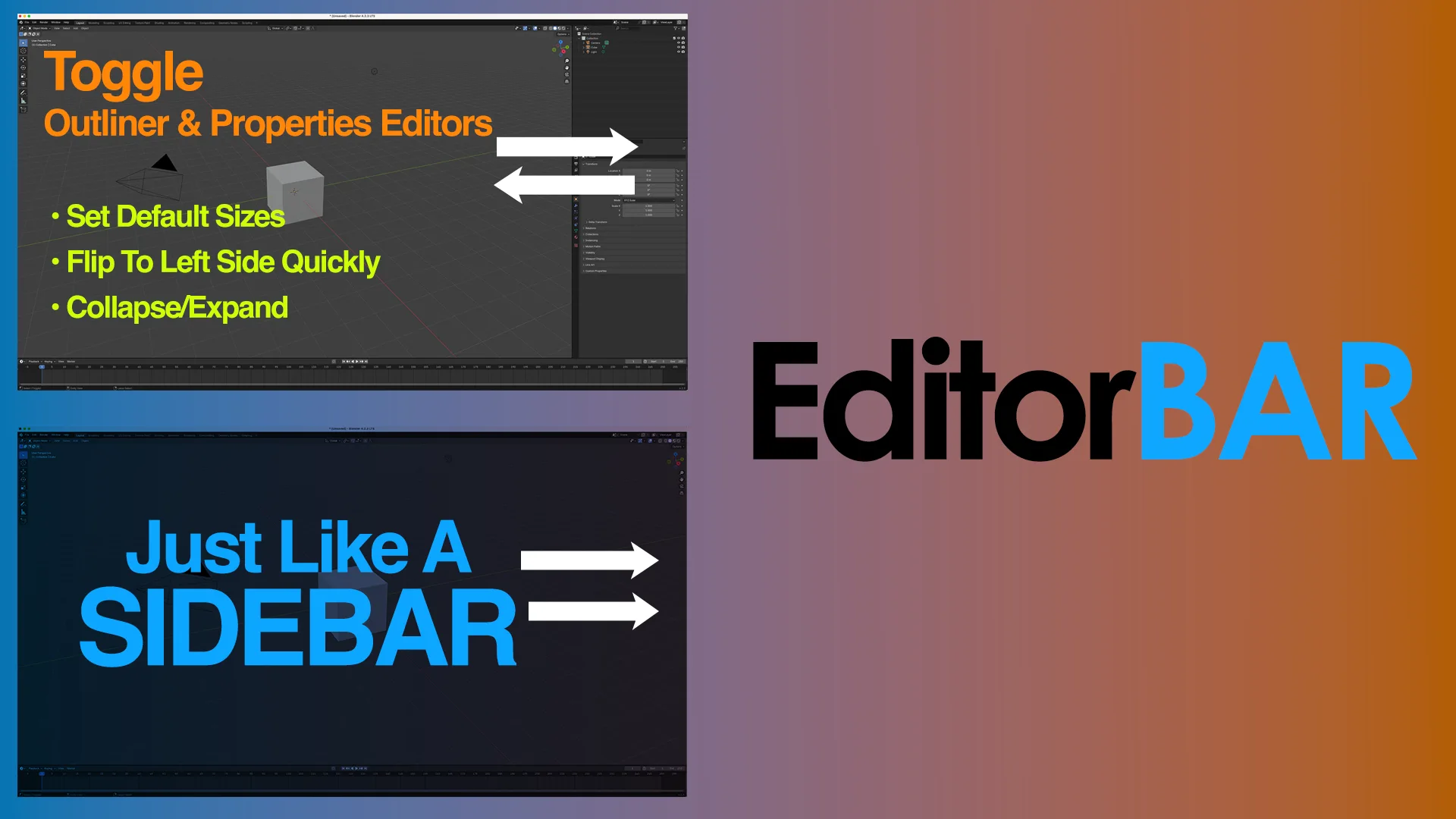
EditorBar is a Blender add-on that turns the Outliner and Properties editors into a toggleable sidebar in the 3D Viewport. The official Blender Extensions listing identifies version 0.4.8 and Blender 4.2.0 as the minimum supported version.
How the sidebar works
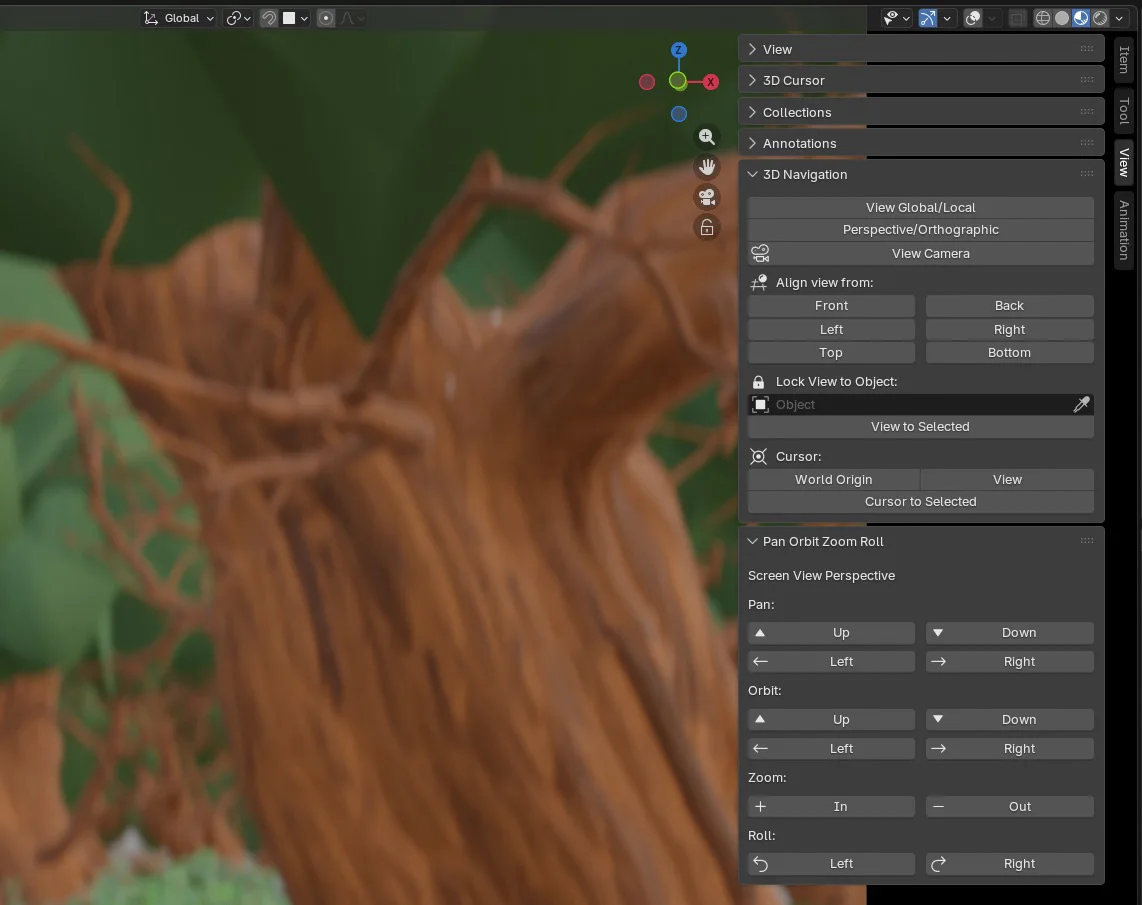
EditorBar provides three ways to collapse or expand the sidebar: an entry in the 3D Viewport menu, a button in the N panel's View menu, and the Alt (Option on macOS) + Shift + N keyboard shortcut. You can switch the sidebar between the left and right sides with the shortcut or N-panel button. The shortcut can be reassigned in Edit > Preferences > Keymap by searching for editorbar.toggle_sidebar. The add-on's default position is adjustable in Edit > Preferences > Add-ons. These controls and settings are described in the EditorBar product details.
Workspace fit
EditorBar is described for Blender's default Layout, Sculpting, and Modeling workspaces, where the Outliner and Properties editors sit on the right. The product details report that it may not work reliably in the Shading, Animation, Compositing, Geo Nodes, or Scripting workspaces. Custom or heavily modified editor layouts may also behave unpredictably, so check the developer's notes before relying on the toggle in those setups.
Version and license
The official extension metadata lists EditorBar 0.4.8, a Blender 4.2.0 minimum, maintainer atetraxx, and the GNU General Public License v3.0 or later. AnyPlugins lists the add-on as free. Check the official listing for the current release details before installing.