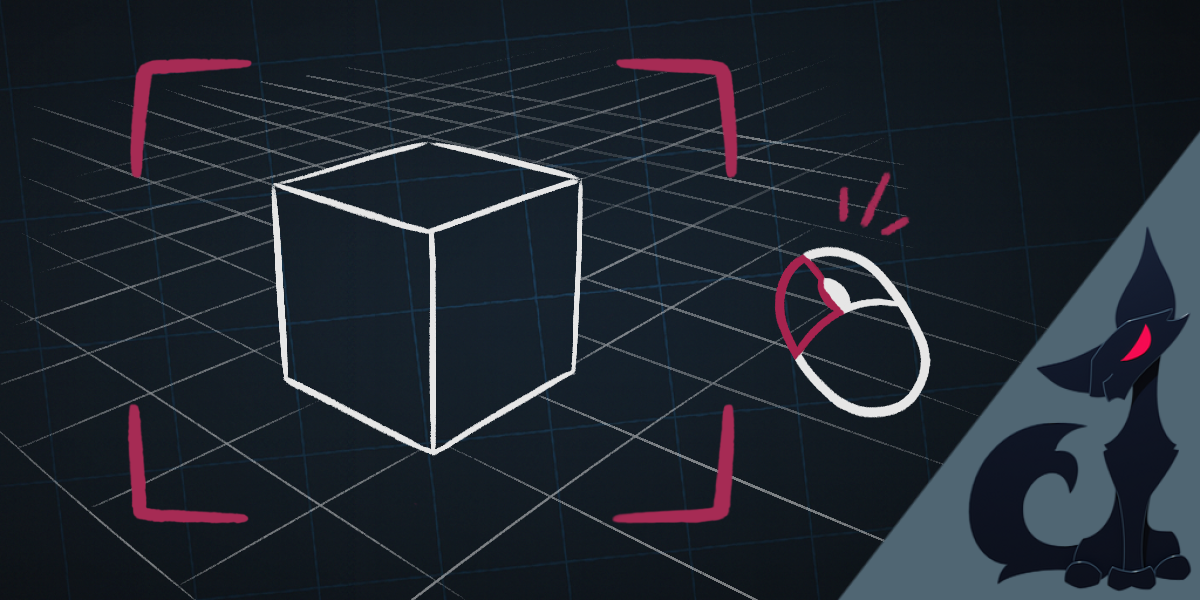
Auto Frame Selected - Double-Click is a Blender add-on by Catra for bringing a selected object back into view. Double-click in the 3D View or Outliner to frame the selection, or enable single-click framing when you want the view to recenter as you select objects. This can help when you know what you want to work on but have navigated away from it.
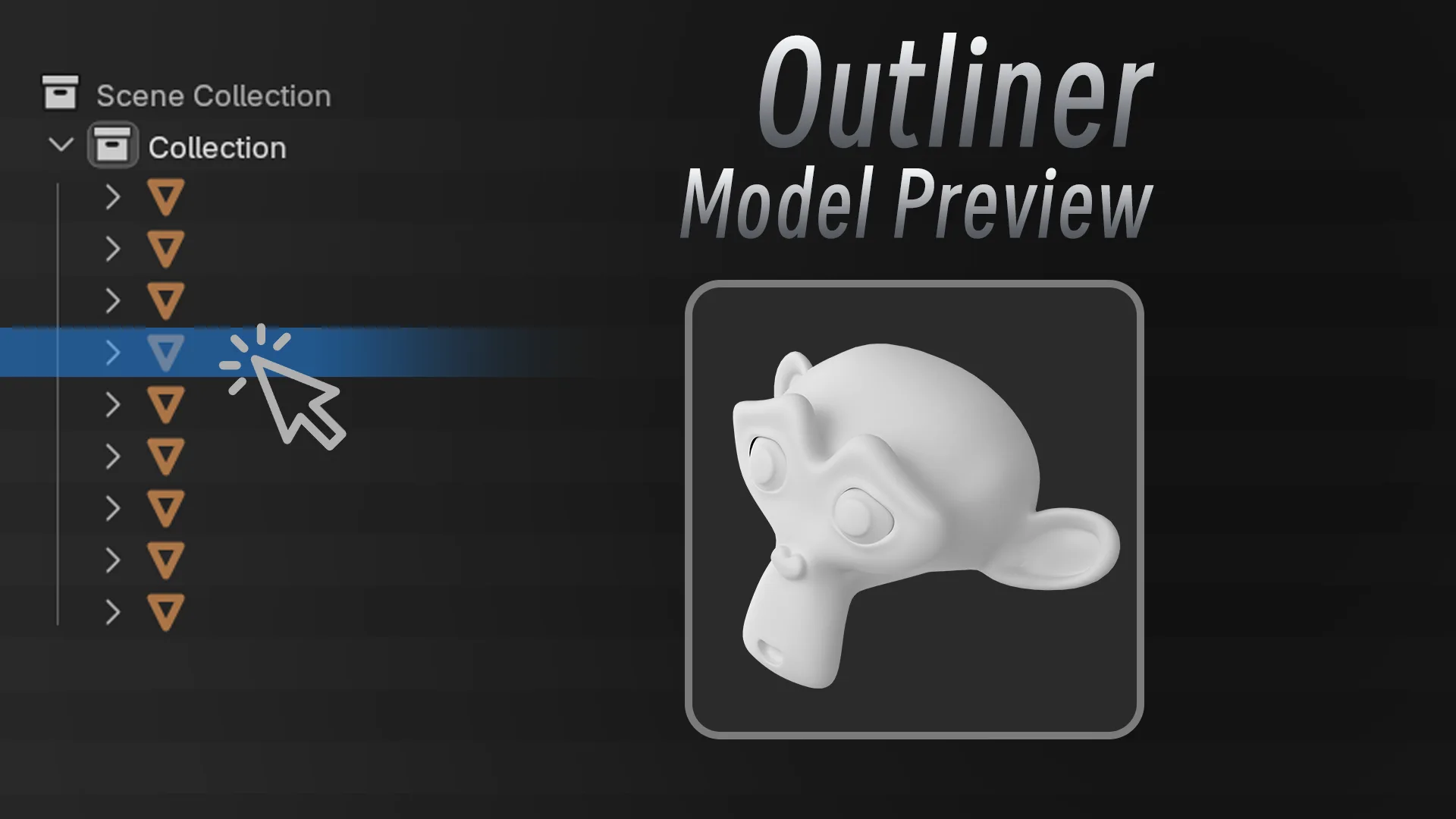
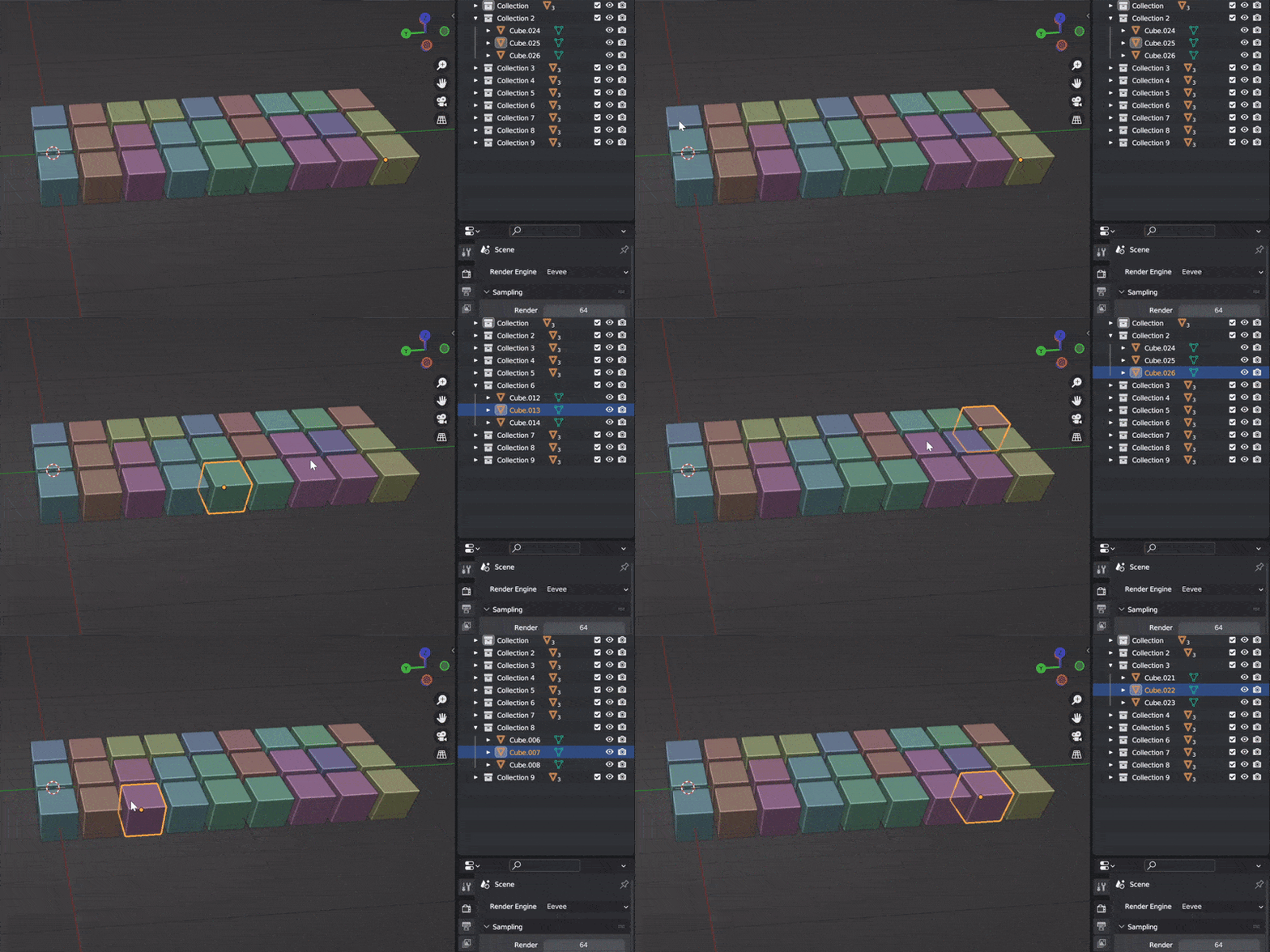
Frame objects from the 3D View or Outliner
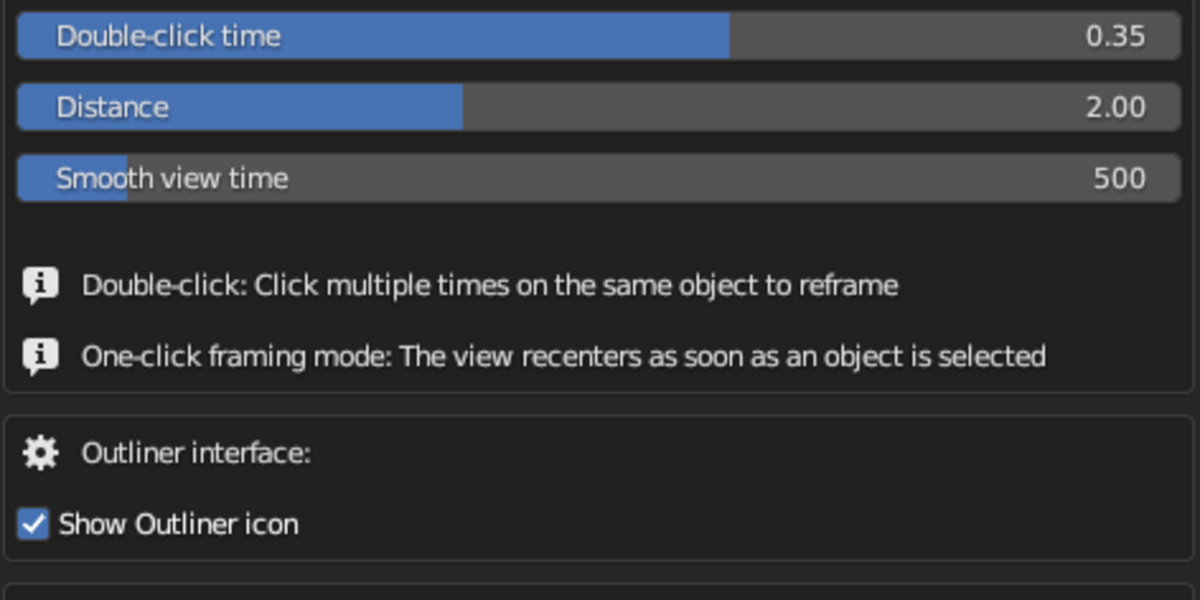
The default action is a double-click on the selected object. The add-on also supports one-click framing. A camera icon in the Outliner header controls that mode, and the icon can be hidden. The product documentation describes both framing options.
Adjust the framing behavior
Settings let you change the maximum delay between clicks that counts as a double-click, how far the view sits from the object, and the framing animation duration in milliseconds. Set the duration to zero for an immediate view change without animation.
Install and check compatibility
The supplied documentation directs users to Blender's Edit > Preferences > Add-ons menu. Choose Install, select the add-on's .zip file, and enable Auto Frame Selected - Double-Click. The Superhive listing identifies Blender versions 3.6 through 5.0, GPL licensing, and Cycles and Eevee. Check the product listing and its documentation for the details that apply to your Blender version.