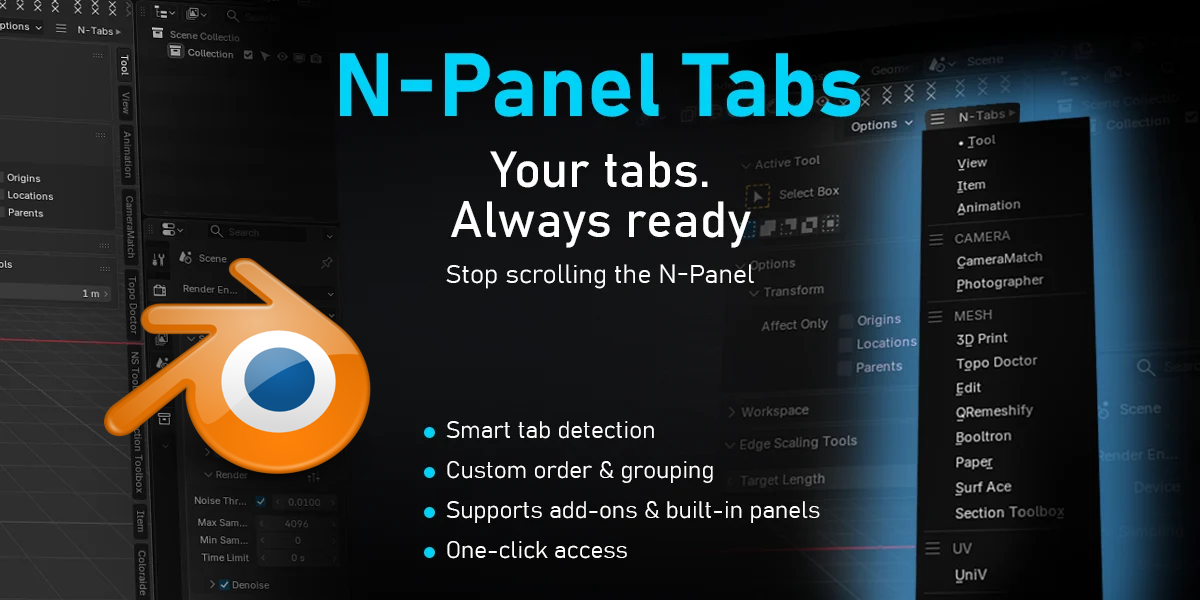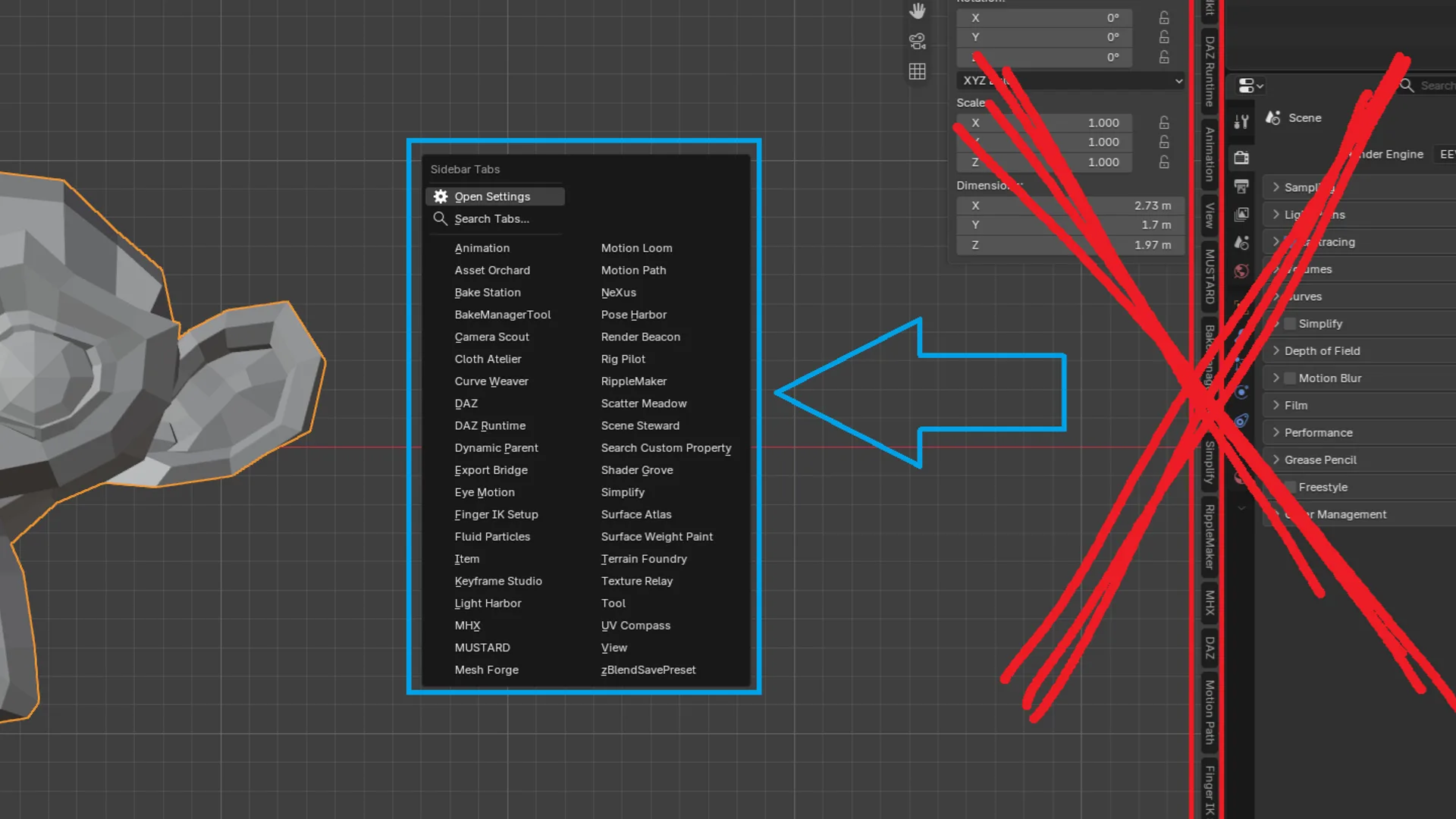
Quick Sidebar Switcher opens a popup menu at the cursor so Blender users can jump to a sidebar tab without scanning a crowded N-panel. Search helps locate a tab by name, while filtering and sorting options let you shape the menu around the tabs you use.
Filter and sort sidebar tabs
The add-on includes whitelist and blacklist modes for limiting which tabs appear. You can arrange the popup in multiple columns and sort tabs alphabetically or in the sidebar’s default order.
Release and compatibility
The Blender Extensions listing identifies version 1.4.2 and Blender 5.0.1 as the minimum supported version. Check the listing for current release details before installing.