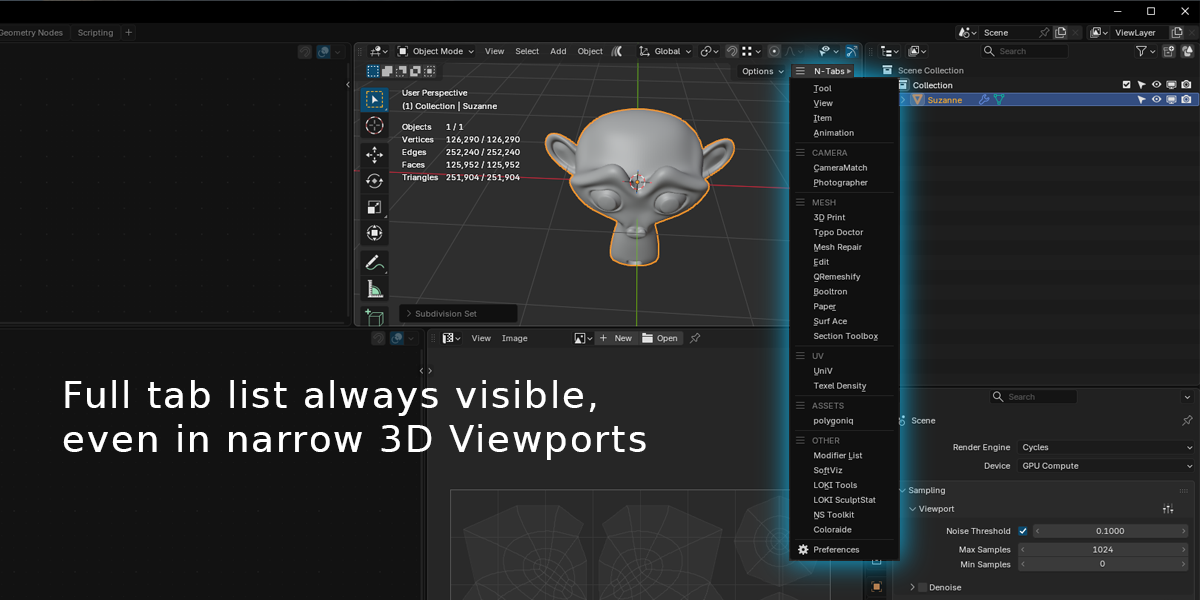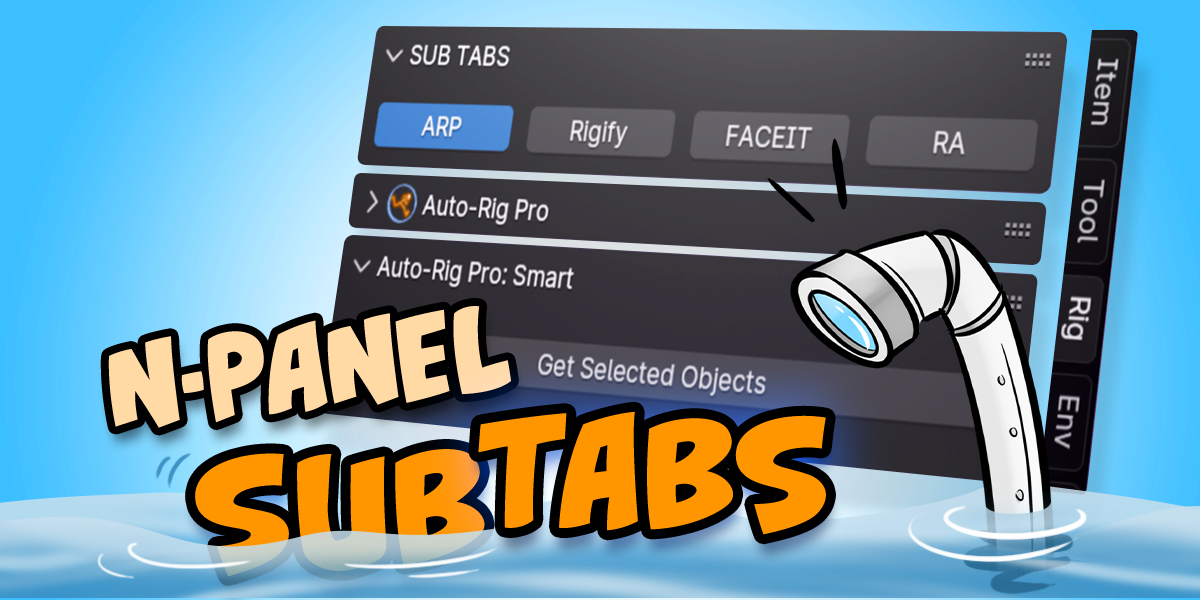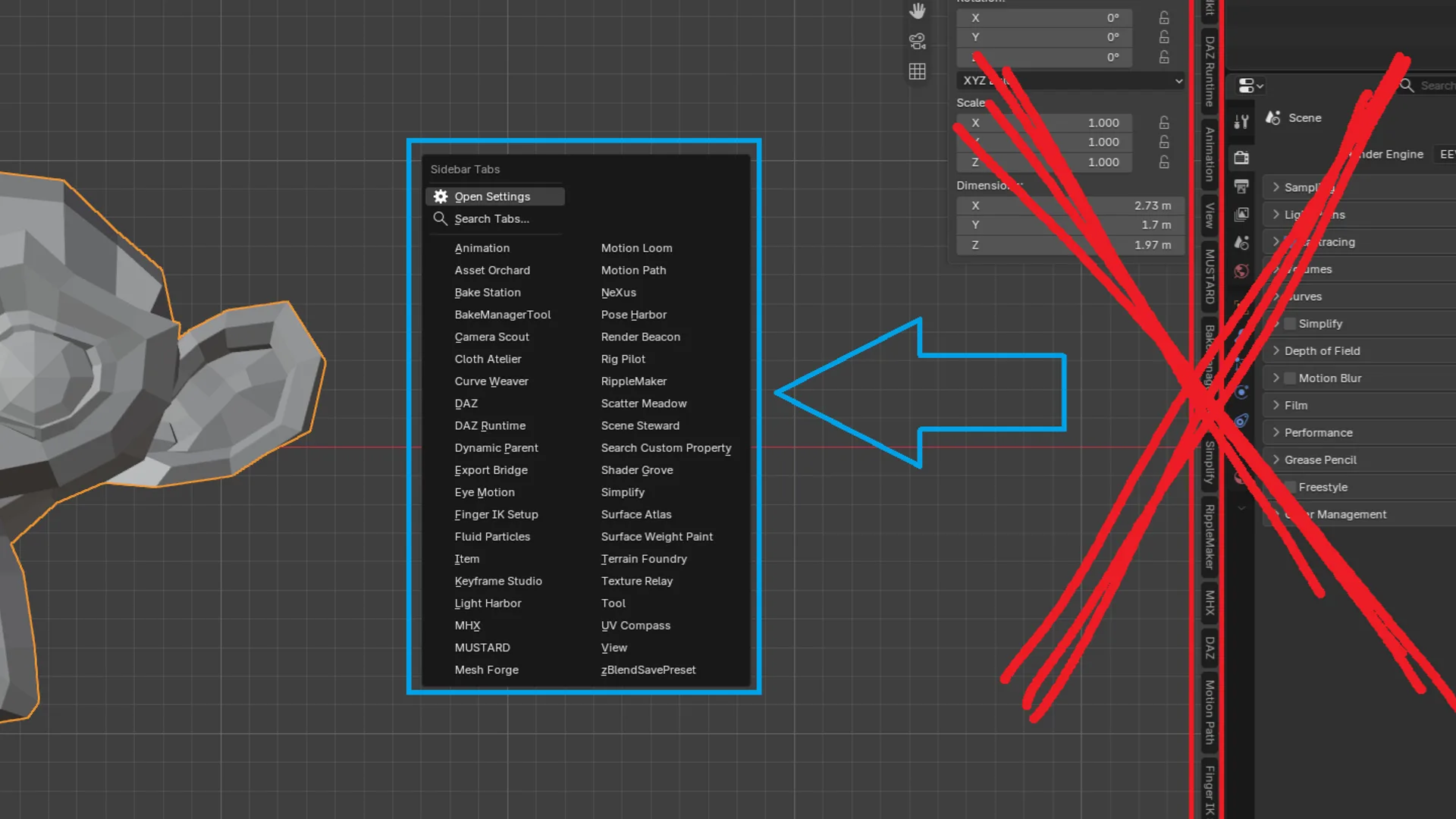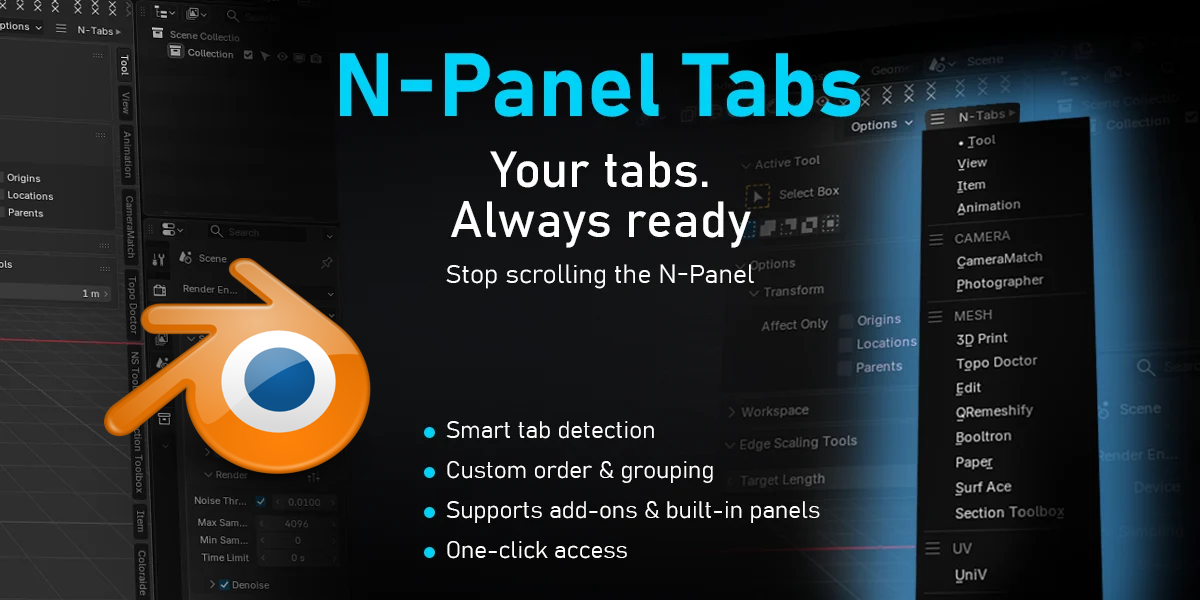
N-Panel Tabs is a Blender add-on that adds an “N-Tabs” dropdown to the top-right of the 3D Viewport header. Select a tab from the menu to reach it in the N-panel sidebar without scanning the full tab list. It is aimed at Blender users whose sidebar has accumulated tabs from multiple add-ons.
Navigate from the viewport header
It lists tabs exposed in the current 3D View UI, while Blender’s N-panel remains available. If the N-Tabs menu is not visible, check that the active editor is a 3D Viewport.
The menu starts empty. Open N-Tabs → Preferences and select Refresh Tabs to scan for available N-panel tabs and populate the list.
Refresh the list when add-ons change
Tabs from newly installed add-ons do not appear in N-Tabs automatically. Refresh the list after installing an add-on or extension that adds an N-panel tab. The refresh adds new entries to the end of the list and removes entries for add-ons that have been disabled or uninstalled. The documentation says existing names, positions, and visibility settings are preserved.
Arrange and label tabs
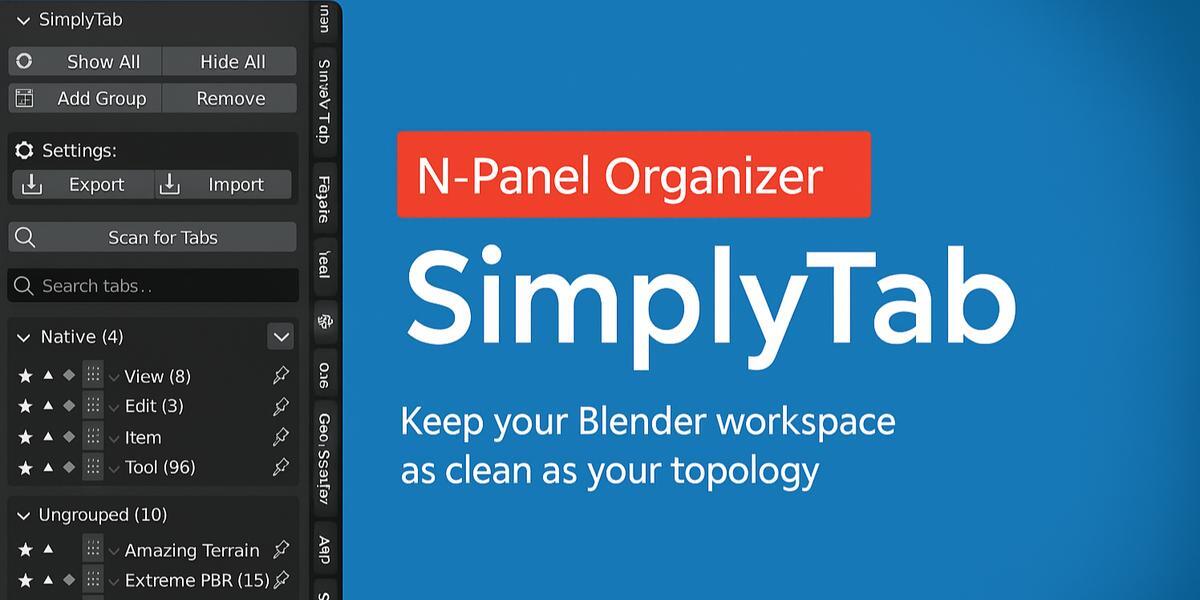
In Preferences, you can hide entries from the N-Tabs dropdown, rename them, move them up or down, send them to the top or bottom, or sort the list A–Z. Hiding an entry removes it from the dropdown; the corresponding tab remains functional in Blender.
You can also add and rename groups. Groups act as visual separators in the list, helping you distinguish sections such as modeling tools or camera controls. They are organizational labels, not N-panel tabs.
Compatibility and license
The Superhive listing marks N-Panel Tabs as Blender extension compatible, identifies it as an add-on, lists Blender 5.1, and gives the license as GPL. Its FAQ describes the add-on as supporting Blender 5.0 and later, so check the current product listing for version compatibility before installing. The documentation explains the setup and tab controls; the product FAQ covers where the menu appears and how to refresh it.