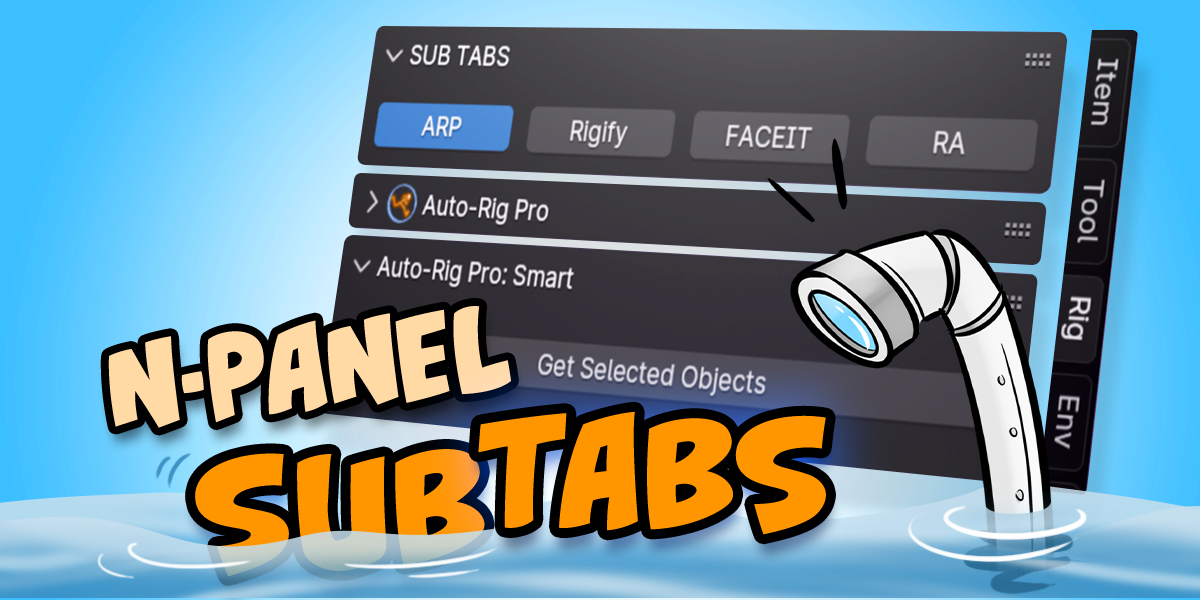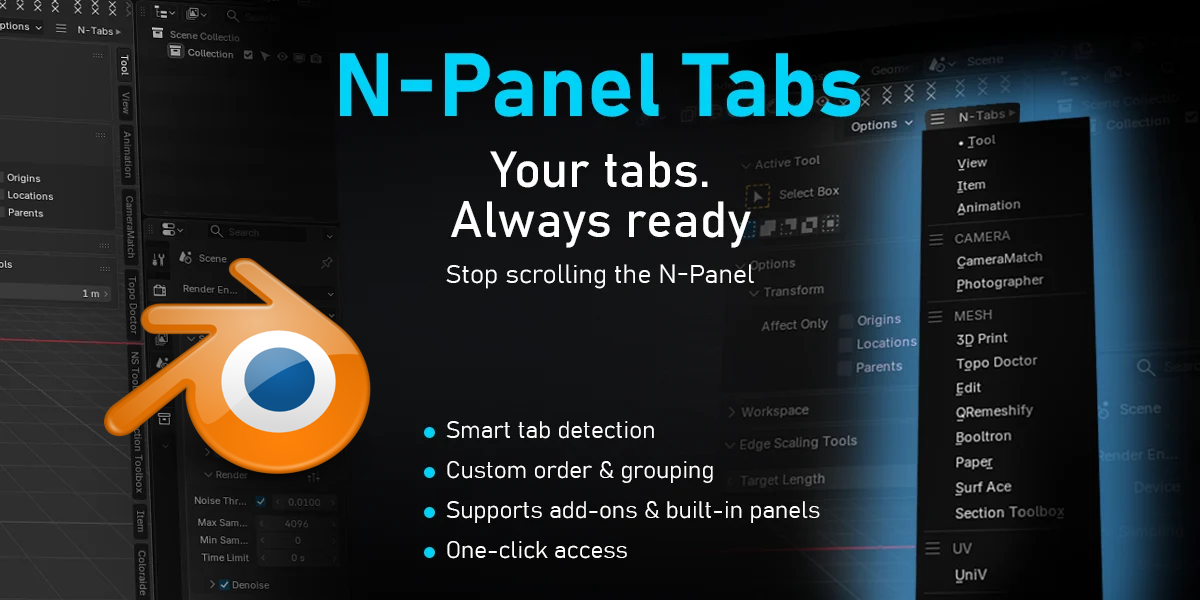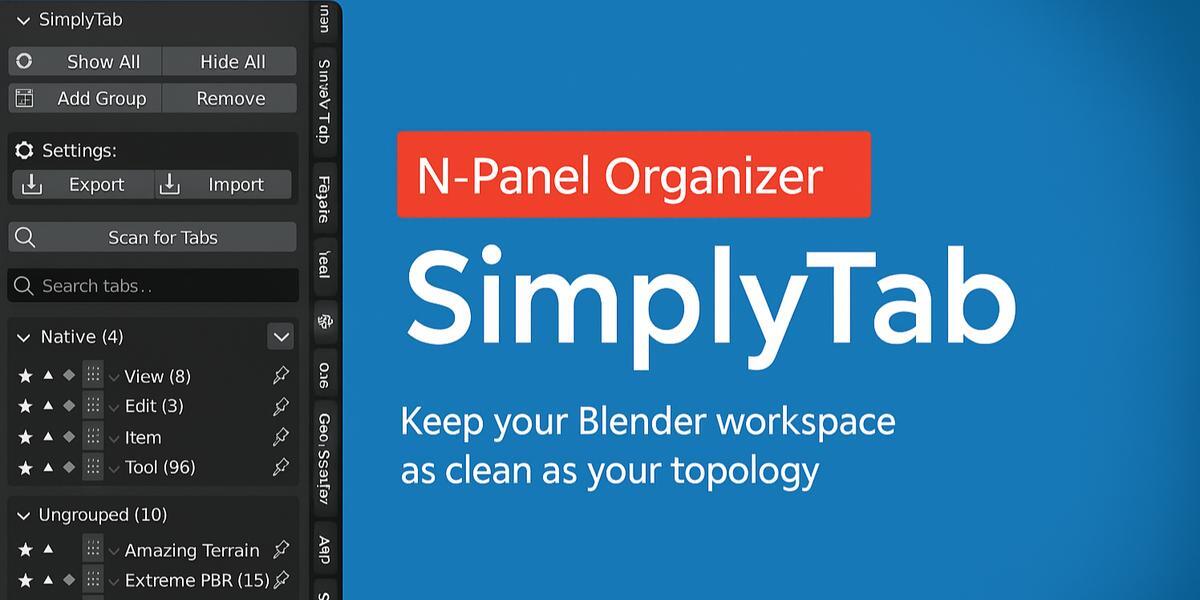
PanelPilot is a Blender extension for opening a chosen sidebar tab with a keyboard shortcut. The shortcut opens the sidebar on the selected tab when it is hidden and switches tabs in the editor under the cursor. The product listing specifies Blender 4.2 or newer and support for the 3D Viewport, Image Editor, Node Editor, Sequencer, and Clip Editor.
Switch tabs with keyboard shortcuts
PanelPilot comes with five default bindings: Alt + Numpad 1 opens Tool, 2 opens View, 3 opens Edit, 4 opens Animation, and 5 opens Mesh. The listing describes Alt + Numpad as avoiding conflicts with Blender's default keymap; the number row with Alt is used in some modes, including Sculpt Mode.
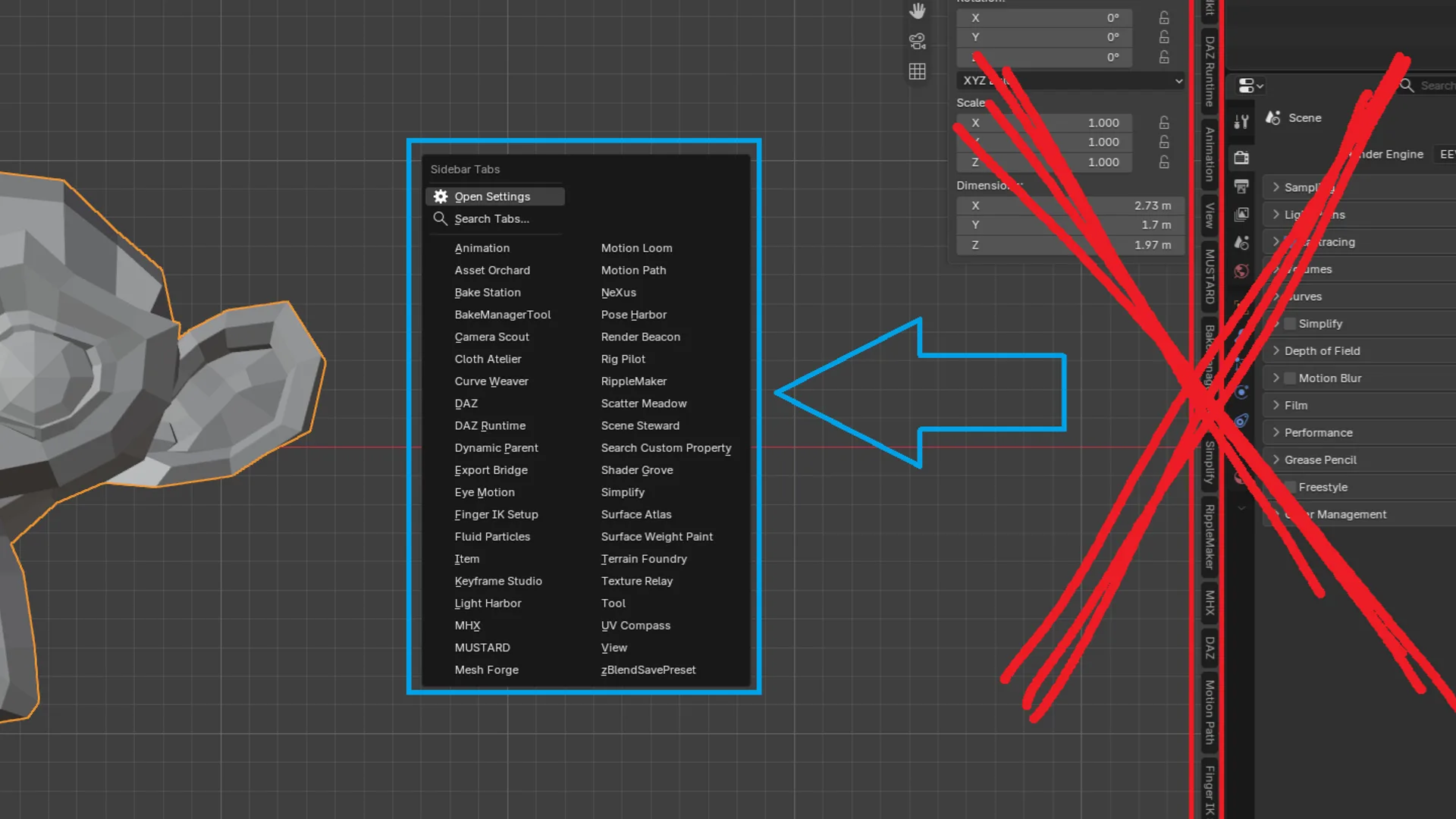
In version 1.1.0, the product listing adds switching in whichever supported editor is under the cursor. Its shortcut rows show available tabs grouped by editor, so you can choose a listed tab. The text field remains editable for tabs that are not registered in the current session.
Rebind and reset shortcuts
To change a binding, click its key button and press the key combination you want. You can rebind each shortcut in the add-on preferences. A row's reset icon turns red after you change it, and a separate reset-all control restores the defaults.
For a shortcut to switch to a tab, the tab must exist in the editor under the cursor. PanelPilot's listing says tab names are case-sensitive and must match exactly. If a shortcut fires but the tab does not change, check the spelling and confirm that the tab is available in that editor.
Compatibility and source
PanelPilot is listed as a native Blender Extension for Blender 4.2 or newer, with Windows, macOS, and Linux support. The listing specifies GPL-2.0-or-later, says the full source is included, and states that the extension uses no telemetry or external services.
See the PanelPilot product listing for its current details.