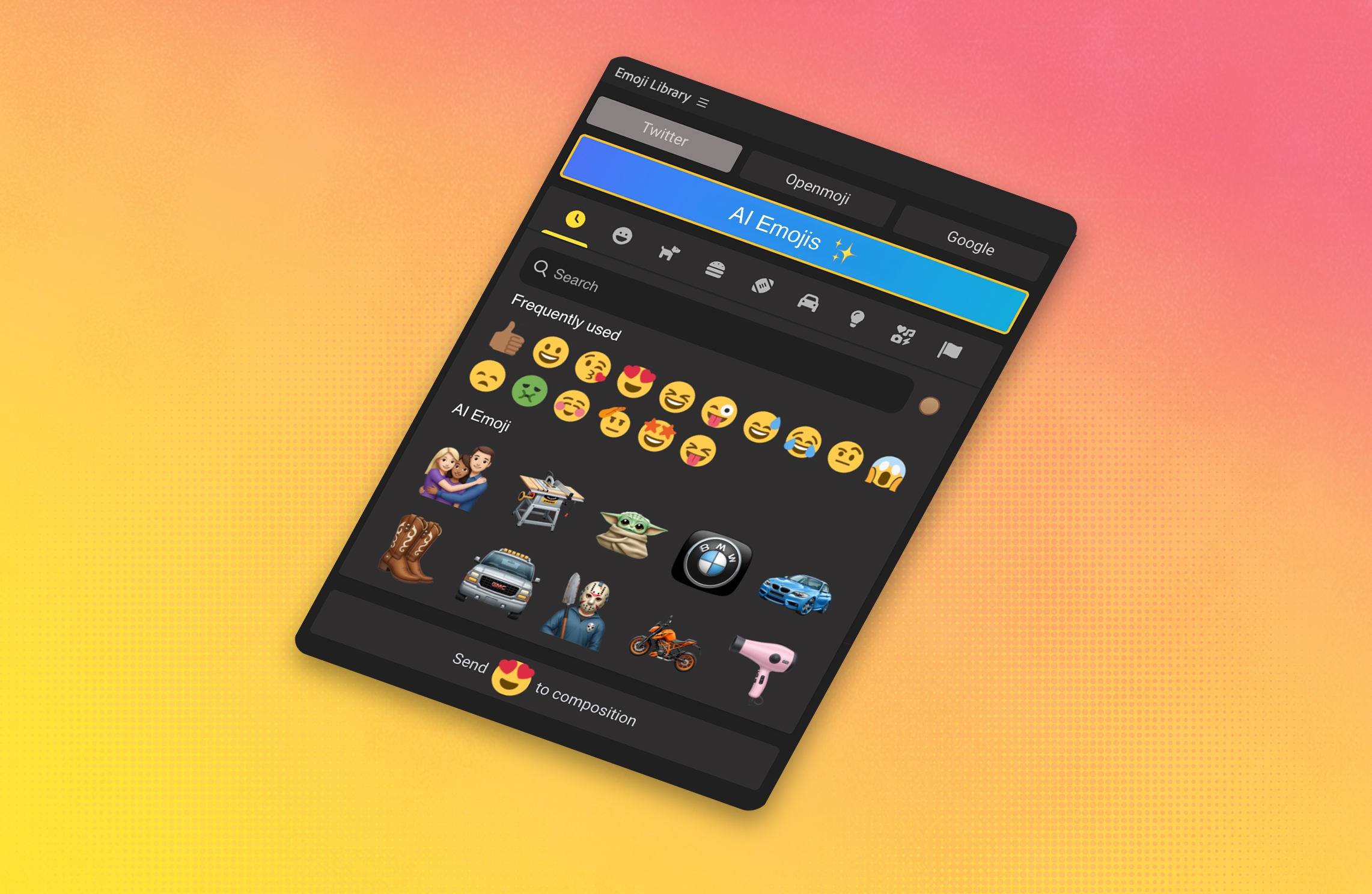
Emoji search and import
Emoji Library is an extension panel for After Effects and Premiere Pro with a searchable collection of more than 9,000 high-resolution emoji graphics. Browse by category or search by name, then choose from six skin tones. A click adds the selected emoji to your project as a PNG layer that you can scale and animate in the host app.
Custom artwork with AI
The panel can generate an emoji from a text prompt or an uploaded image. It runs as a web app and streams emoji artwork from a CDN, so an internet connection is required while using it. The listing identifies Twemoji, Google Noto, and OpenMoji as sources for the included sets and says those sets can be used commercially. It does not specify separate usage terms for AI-generated images.
Compatibility and installation
aescripts lists support for After Effects and Premiere Pro CC 2019 through 2027. Install with the aescripts + aeplugins Manager App or a ZXP installer, then open the panel from Window > Extensions.
Licensing
The listing describes a one-time purchase that includes future updates. The product page's EULA grants one copy and limits installation to one computer at a time. The page also displays a Floating License Server Required notice. aescripts' general license guide says a Single User License allows installation on up to two computers or user accounts that are not used simultaneously, unless the product terms differ. A Floating License can be installed on as many computers as needed on the same network, with one user per license at a time, and requires the server. Check the selected license and EULA at checkout, especially for use across multiple computers or by a team.