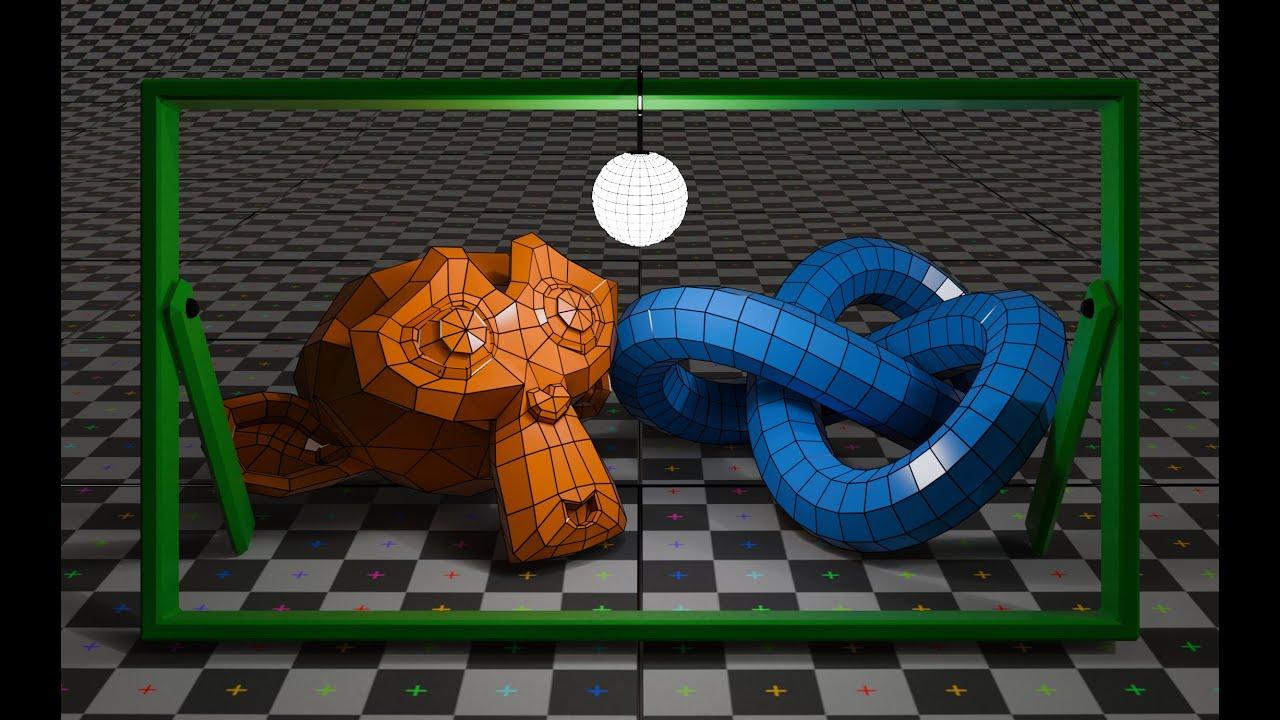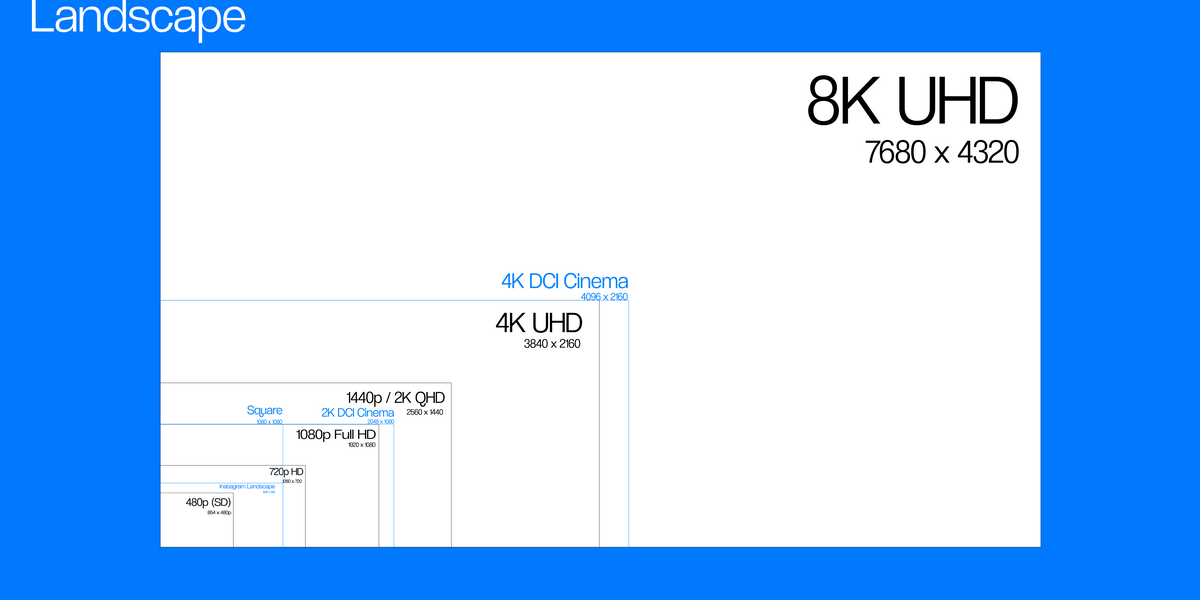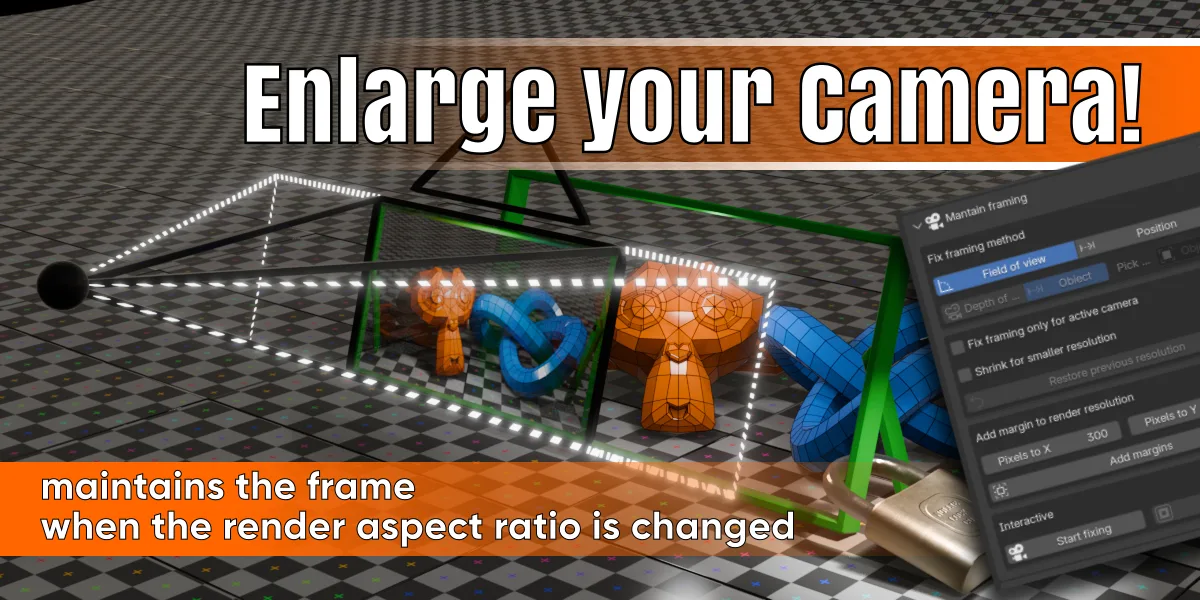
Enlarge Your Camera by Nukkio is a Blender add-on for changing a render’s aspect ratio while keeping the established composition within the output. It addresses a late framing change: a scene is approved, then the render needs to be wider or taller. Changing the output dimensions can shift what the camera captures.
Choose how to preserve the framing
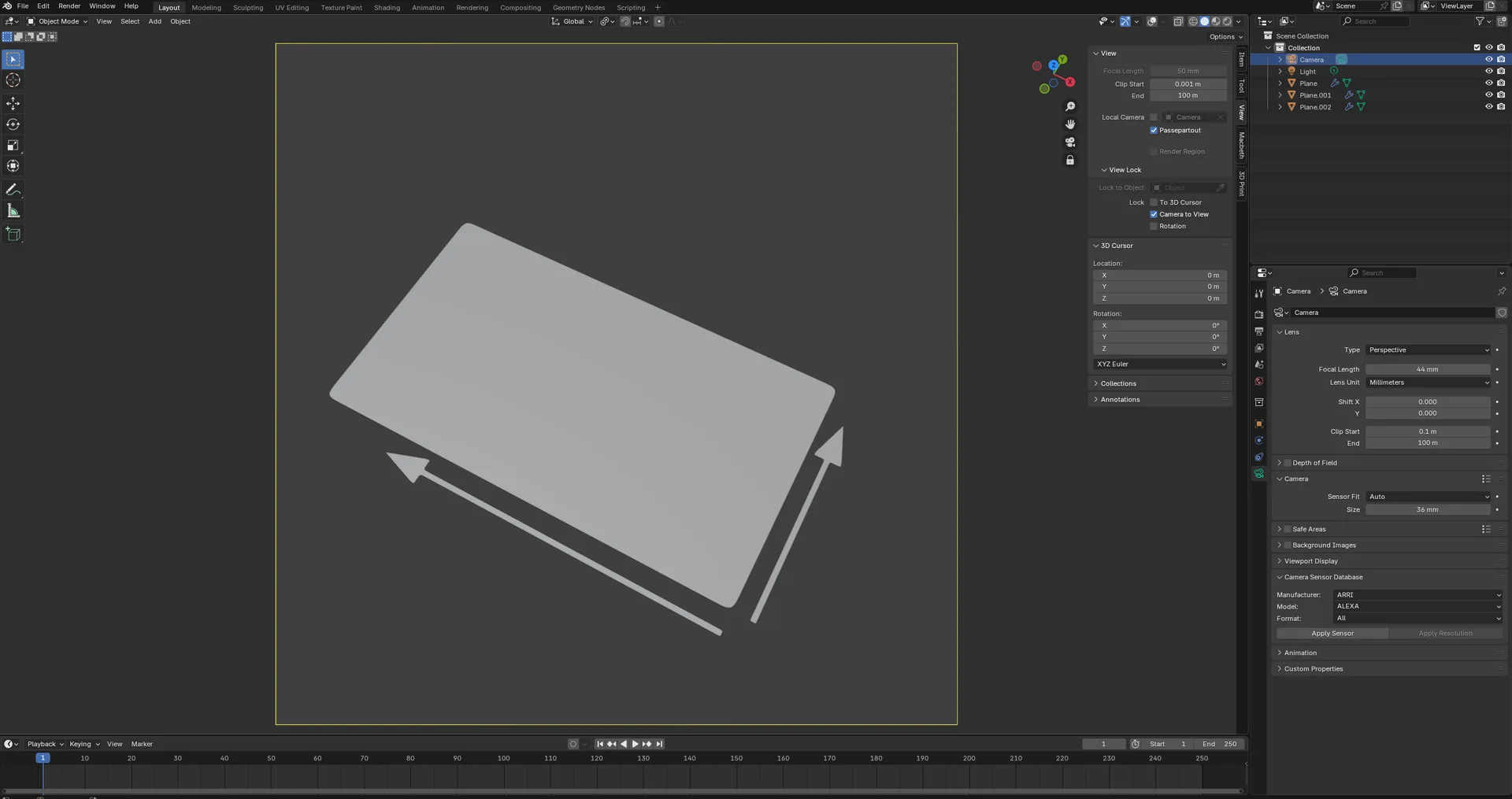
The default method changes the camera’s focal length. The camera stays in place and perspective remains unchanged as the framing is adjusted to fit the render. Choose this method when keeping the perspective matters and changing focal length is acceptable.
If the focal length must stay fixed, the alternative moves the camera. Set a point of interest by choosing an object or using the camera’s depth of field. The calculations account for the distance from the camera to that point. Objects remain in frame, but the changed viewpoint also changes perspective deformation, so objects at different distances can shift relative to each other through parallax.
Add margins or adjust the resolution
To widen the render, enter a pixel amount and press Add margins. You can also drag the resolution interactively and preview how the framing responds as the image becomes wider or taller.
A print request can require a different output size after the composition is set.
Compatibility and license
The Superhive product listing identifies Enlarge Your Camera as a Blender add-on that is Blender Extension compatible. It lists Blender 4.2 and 4.3 compatibility and a GPL license. Check the listing or the developer’s page for details about other Blender versions.
Who it suits
Enlarge Your Camera suits Blender artists who need to change render dimensions after setting a shot and want control over how the camera preserves its framing.