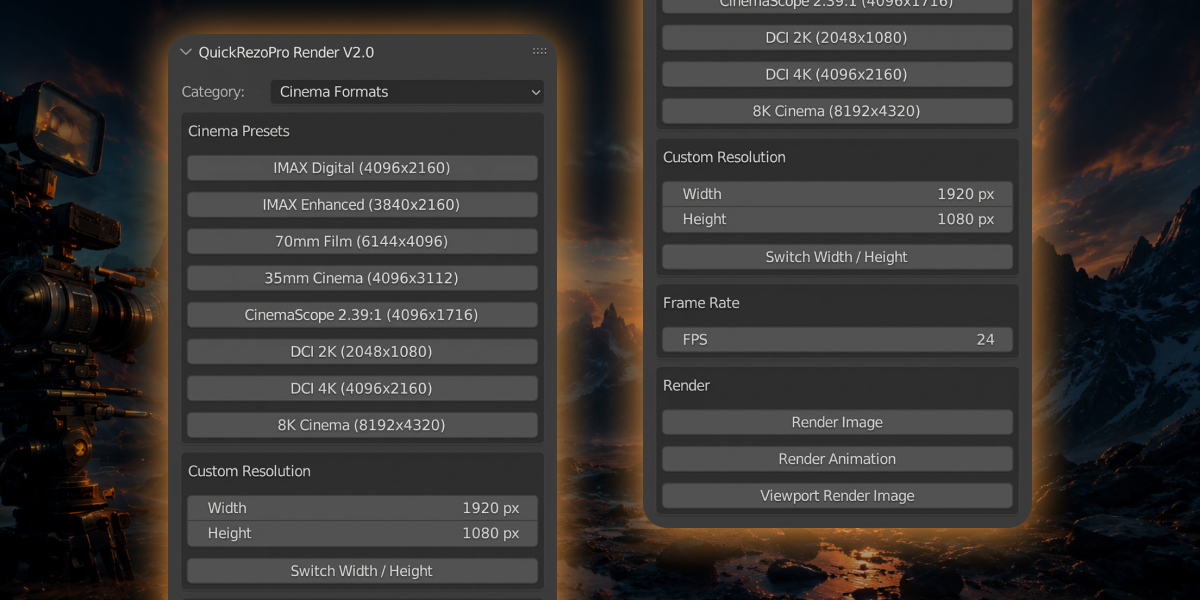
Resolution Pro is a Blender add-on for setting render dimensions from presets in the Output Properties panel. It puts HD, 4K, 8K and social media formats beneath Blender's native Resolution settings, with a dropdown for switching between landscape and portrait.
Set dimensions in Output Properties
Open Blender's Output Properties tab and find the Resolution Pro section under Format, beneath the Resolution settings. Choose Landscape or Portrait, then click a preset. Resolution Pro updates the X and Y dimensions and sets the resolution percentage to 100%. Changing orientation also swaps the X and Y values automatically. You can choose a preferred starting orientation in the add-on preferences.
This is useful when a project needs different delivery shapes, such as a widescreen render and a vertical version for social media. Presets handle the dimension changes, so you do not have to enter or swap the values manually.
Preset formats
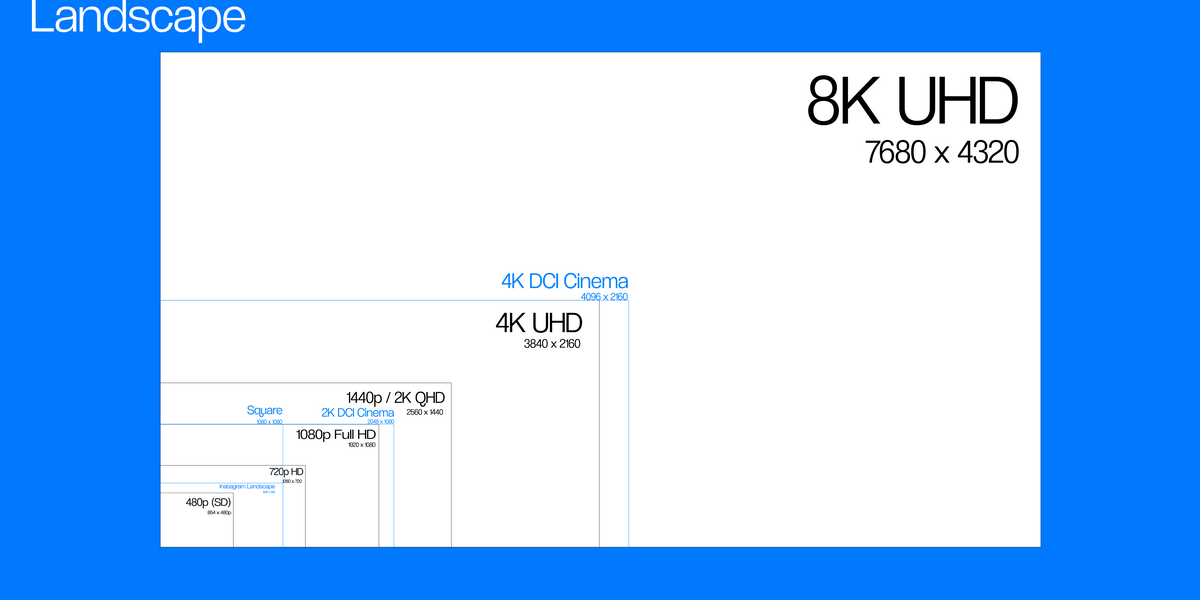
The preset list covers standard output sizes and several common delivery formats:
- SD and HD options, including 480p, 720p HD and 1080p Full HD.
- Higher-resolution options, including 1440p or 2K QHD, 4K UHD and 8K UHD.
- Portrait presets at 720p, 1080p, 1440p and 4K, plus Instagram Story, Instagram Portrait, TikTok and Shorts formats.
- Square 1:1, Instagram Landscape, and 2K DCI and 4K DCI cinema formats.
Compatibility and listing details
The Superhive listing shows Blender versions 3.0 through 5.1 and says the add-on was tested with Blender 4.x. It is listed as Blender Extension compatible, uses the GPL license, and works with Cycles, Eevee and third-party renderers. Check the Resolution Pro listing on Superhive for current compatibility and product details.