Aspect Ratio Setter is a Blender add-on by AL3K that assigns a render resolution to each camera. Each camera keeps its own aspect ratio, and the render resolution updates when you switch the active camera. This can help when a project needs both wide and vertical outputs.
Choose and save render formats
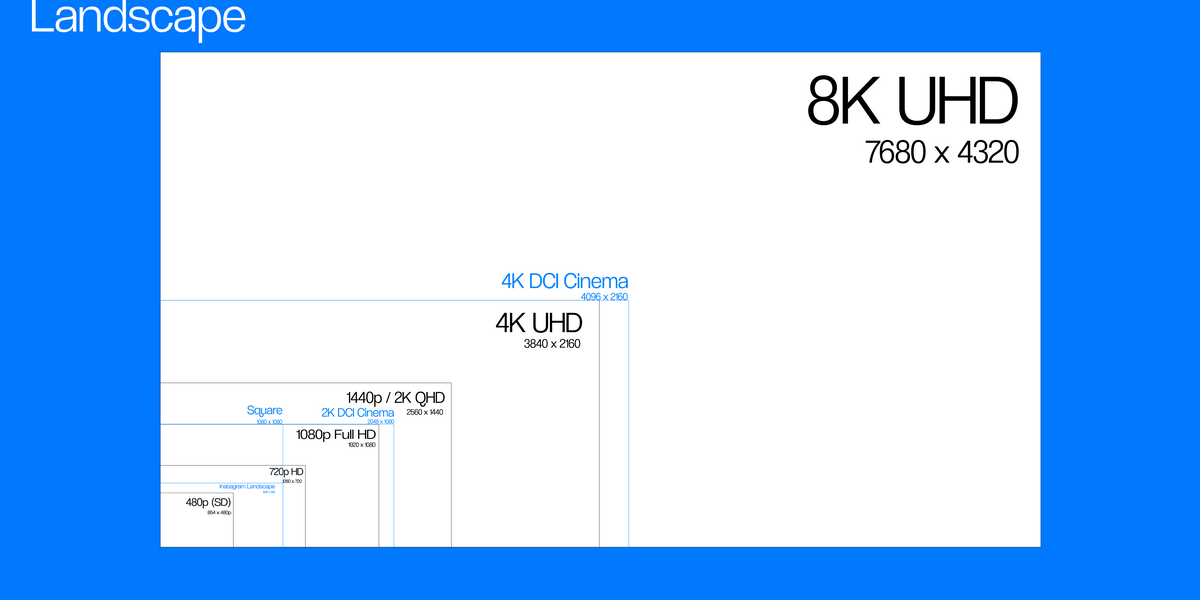
From a camera’s Data Properties, choose a built-in preset such as 16:9 or 9:16. You can also enter a custom width and height, then select Set Custom Aspect Ratio. To reuse that format, give it a name and save it as a custom preset. The built-in options cover standard, vertical, cinematic and social media formats, including presets for YouTube, Instagram and TikTok.
Because the resolution follows the active camera, you can prepare separate camera setups for different output formats without manually resetting render dimensions after each switch.
Install the add-on
- Download the Aspect Ratio Setter ZIP file.
- In Blender, open Edit > Preferences > Add-ons, select Install, choose the ZIP file, then confirm with Install Add-on.
- Enable Aspect Ratio Setter. Find its panel in Render Properties or in the selected camera’s Data Properties.
Compatibility and license
The product information specifies Blender 4.4 and later and lists the add-on under the GPL license. Check the AL3K product listing for current compatibility details, and see the documentation for its camera and preset instructions.