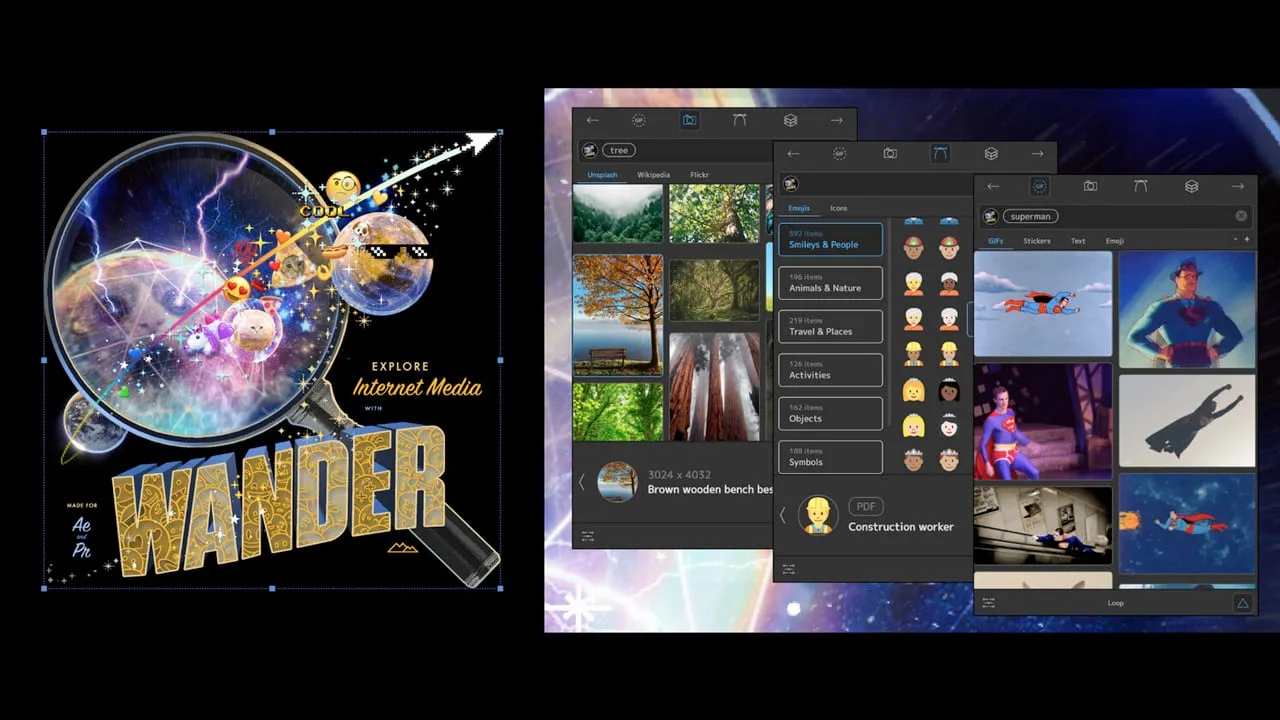
Ephoto Dam connects its digital asset library to Adobe video workflows. Editors can search the library or browse albums from inside their Adobe app to find media for a project.
Video work in After Effects and Premiere Pro
In After Effects, browse Ephoto Dam media and albums, then bring selected items into an animation. In Premiere Pro, search or browse the library to choose media for an edit. The developer also documents sending the finished video back to Ephoto Dam.
Who it suits
The connector suits editors and motion designers whose teams manage media in Ephoto Dam and make animations or video edits in After Effects or Premiere Pro.
Compatibility and access
Adobe Exchange lists Ephoto Dam for After Effects and Premiere Pro, along with Photoshop, Illustrator and InDesign. Ephoto Dam’s catalog lists After Effects and Premiere Pro extensions, but does not state minimum host-app versions in those entries. Check the Adobe Exchange listing against your installed release if version compatibility affects your setup.
Ephoto Dam says its native plugins are included with its solution at no extra cost. It also says connected apps use the DAM’s single sign-on setup and inherit its roles and distribution rules. The workflow therefore depends on having access to an Ephoto Dam library and the media permissions needed for the project.