What Equalizer Pro does
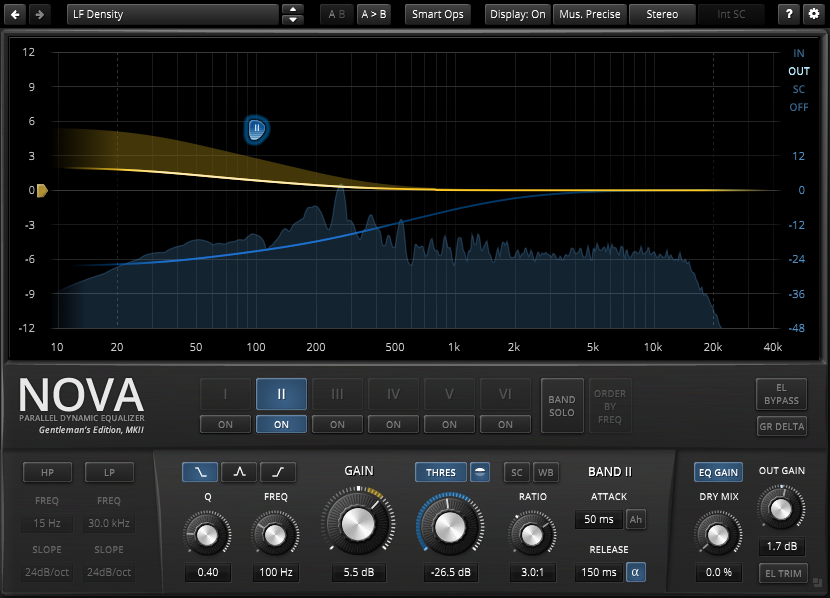
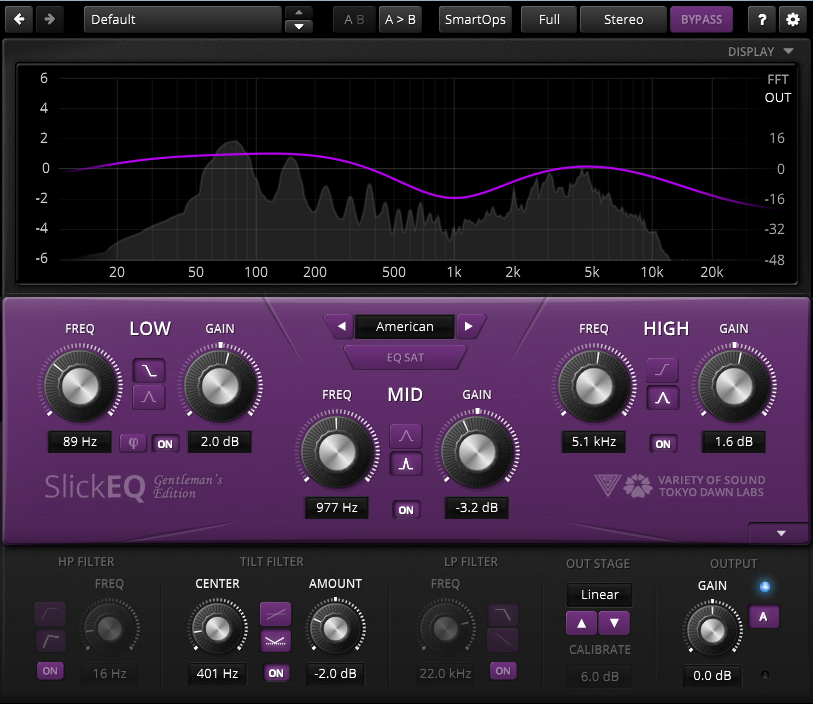
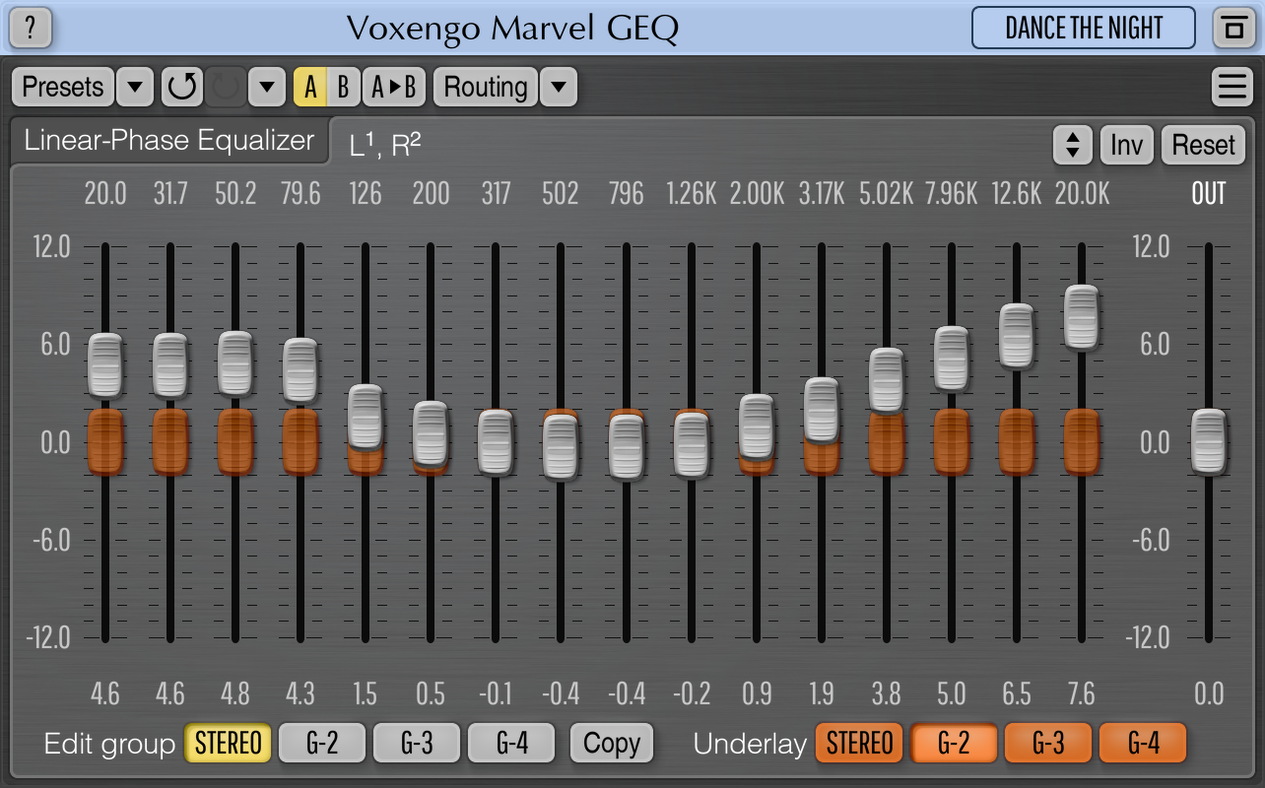
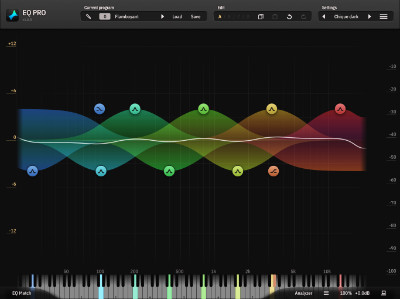
Equalizer Pro is a DAW equalizer plug-in from ToneBoosters for shaping frequency bands with static, dynamic and adaptive filters. It suits mixing or mastering work where a track or bus needs conventional EQ alongside processing that responds to signal level, transients, spatial components or another track. A single instance supports up to 24 filter sections, slopes up to 96 dB per octave, and an audition mode for isolating the affected frequency range. Dynamic filters can compress or expand their selected bands.
Adaptive filters target specific signal components or respond to signal level. Transient filters affect attacks while sustain filters affect the continuing signal. Sibilance filters respond to frequency components that rise above the signal's overall level. Background and gate filters provide level-dependent processing. Direct and ambiance filters work on separated direct or reverberant components; the manual says these filters are unavailable on mono input.
External sidechain filters can compress or expand selected frequency ranges based on another signal. Unmask filters use sidechain input to estimate masking from another track and adjust the filter's momentary gain. Both workflows require a host and plug-in format that supports external sidechain input, with a sidechain connected.
Analyze, match and refine
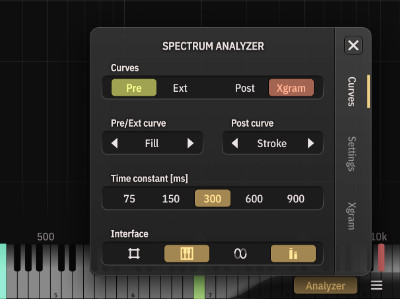
The analyzer can display the input and output spectra, an external sidechain spectrum and an output spectrogram. Peak hold and a piano keyboard help inspect or set frequencies. Use audition mode to hear the range affected by a filter while adjusting its frequency, gain or Q.
For spectral matching, capture a reference spectrum and the spectrum of the track being processed. The reference can come from the main input or an external sidechain; the input can be captured before or after EQ. Equalizer Pro displays the difference and creates matching filter sections. You can change the match amount, then edit those sections by hand. The manual also describes saving and loading spectrum captures. Pre and post EQ loudness analysis follows ITU BS.1770, with an output control to match the measured levels.
Routing, phase and latency
Each filter section can target all channels, one channel or a selected set. On a stereo bus, sections can work on left, right, mid or side. The product page lists up to 64 channels for VST, VST3, AAX and AU desktop plug-ins when the host supports that bus width; its OBAM module supports up to 128 channels. The iOS and iPadOS version is currently limited to two-channel audio. Check your DAW's supported bus layout before choosing it for an immersive session.
Zero-latency filter types can be mixed with linear-phase filters in one instance. Linear-phase processing introduces latency and pre-ringing; its impulse-response setting controls the quality and latency trade-off, and the host must compensate for the latency where needed.
Compatibility and license
The Equalizer Pro page lists Windows formats VST, VST3, AAX and OBAM; macOS formats VST, VST3, AU, AAX and OBAM; and AUv3 for iOS and iPadOS. Linux support for Equalizer Pro is not specified on its product page. The general ToneBoosters page lists a Linux plug-in archive for 64-bit DAWs with VST or VST3 support, an Intel or AMD SSE2 processor, and glibc 2.31 or later on its downloads page. Confirm that your DAW supports the format and any sidechain or channel routing you need. The iPhone and iPad plug-in requires an AUv3-compatible host.
ToneBoosters' license terms describe perpetual licenses as single-user unless stated otherwise, and desktop licenses as limited to the designated licensee on up to four personal desktop computers. The manual says the plug-in can run in demo mode; activation after purchase uses a code sent by email and the same email address used for the order. Mobile purchases use app-store terms as well.