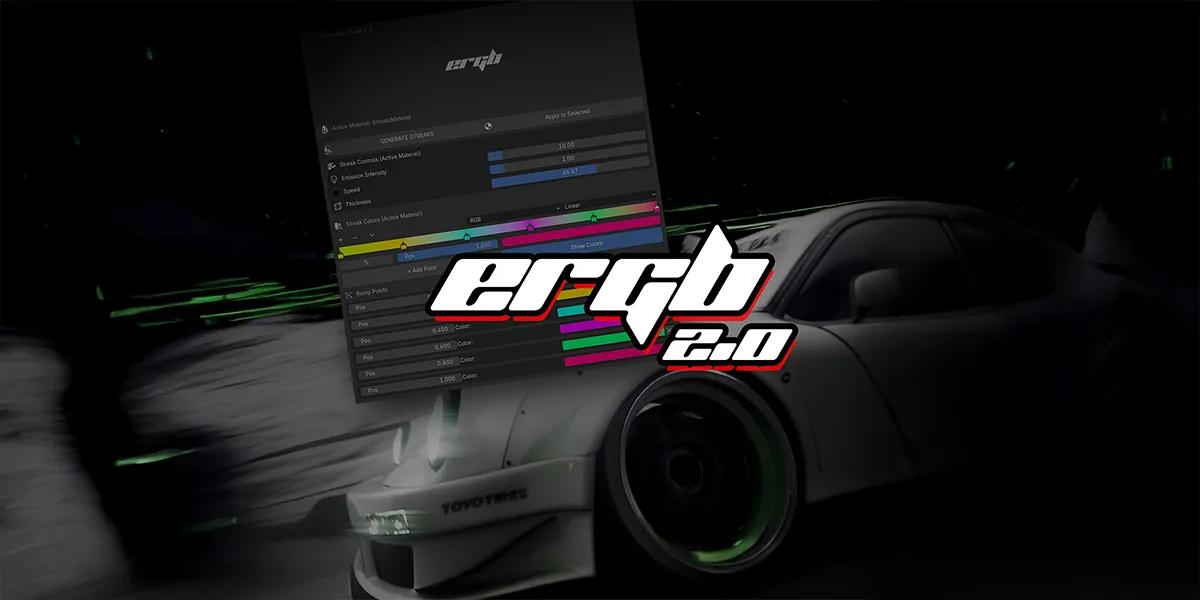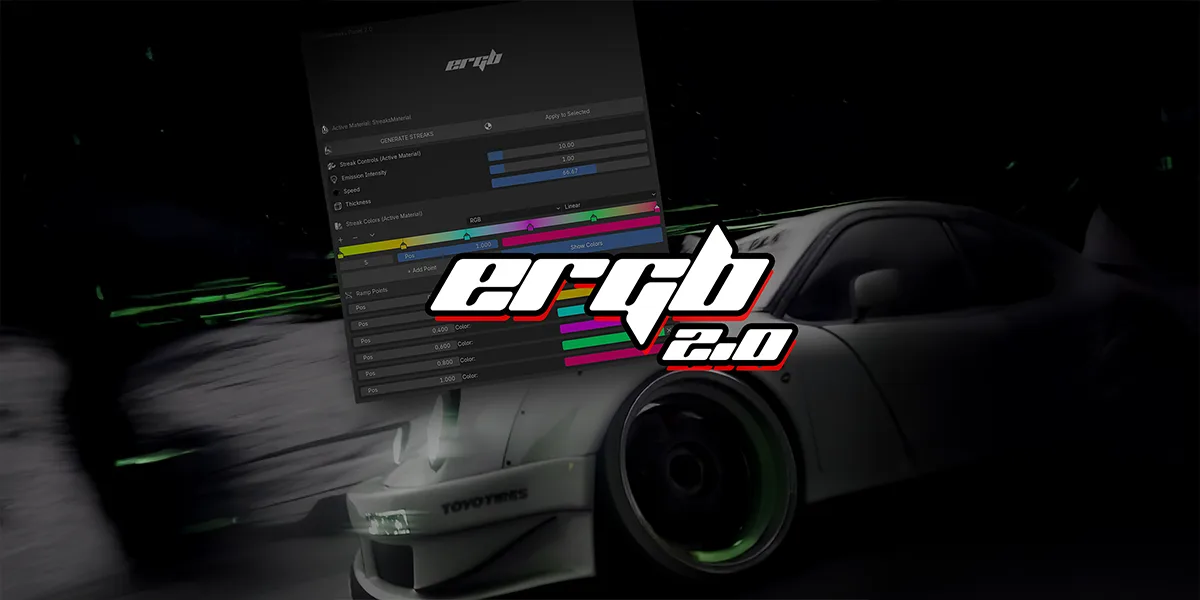
Ergb Streaks Panel 2.0 is a Blender add-on for creating animated emission light streaks from a panel in the 3D Viewport. Click Generate Streaks to add trails to a scene, then adjust their speed, color, thickness, and strength. You can revise or rebuild the effect without assembling node setups or shader chains. The product listing identifies Blender 4.0 through 5.0 as supported, with Cycles and Eevee listed as render engines.
Generate and refine streaks
Once the add-on is enabled, open the 3D Viewport sidebar with the N key. Select the ERGB tab and open Streaks Panel 2.0, then click Generate Streaks. The add-on creates animated emission streaks in the scene, and its parameters remain editable afterward. The documentation says you can regenerate streaks without losing previous results,
The panel is intended for visual elements such as music visuals, loopable animations, VFX overlays, logo reveals, social media posts, and motion backgrounds. The included example scene can help you inspect a setup with camera positioning, lighting context, and render settings.
Adjust the light trails
Four controls shape the generated streaks:
- Speed changes how quickly the streaks move. The documentation describes lower values as slower and smoother, and higher values as faster and more energetic.
- Color lets you choose a color or combination to suit the scene.
- Thickness changes the trail width, from subtle lines to bolder effects.
- Strength controls emission intensity and brightness.
Changes update in real time. If an animation feels too intense, the documentation suggests reducing speed or strength and decreasing thickness. If streaks are hard to see, check the camera angle and whether they fall within the camera view, then try increasing strength. To reduce a cluttered result, generate fewer streaks or use subtler colors.
Compatibility and rendering
It identifies the license as GPL. Check the official documentation and current listing for setup details before using it with a different Blender version.
Install the panel
Download the add-on ZIP, then in Blender open Edit, Preferences, and Add-ons. Choose Install, select the downloaded ZIP, and enable the add-on. To find its controls, return to the 3D Viewport, press N to open the sidebar, and select the ERGB tab. Open Streaks Panel 2.0 there to generate streaks and edit their settings.
Included with the add-on
The package includes the ERGB Streaks Panel add-on as a ZIP, a step-by-step video tutorial, and an example setup file in Blender's .blend format. The example file can be used as a starting point or reference for scene setup.