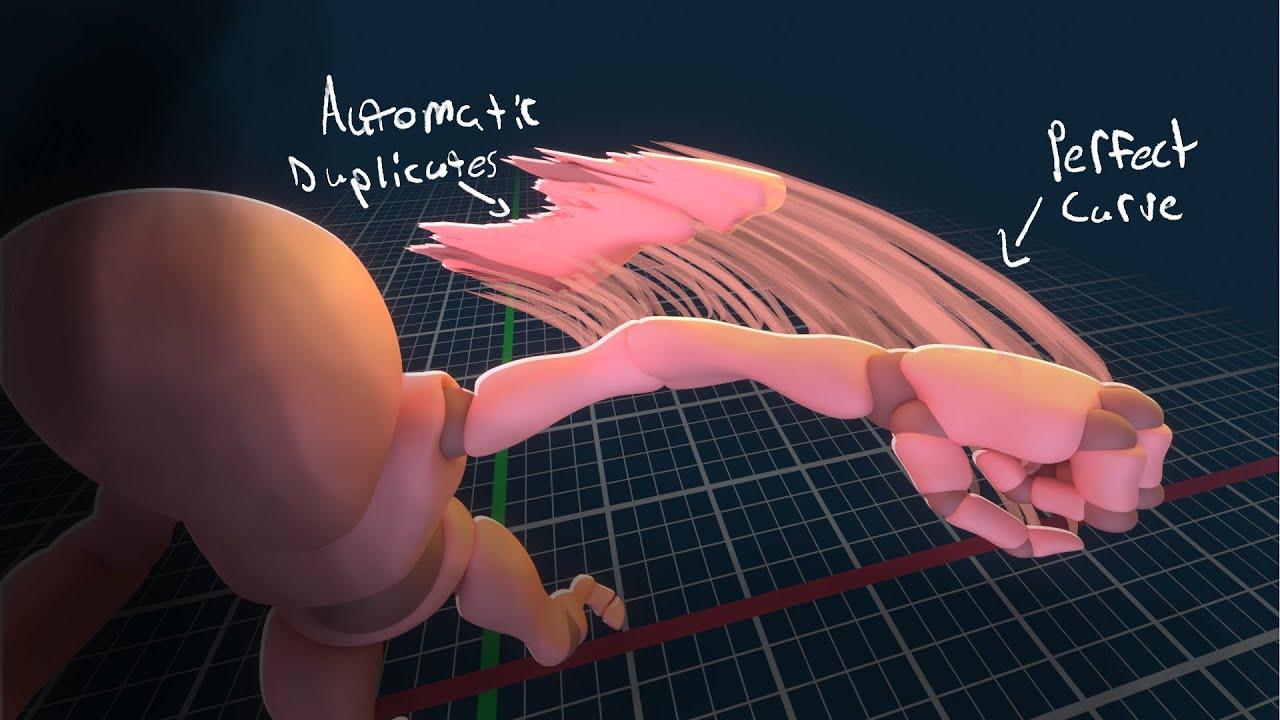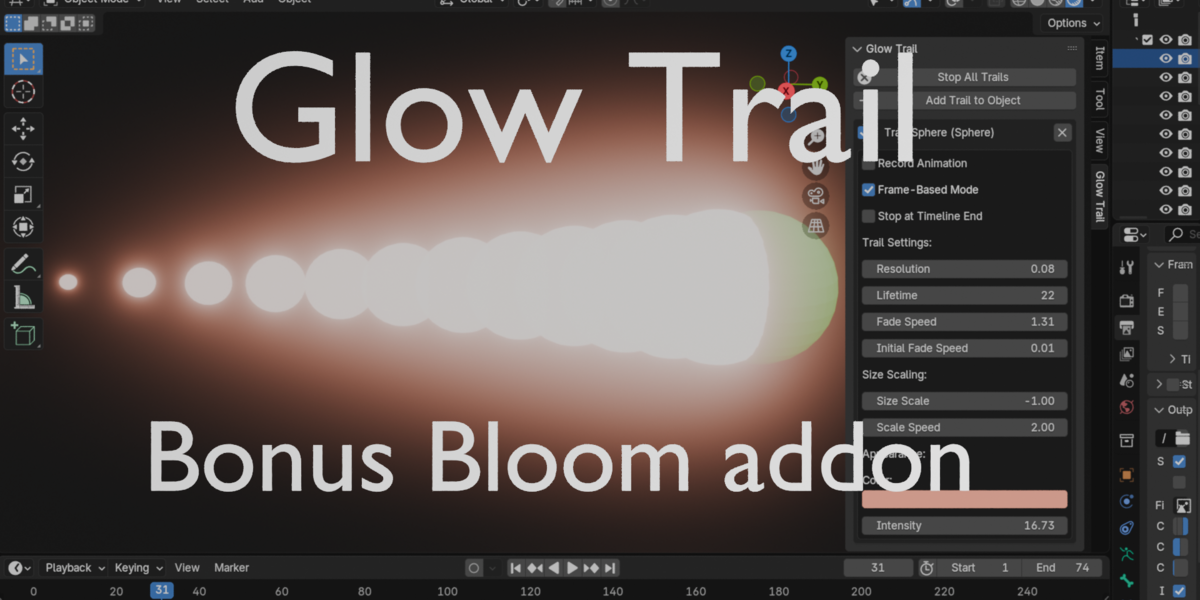
Glow Trail is a Blender add-on that creates glowing trails which follow objects in a 3D scene. You can manage multiple trails in Blender’s 3D View and adjust their appearance and timing for animated effects, motion graphics, or game assets.
Control trail appearance and timing
Set the trail resolution to change how densely its segments are spaced. Glow intensity, color, fade speed, and lifetime adjust its look; size scaling lets segments grow or shrink over time. Real-time updates support interactive previews, while frame-based updates give you precise animation control. Conditional animation recording can be enabled to create permanent animation data or disabled to optimize performance.
Bake trails into the Blender project
Glow Trail can bake trails to Non-Linear Animation (NLA) tracks when playback reaches the timeline’s end or when you stop it manually. The baked effects are embedded in the Blender project, so someone opening the file on another computer can use them without installing Glow Trail. That can simplify handoffs and rendering on other systems.
Compatibility and included add-on
The Superhive product details list Blender versions 3.2–4.5, the Cycles and Eevee render engines, Extension compatibility, and a GPL license. The Superhive listing also says a Glow Trail purchase there includes the Bloom add-on, whose controls include intensity, radius, and threshold. Check the listing for current product details.