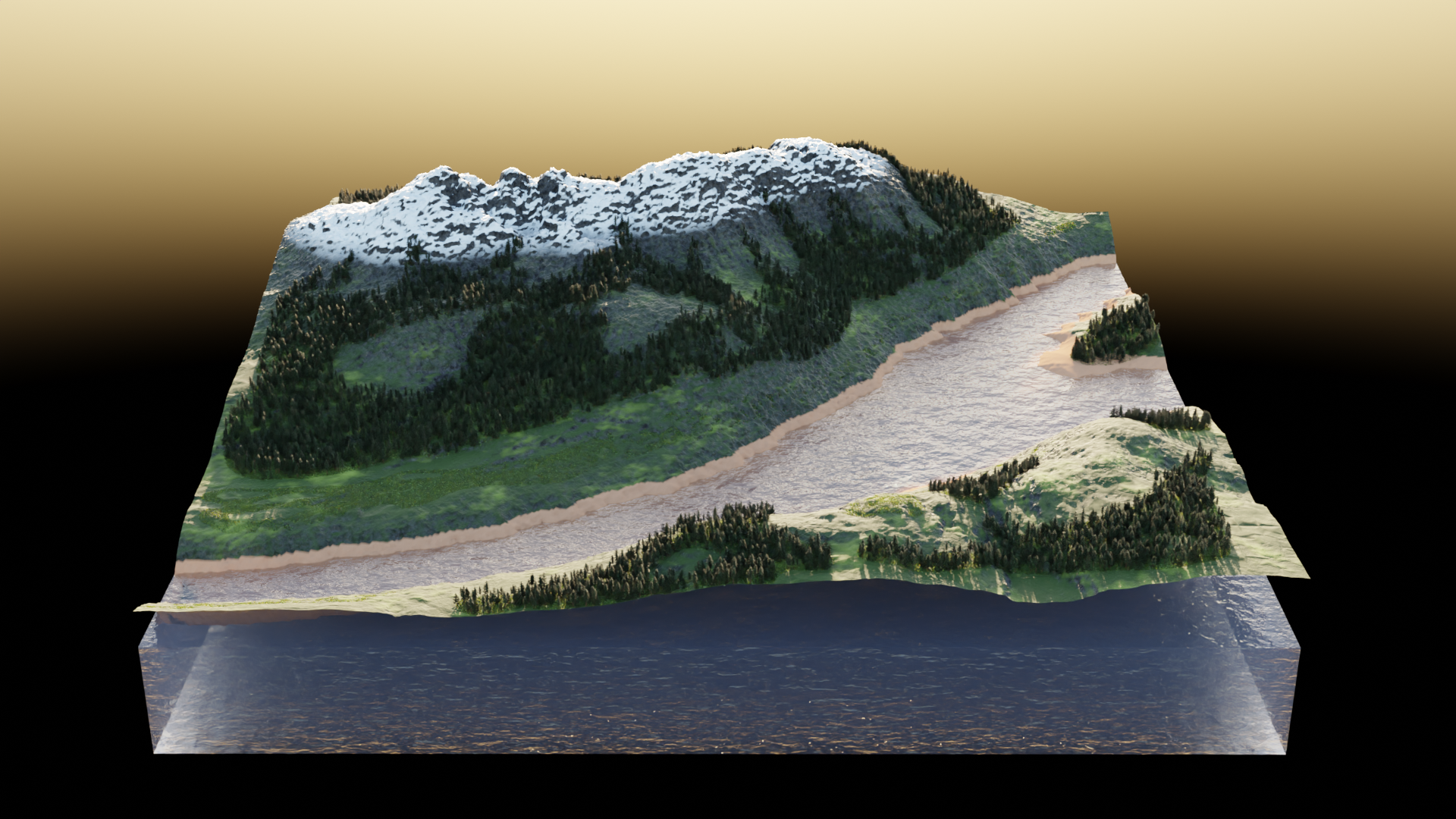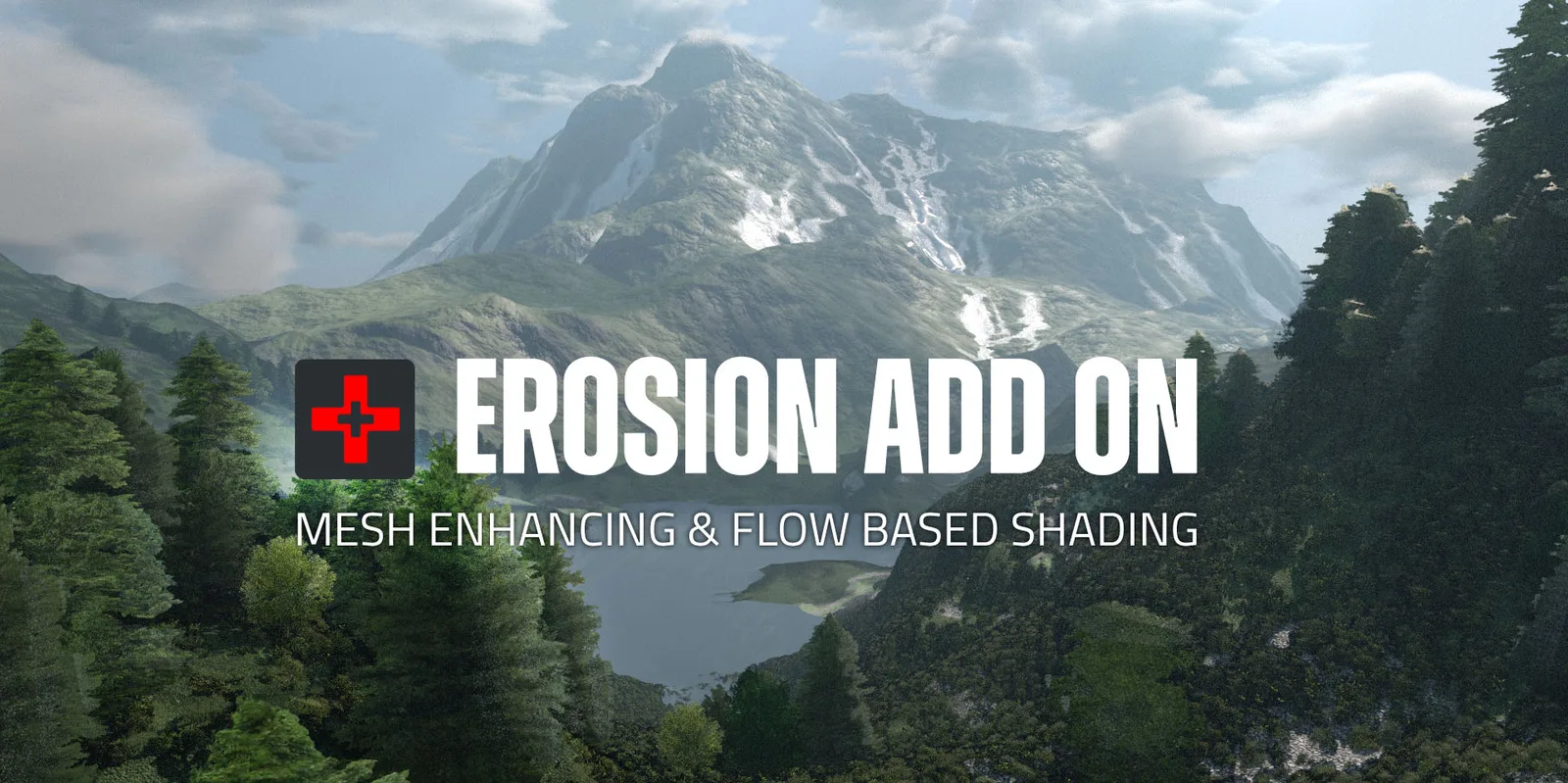
Erosion Add-On is a Blender tool by NM-8 for applying flow-based erosion to custom meshes. The developer describes its topology-based approach as an alternative to the standard 2D heightmap workflow. The product listing says it works on any mesh, including Suzanne, and can affect the whole mesh or selected vertices. Run erosion once, repeat it in modeling iterations, or generate terrain from scratch with New Landscape. See the Erosion Add-On listing.
Shape terrain with curves
The height profile curve controls the terrain shape. NM-8's documentation describes the left side of the curve as lower valleys and the right side as peaks. Erosion Lite includes the height profile. The full version adds erosion and gather curves to adjust how much the mesh erodes or lifts across lower and higher areas.
When generating a landscape, Size also acts as a random seed for the distribution of hills and valleys. The documentation notes that changing Size from 118% to 119% can produce a different landscape. For an existing mesh, Selected limits erosion to selected vertices. Border keeps mesh boundary vertices in place for tiling.
Use flow data for shading and water
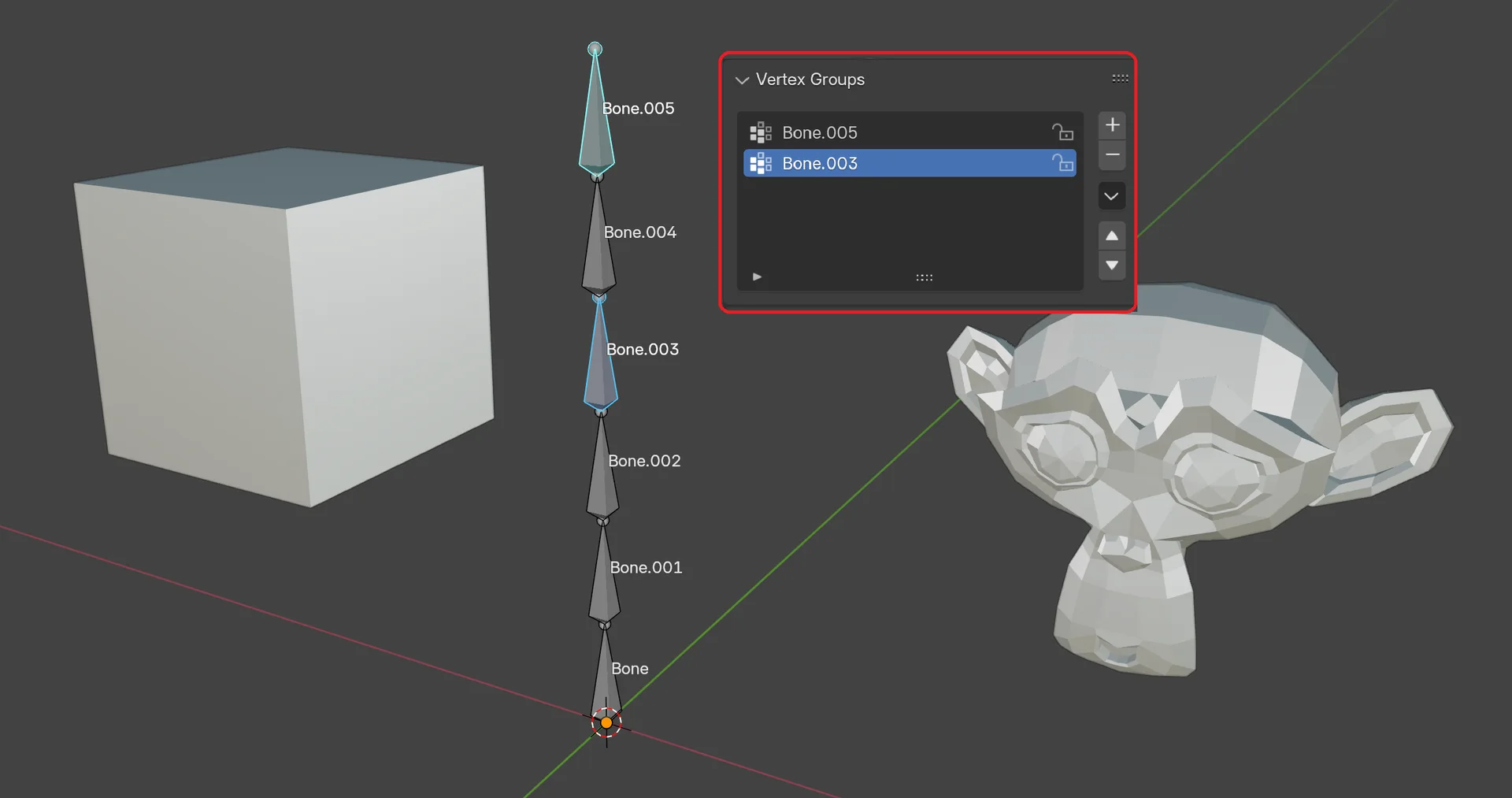
Three-dimensional erosion changes the mesh and creates vertex groups and color attributes. The groups can drive modifiers, while color attributes can contribute to shading. The full version's 2D erosion option creates a flow-map node group and texture. Combining the flow map with vertex color adds contrast to flow shading. Flow is topology-based and has eight properties; strength sets flow length, and width widens flows.
The full version can create river and lake meshes from surface vertices in areas filled with water. River Heads sets how many random vertices in higher areas serve as river sources; when selection is enabled, only selected vertices act as river heads. Iteration controls how many vertices the water covers. The add-on also creates groups for water and flow age. Its Forest option can create particles to distribute trees or rocks; the product listing also describes automatic tree and plant distribution.
Lite and full versions
Erosion Lite is for erosion calculation and has the height profile curve. The full Erosion Add-On includes additional profile curves, 2D flow-map shading, and river and lake generation. Choose the full version if those water or shading tools are part of your workflow.
Install and find the controls
- In Blender, open Edit, then Preferences and Add-ons. Choose Install from File and select erosion_2_91+.py; the documentation names erosion_nm-8.py for older Blender versions. Activate it and save user settings.
- Open the N-panel in the 3D Viewport and select the NM-8 tab.
- Use Reshape to control whether erosion changes the mesh or produces vertex colors only. Optimize subdivides and decimates the topology; Vertcount limits that optimization.
NM-8 provides demonstrations for generating a landscape, adjusting options and vertex groups, and shading a landscape.
Superhive lists Blender 3.0 to 5.0 compatibility and a GPL license. AnyPlugins labels the add-on free, while Superhive's product details do not show a price. Check the current listing for price and terms before downloading.