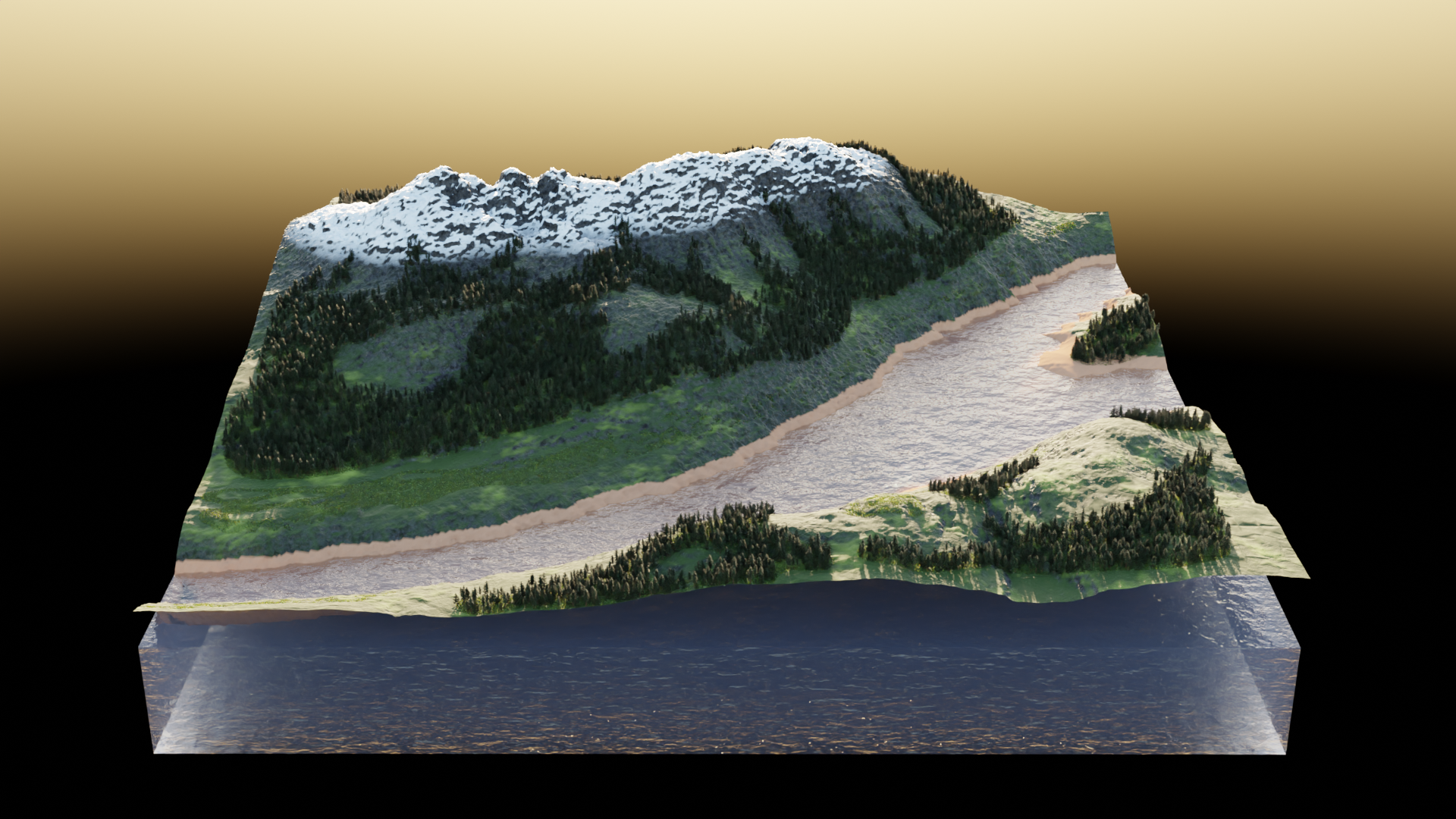
Terrain Creator is a Blender add-on by Animander for making natural environments. It combines procedural noise with curve-based drawing tools, so you can generate a terrain base and place features such as mountains and valleys directly on its surface. The product listing also describes terrain presets, water, erosion and foliage scatter; the Full edition includes all features, while the Lite edition omits presets and foliage scatter.
This combination can suit a scene where procedural terrain is a useful starting point, while the placement of major landforms needs to be chosen by hand. The add-on is mainly powered by Geometry Nodes, according to its documentation.
Start with a terrain preset, then draw features
The Full edition's terrain presets include a temperate landscape, two desert varieties, ice and a moonscape. After choosing a starting point, use the drawing tools to place terrain forms such as mountains and valleys. Terrain Creator uses Blender's curve drawing tools for this work.
In the Full edition, foliage scatter presets cover pine forest, temperate forest, tropical forest, cactus and snow-covered setups. This lets you build terrain and add vegetation scatter from the same add-on.
Add water, erosion and materials
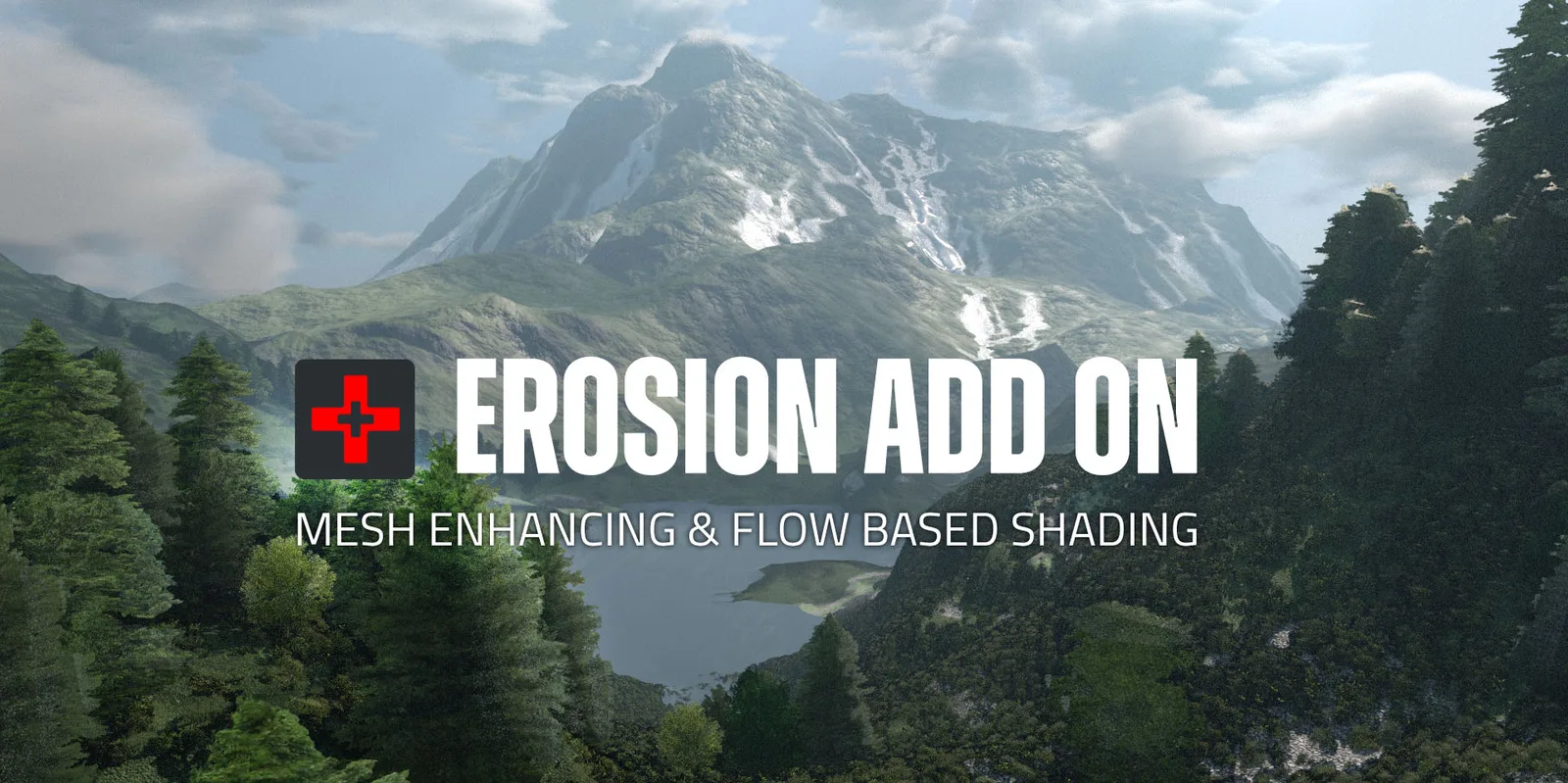
You can set a water level to generate a shoreline; the erosion simulation shapes the terrain. Material colors and settings are customizable in Cycles. The documentation warns that the materials may not render properly with Eevee, so check the result in Cycles if material appearance is important to your scene.
Use custom assets and the cutoff plane
The Full edition can scatter custom assets as well as its foliage presets. Add an asset to the custom_tree or custom_grass collection, remove the placeholder Suzanne meshes from that collection, then select the custom option in the scatter dropdown.
The cutoff plane can trim terrain, but draw terrain features before using it. Drawing on an area removed by the cutoff plane can cause unexpected behavior.
Check Blender compatibility and viewport settings
The product listing gives Blender 4.0 to 5.0 as its version range, while the documentation says the Geometry Nodes-based add-on is compatible with Blender 3.4 and newer. The sources do not clarify whether that broader compatibility statement applies to the currently listed release, so ask Animander to confirm support before choosing a release earlier than 4.0.
For terrain drawing, Animander recommends Blender's default viewport Clip Start value of 0.01. Very small values can cause odd behavior with the curve tools used to draw mountains and canyons.