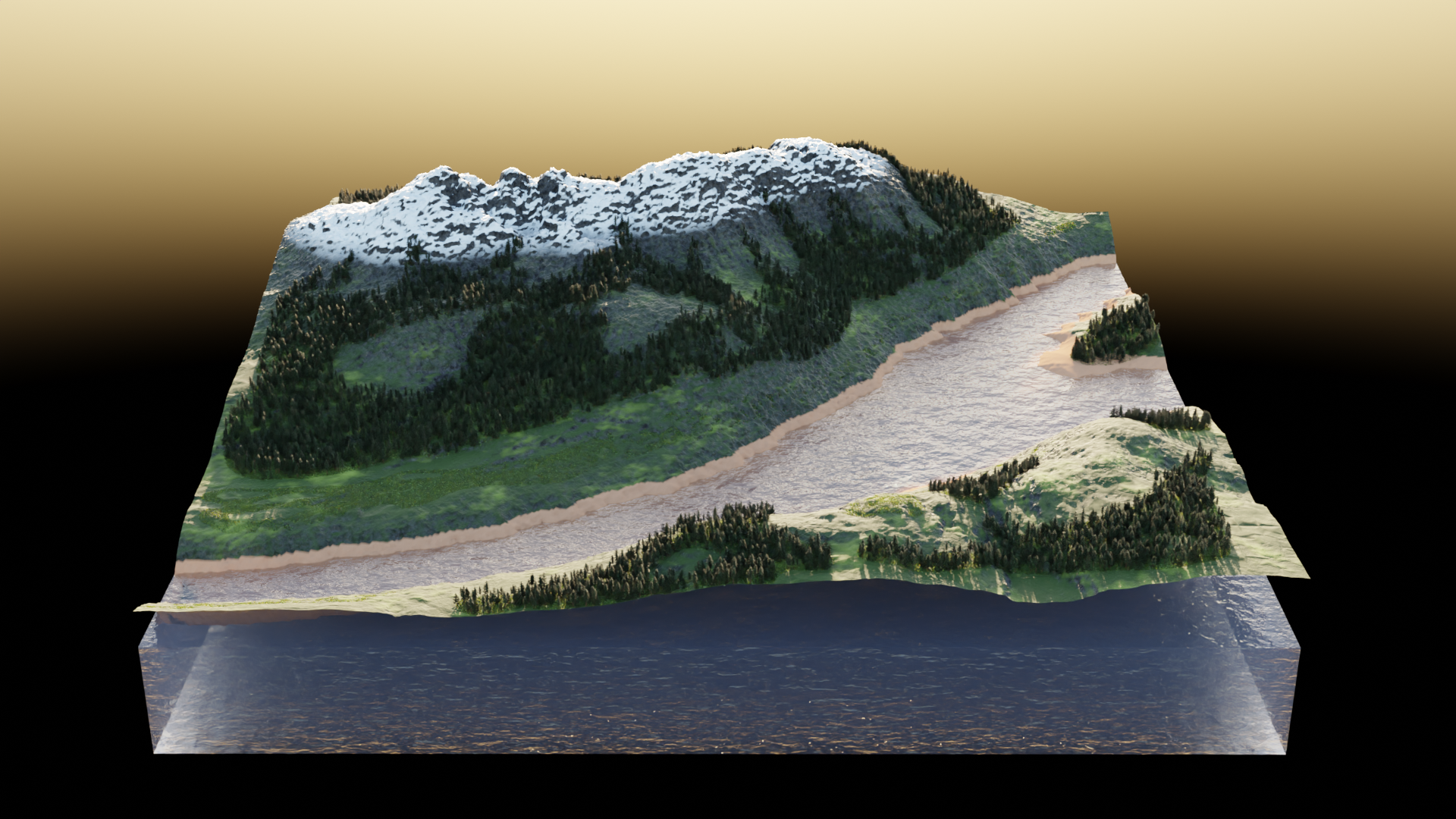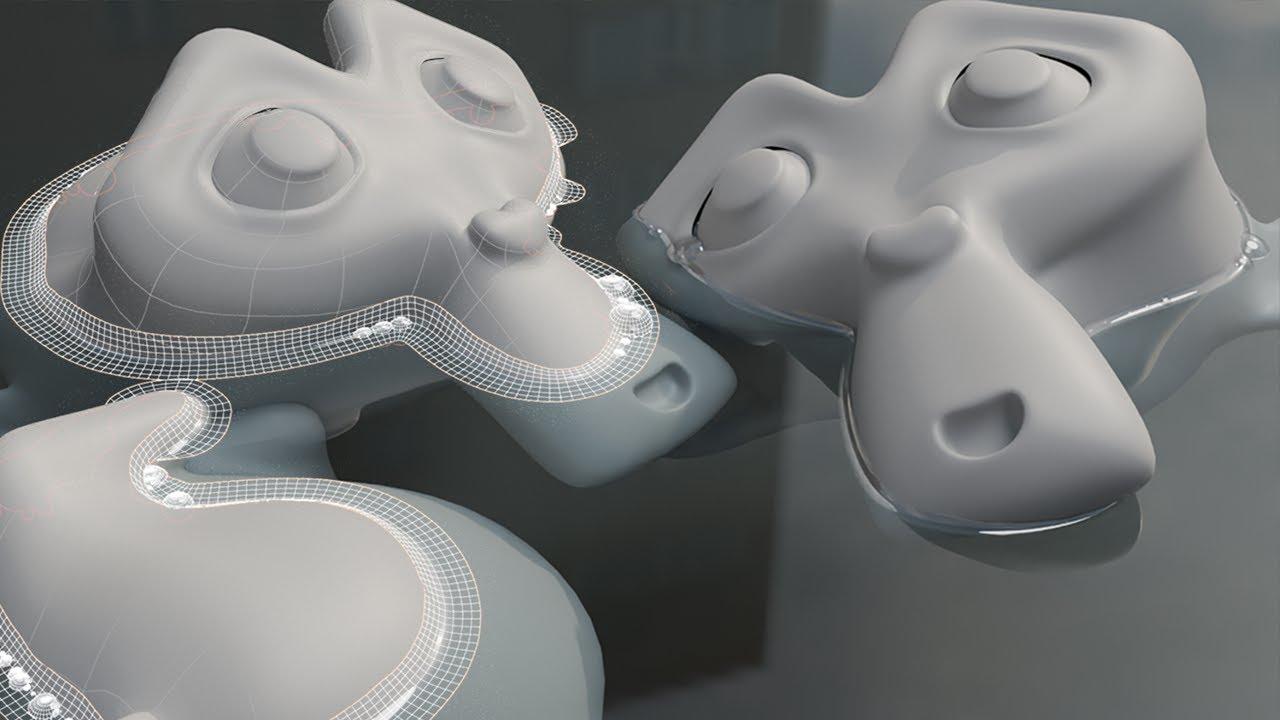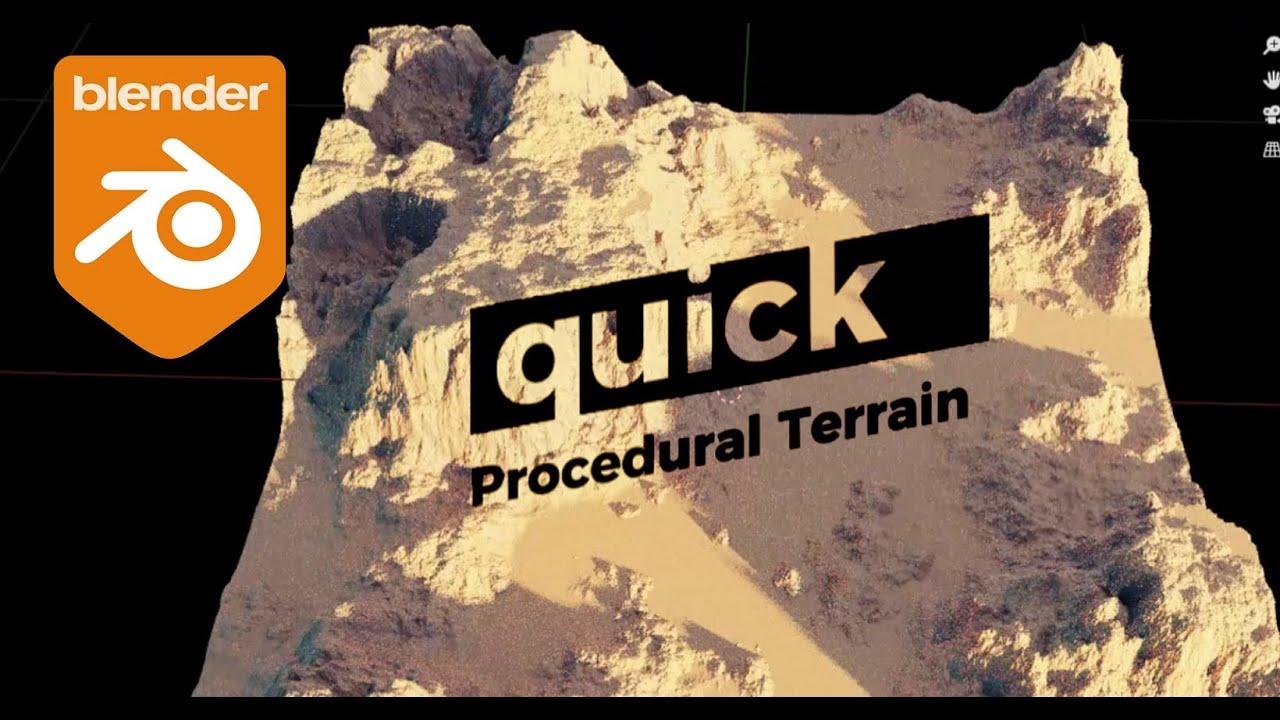
Quick Procedural Terrain & Water Addon creates procedural terrain and water in Blender. It uses GPU-accelerated terrain shaders with CPU-based geometry nodes. The add-on adds a Quick Terrain panel to the 3D View, with separate controls for creating terrain and water.
Start with a terrain preset
Choose Add Terrain and select one of seven presets: Desert, Ice Land, Wet Land, Desert Water, Ice Waters, Mountain, or Tundra. Each gives you a starting terrain to adjust in the scene.
Adjust terrain and world settings
Terrain settings let you change the size, shape, detail, color, and texture. You can also add your own displacement map. World settings cover lighting, atmosphere, weather, the sun's position, and the skybox, so you can shape the environment around the terrain.
Create water in the scene
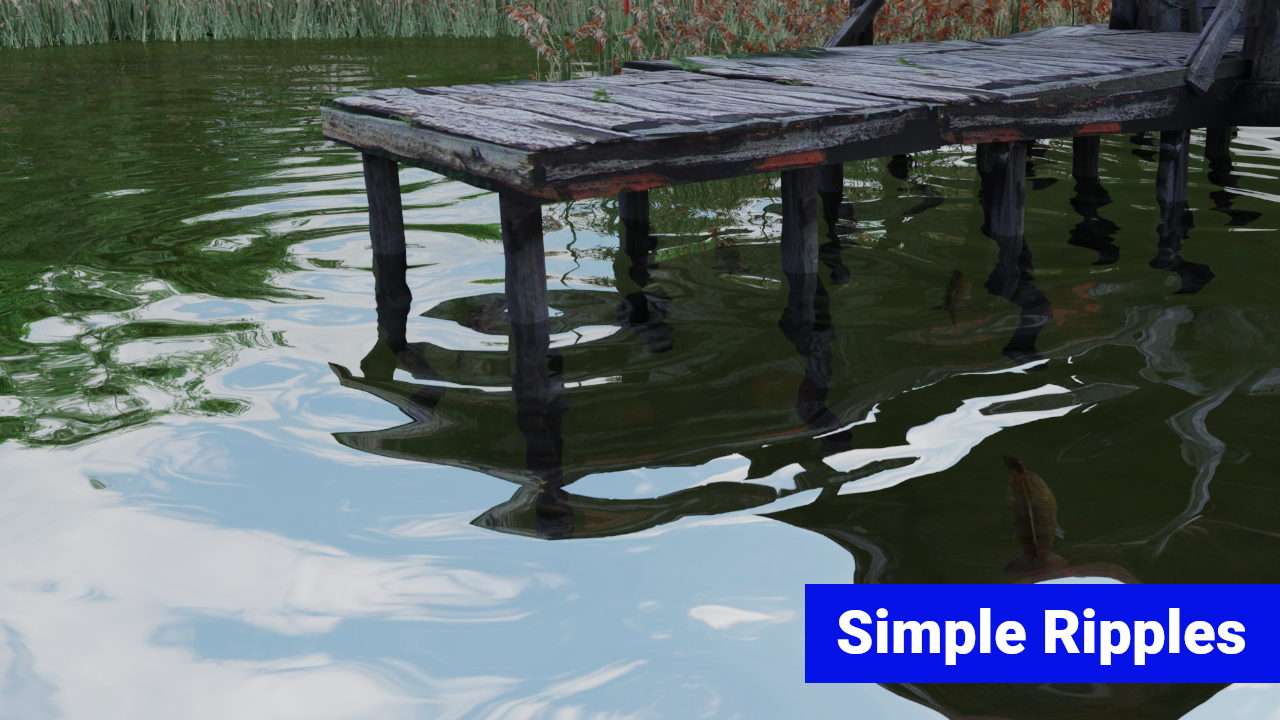
Choose Add Water, select a water type, and the add-on generates a water body. Its settings cover size, shape, depth, and color. You can animate small waves and currents.
Installation and compatibility
Use the Blender Add-ons menu to install the add-on. After installation, open the Quick Terrain panel in the 3D View to access Add Terrain and Add Water. The marketplace listing displays Blender versions 4.0–5.1 and a GPL license. Check its current compatibility and license details before using the add-on in a project.