Essential Namer 2 is an After Effects utility for adding and naming layer properties in the Essential Graphics Panel (EGP) for templates.
Add transform, text, and other properties
Use A, P, S, R, and T to add anchor point, position, scale, rotation, and opacity to the EGP. Shift+A adds all transform properties. The tool supports separate position dimensions and adding transform properties for 3D layers.
To add text, select one or more text layers and press ST to expose their Source Text. For another control, select its property in the composition and use the selected-property button. Selected properties can use multi-level names, such as "Rectangle 1: Color - Background" and "Fast Box Blur: Blur Radius - Background."
Control how properties are named
By default, a control is named with its property and layer, such as “Position - Star.” Hold Alt while clicking to leave out the layer name. A custom prefix can be added to either naming style, which helps keep exposed controls grouped under a shared label.
Match the template and access the controls
The Comp Name option automatically names the Essential Graphics template after the active composition. The Match button can rename the current template without adding properties. Focus opens the active composition in the EGP, and Shift plus Focus opens the help menu.
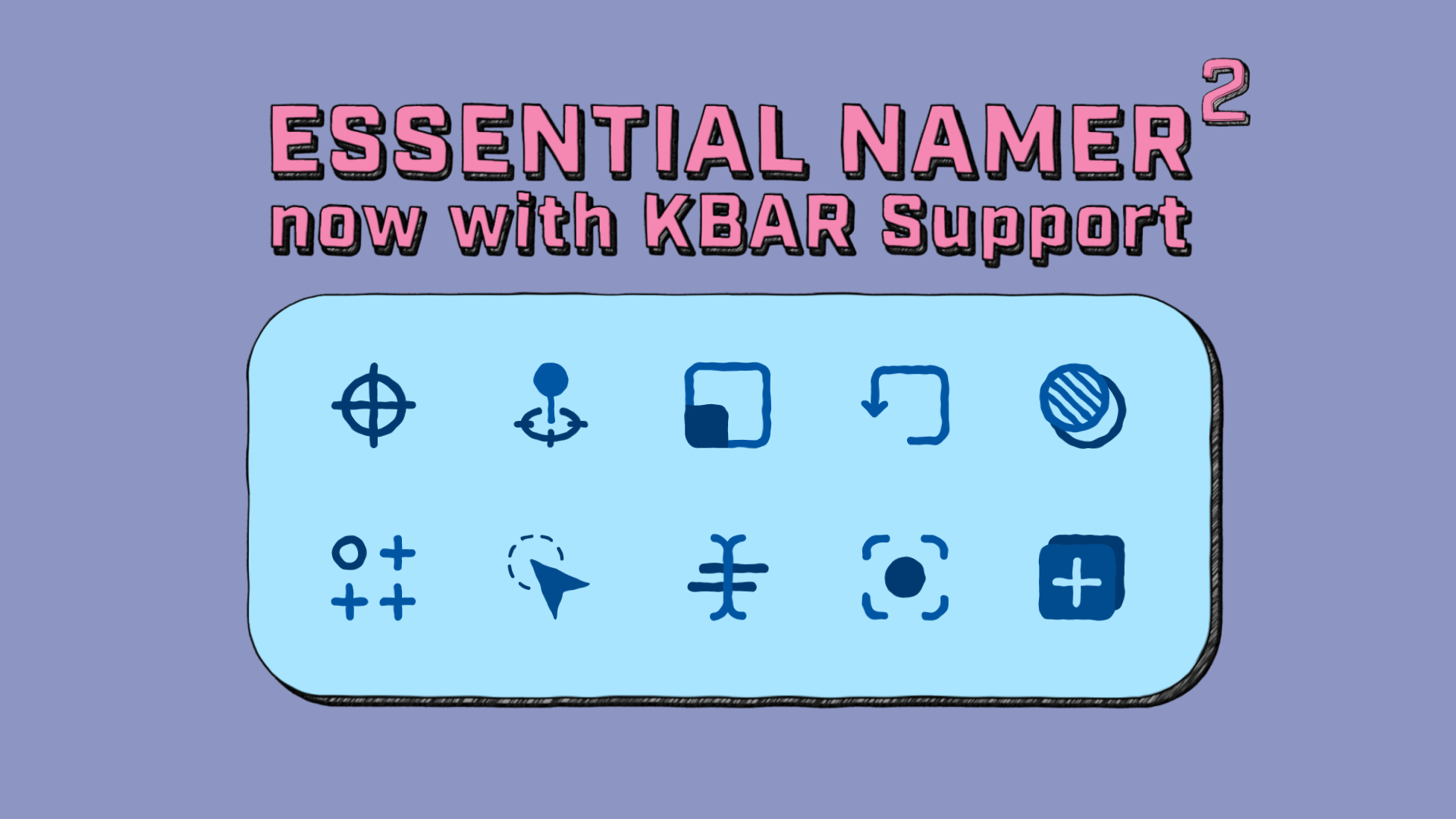
Version 2.4.2 includes an Auto option that closes the EGP after a property is added. After Effects still needs to open the panel to add properties. Essential Namer 2 also supports KBar, with included icons for its functions, and has a compact interface.
Compatibility and licensing
The listed compatibility covers After Effects CC 2018 through After Effects 2026. The product EULA grants one copy for use on one computer at a time; additional users or copies require appropriate licensing. For a floating license, aescripts requires its command-line Floating License Server. Its license information says single-user licenses do not require that server.