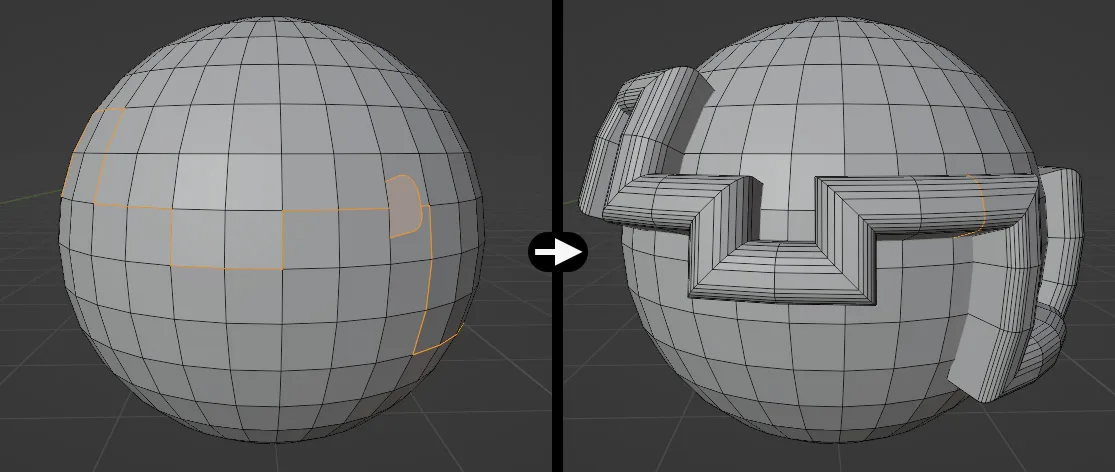
Explode Geometry is a plug-in for Autodesk 3ds Max that converts one or more selected scene nodes into individual three- or four-sided faces. Autodesk describes the output as “exploded” geometry. You can choose how to handle the source objects and set finishing options before running the operation.
How the operation works
Select the nodes you want to process, then launch the plug-in from the UI element assigned to its action. In the dialog, choose three- or four-sided output and select Explode Selected Geometry. For long operations, a progress bar appears and you can cancel the job.
The plug-in tries to convert each object’s mesh before splitting it; this is enabled by default. If conversion is not possible, the operation stops. Objects that convert successfully, or are already the required type, are split into their individual faces.
Options for the resulting faces
- Shell: Add a Shell modifier and set its offset.
- Edit Mesh: Add an Edit Mesh modifier to the stack so mesh editing is available immediately.
- Collapse Modifier Stack: Collapse the stack into an editable mesh.
- Center Pivot: Center the pivot on each resulting face.
- Delete Original: Remove the source nodes used to create the faces. Leave this off to maintain the original geometry.
Availability and compatibility
The Autodesk App Store listing marks Explode Geometry as free. The App Store lists version 2.6.0, last updated July 20, 2023, as compatible with 3ds Max 2020 through 2024. The sample repository linked from the listing documents later compatibility updates: version 2.7 for 3ds Max 2025, 2.8 for 2026, and 2.9 for 2027.