Move curve data between Blender and JSON
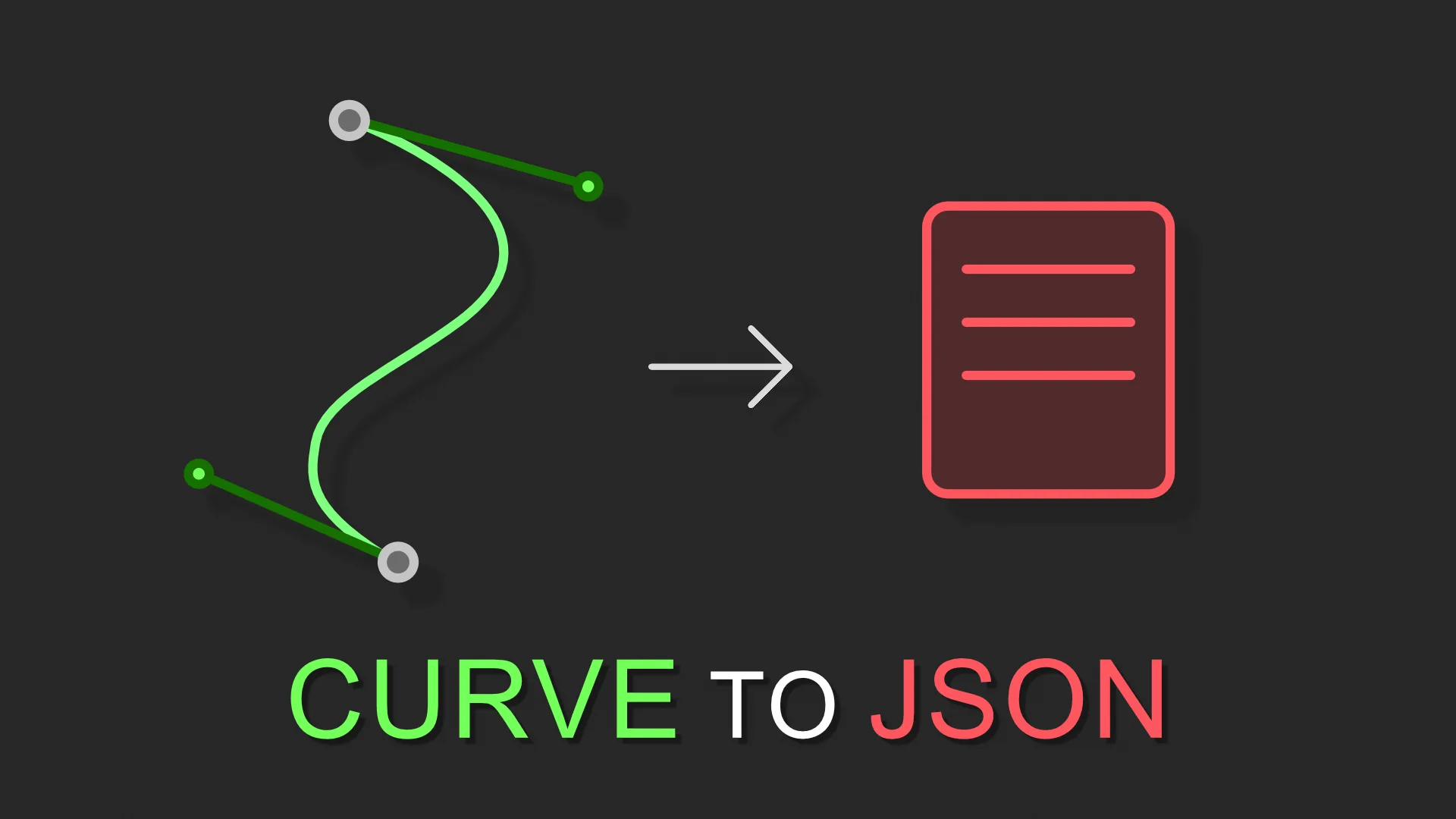
Export Curve To Json is a Blender add-on by Quint-Vrolijk for exporting curve data to JSON and importing curve data from JSON. It supports Poly, Bezier, and NURBS curves. It does not include animations or shape keys.
Export and import from Blender’s File menu
To export, select the curve objects, then choose File > Export > Export Curve (.json). Choose the export settings, set the filename and file path, and select Export Curve. If the export option is disabled, check that only curve objects are selected.
To import, choose File > Import > Import Curve (.json), select a JSON file, choose the import settings, and select Import Curve. Version 1.0.2 added this import option.
Export settings include world space coordinates, up and forward axes, and export scale. Version 1.0.2 removed the units parameter, so units are not a separate export setting in that release.
What the JSON contains
For each curve, the add-on records the object name, curve type, spline length, and cyclic u and cyclic v flags. Point data includes tilt, radius, and position as x, y, and z coordinates. Bezier curves also include handle coordinates; those handles are not listed for Poly or NURBS curves.
Workflows that depend on animations or shape keys will not carry that information through the curve JSON.
Compatibility and installation
The Blender Extensions listing identifies version 1.0.2 as compatible with Blender 4.2 LTS and newer. It lists the license as GNU GPL 3.0 or later and says the add-on requires no special permissions. The listing provides drag-and-drop installation and a download option; for installing a downloaded extension, see Blender’s install-from-disk instructions.