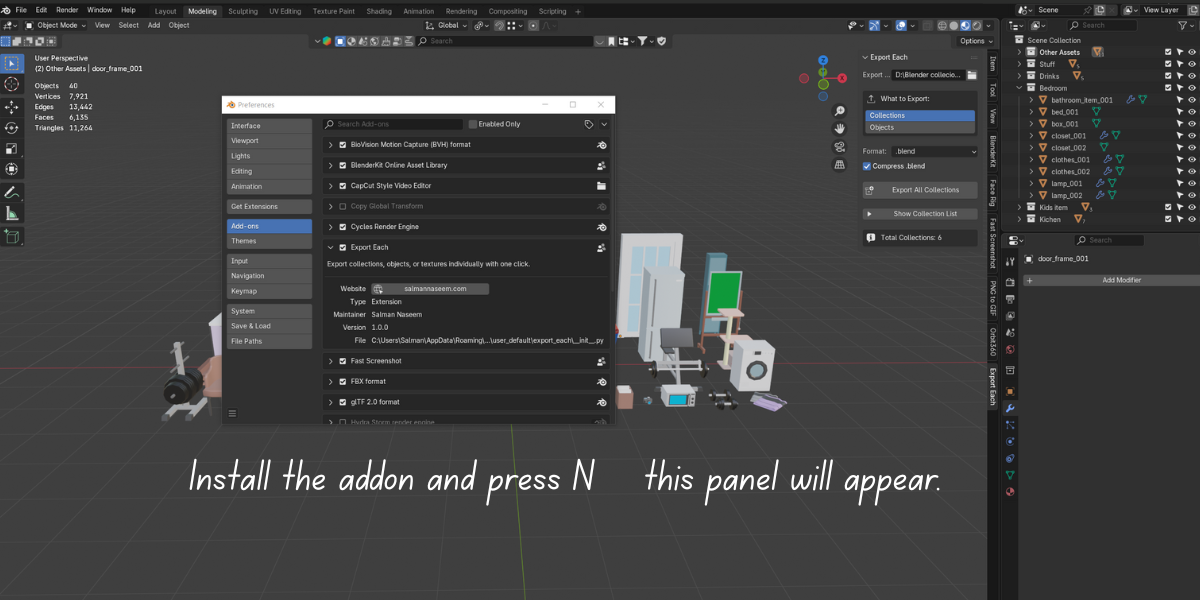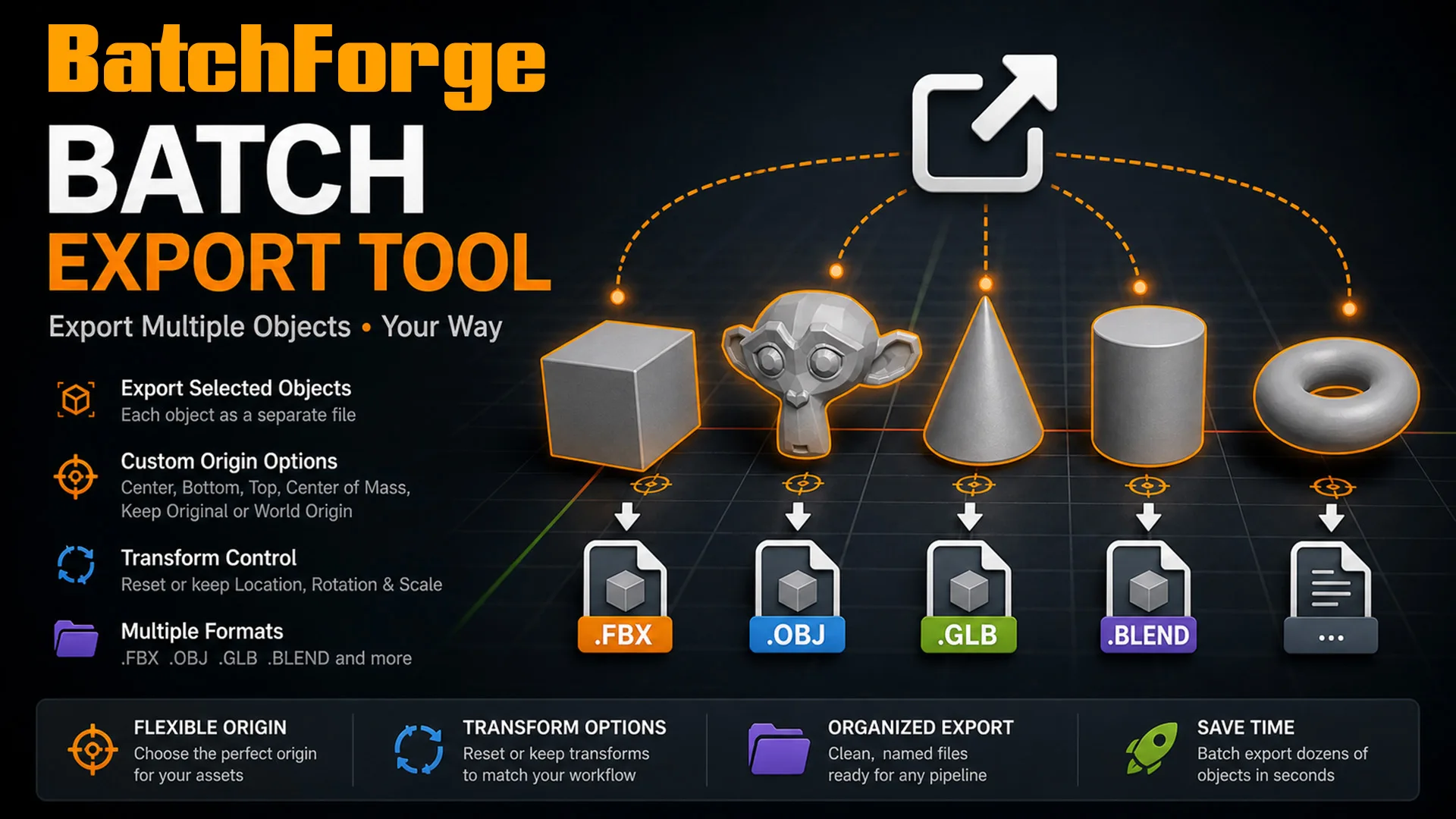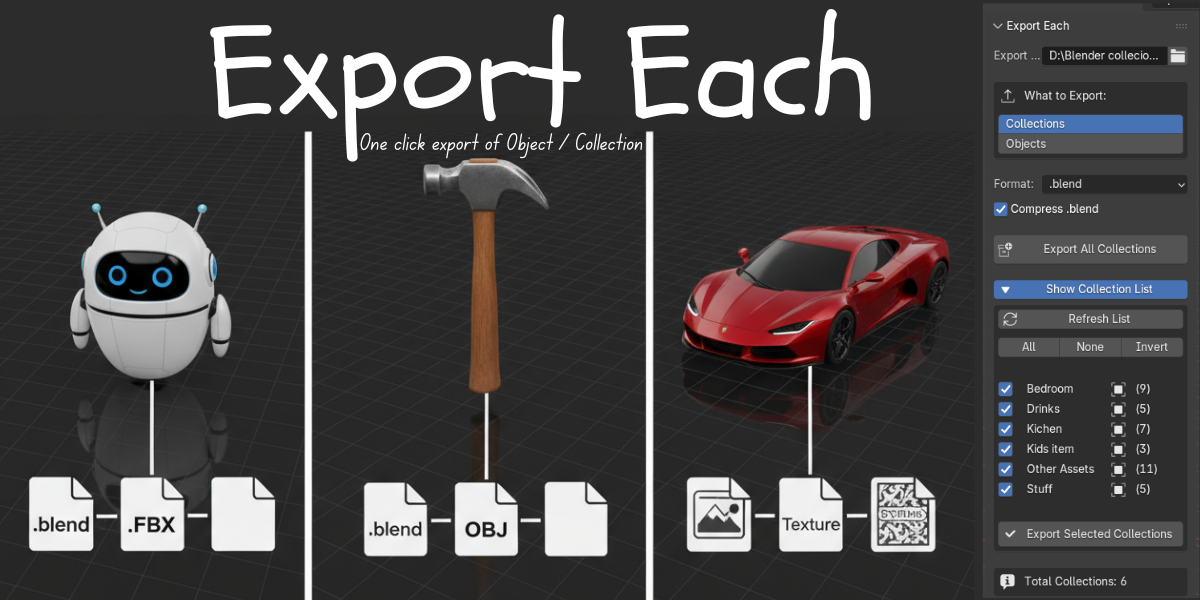
Export Each is a Blender add-on by Salman Naseem for batch exporting collections or individual objects as separate files. Choose a destination, select Collections or Objects, pick a format, then run the export from the Export Each tab in the 3D Viewport's N panel. This can help when preparing asset libraries, game props, or large scenes where exporting items one at a time becomes repetitive. The product listing describes the basic workflow; the version 2.0.0 documentation also describes selective exports and file handling options.
How to export objects or collections
- In Blender's 3D Viewport, press N and open the Export Each tab.
- Choose a folder with the folder control.
- Select Collections or Objects mode.
- Choose a format from the dropdown.
- Run Export All Collections or Export All Objects. For a smaller batch, open the object list, check the items to include, and choose Export Selected Objects.
The add-on writes each chosen collection or object as a separate file in the selected folder. The documentation also describes quick selection controls for the object list.
Formats and file handling
The version 2.0.0 documentation lists native Blender .blend, FBX, OBJ, glTF/GLB, and texture extraction. It describes cleanup for .blend exports, .mtl material files for OBJ, texture embedding for FBX and glTF, and organized folders for extracted textures. The available behavior depends on the selected format.
Texture packing is controlled by a visible option, so projects that use shared texture libraries can leave it off. For individual .blend exports, another option controls whether the working file is saved before export. The documentation says FBX, OBJ, and glTF exports restore the previous object selection afterward.
Version 2.0.0 documentation describes background processing for .blend exports and reports which items succeeded or failed. More detail about export results is available in Blender's System Console.
Who may find it useful
Export Each is aimed at game developers, 3D environment and prop artists, asset library creators, and studio workflows with many objects or collections. It can also help when delivering separate scene assets to a client or organizing files for reuse.
The version 2.0.0 documentation states that the add-on works offline and does not collect data or telemetry. The marketplace listing identifies the license as GPL, while the version 2.0.0 documentation specifies GPL-3.0-or-later. If license terms affect redistribution, check the terms for the specific package you plan to download.
Check Blender compatibility before installing
The product listing states Blender 2.9 through 5.2. The version 2.0.0 documentation instead gives Blender 3.2.0 as the minimum and says compatibility was confirmed with Blender 5.0 through 5.2. These ranges differ, so check the compatibility notes for the specific release before relying on support for Blender 2.9 through 3.1.